

ReportPDFBusiness reports AI Tool
Generate PDF reports from CSV files
Business reports0
Generate PDF reports from CSV files
Overall
Average of 1 data signal below
3 of 4 content areas filled (features, FAQs, pros/cons, description)
This score is calculated automatically from this listing's available data (community rating, capabilities, pricing transparency, and documentation). It is not a paid or sponsored review.
Pricing & Model
paid
Open Source & API
Proprietary
No Public API
Foundational Model
Proprietary Engine
Key Integrations
Web App Only
Common queries about ReportPDF answered
ReportPDF can convert CSV, XLS, and XLSX file formats into PDF reports.
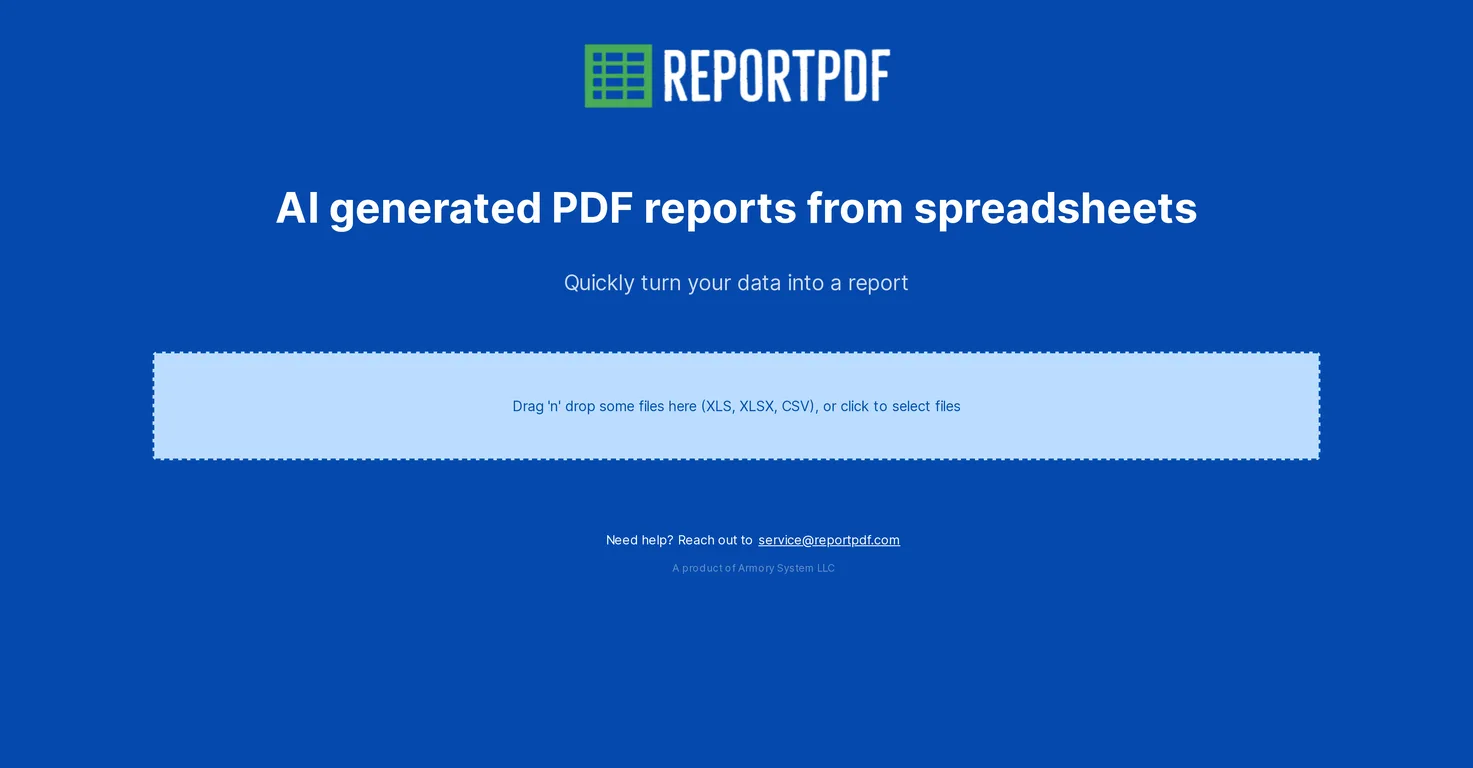
ReportPDF uses artificial intelligence to transform raw spreadsheet data into a comprehensive, easy-to-understand format. This aids in data visualization and interpretation.
Yes, ReportPDF has the capability to process large files with mass data. The user-friendly interface allows users to upload their data files via a drag-and-drop interface.
Real ratings and feedback from the community
Be the first to share your rating and comments for this AI tool!
How ReportPDF stacks up against top competitors
| Feature | ReportPDF | MyReport | Eilla | ElusidateAI |
|---|---|---|---|---|
| Rating | ★ 3 | — | — | — |
| Pricing Model | paid | free_trial | paid | freemium |
| API Access | No | No | No | No |
| Open Source | No | No | No | No |
| Link | Visit Website | Visit Website |
Explore similar AI tools in this category
Yes, ReportPDF can handle data from various industries or domains. Its design caters to any industry or domain that requires data-driven reporting, making it a highly versatile tool.
The ReportPDF interface is user-friendly. It features an intuitive drag-and-drop interface, which makes uploading data files a straightforward process.
The drag-and-drop feature of ReportPDF is used to easily upload data files. Users can simply drag their chosen file(s) and drop them into the interface to start the conversion process.
ReportPDF provides user support, suggesting that customer queries and feedback is highly valued. Users who need help can reach out via email at [email protected].
The development and updating of ReportPDF is handled by Armory System LLC.
IDK.
Yes, ReportPDF has a feature for data interpretation. The AI used in ReportPDF transforms the raw data into an easy-to-understand format, aiding in data interpretation.
Yes, ReportPDF does allow for data visualization. The AI used for data transformation not only converts raw data into an understandable format, but also aids in visualizing this data before it is compiled into a PDF report.
ReportPDF handles CSV files by transforming the raw data they contain into comprehensive and easy-to-understand PDF reports. This process is facilitated by artificial intelligence.
To create a PDF report from an XLSX file with ReportPDF, users simply need to drag the XLSX file and drop it into the interface. The AI will then take over, processing the data and converting it into a comprehensive PDF report.
IDK.
ReportPDF's versatility comes from its ability to cater to any industry or domain that requires data-driven reporting. Additionally, its capability to convert different file formats (CSV, XLS, and XLSX) into comprehensive PDF reports adds to its flexibility.
ReportPDF holds an advantage over other data transformation tools due to its AI capabilities that transform raw data into an easy-to-understand, visualizable format. Its user-friendly, drag-and-drop interface also enhances the user experience. Furthermore, its ability to handle numerous file formats and its versatility to serve various industry domains also contributes to this advantage.
IDK.
In case you need help with ReportPDF, you can reach out to [email protected] for user support.
ReportPDF optimizes the utility of its tool for its users through regular updates and improvements. However, the exact frequency of these updates isn't specified.
ReportPDF ensures the readability and comprehensiveness of the generated reports through its AI capabilities. It transforms raw spreadsheet data into a comprehensive and easy-to-understand PDF report format, aiding in data visualization and interpretation.
| Visit Website |
| Visit Website |

ClientReports.ai automates the creation of professional business reports from various data sources, saving time and improving client communication.

Trustty Reporter is an AI-powered tool designed to automate the creation of business reports, saving time and effort for professionals. It leverages AI to analyze data and generate comprehensive, insightful reports.

Lovable
Lovablev2.2 turns your app ideas into live web apps instantly with AI and simple prompts-no coding required for fast MVPs and prototypes.


