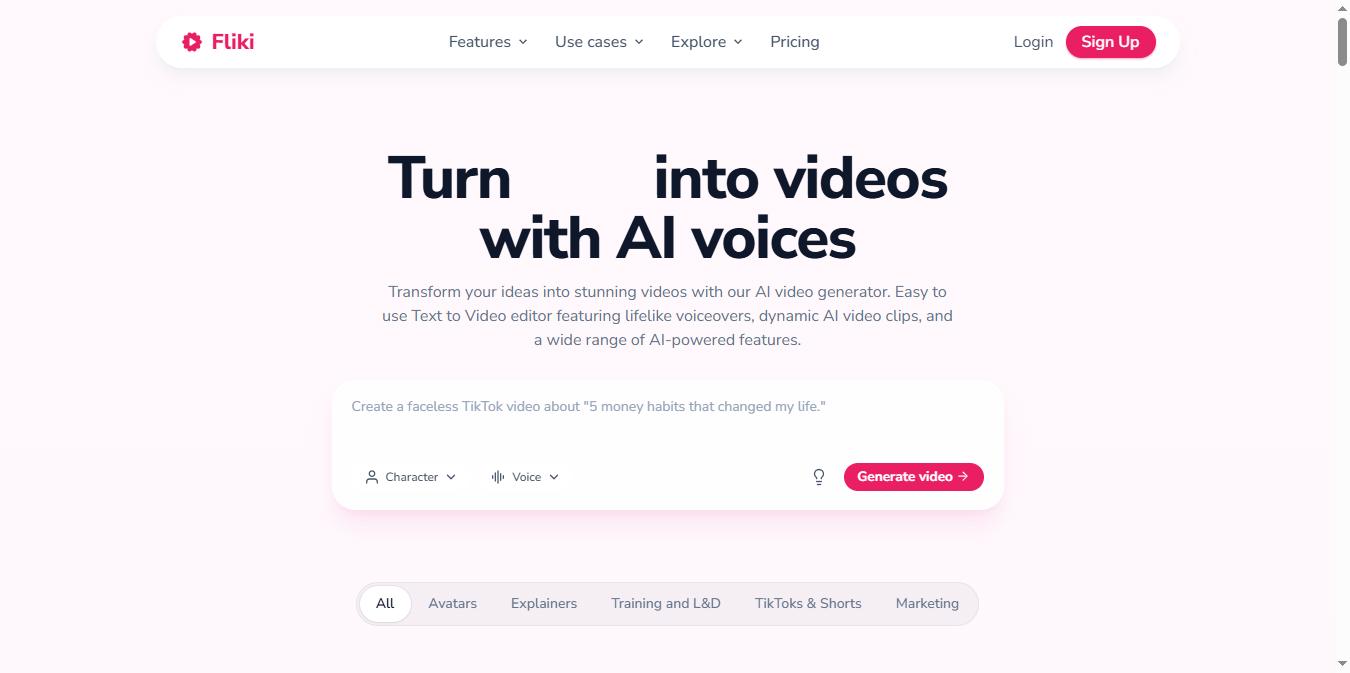
Fliki AI Master Editorial Review: Real-World Testing of Text-to-Video, Voice Cloning & Pricing (2026)
Published: November 2026 • Verified Technical Review • 9 min read • Written by AiAnyTool Editorial Labs
Video editing has long been one of the highest-friction bottlenecks in digital content creation. Sourcing relevant B-roll, recording professional voiceovers, timing keyframes, and reformatting typography across multiple social aspect ratios can easily consume 4 to 8 hours for a single 5-minute production.
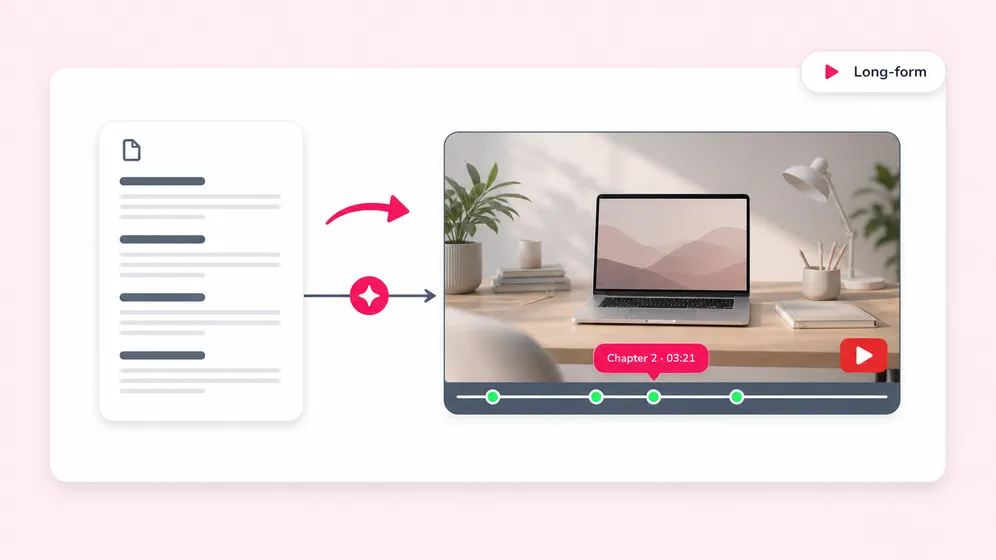
Fliki promises to compress this entire pipeline into a single browser session by combining generative LLM script orchestration, neural text-to-speech (TTS), and automated media matching. But does it actually produce publication-ready videos, or does it deliver generic, robotic slideshows?
To find out, our editorial team stress-tested Fliki's production engine across multiple modalities: converting a 750-word technical explainer, auditing pronunciation across regional dialects (including Modern Standard Arabic and Gulf variants), measuring rendering latency, and calculating its true credit economics.
1. Under the Hood: The Engineering Behind Fliki's AI Pipeline
Unlike traditional Non-Linear Editors (Premiere Pro, DaVinci Resolve) that organize media along a complex horizontal timeline, Fliki operates on a modular script-first architecture. Understanding how this pipeline functions explains both its speed and its edge cases:
- Semantic Script Segmentation: When you paste an article or prompt, an LLM parses the narrative into logical clauses (typically 4 to 7 seconds each). Rather than splitting by arbitrary word counts, it segments text based on thematic transition points.
- Vector-Based Media Retrieval: For each segmented block, Fliki extracts contextual keywords and queries an indexed vector database of over 10 million licensed stock clips (primarily sourced from Storyblocks and Unsplash).
- Neural Prosody & Phoneme Synthesis: Narration is generated via neural acoustic models. The engine maps phonetic spelling, applies pitch contours, and dynamically inserts breathing pauses to eliminate mechanical clipping.
- WebGL Dynamic Compositor: The visual layer, synchronized dynamic subtitles, and background audio ducking are composited in real time inside the browser using WebGL canvas shaders before cloud rendering.
2. Hands-On 6-Step Workflow: From Blank Page to 1080p Export
In our production stress test, we guided a technical article through Fliki's complete creation lifecycle:
- Step 1 — Project Initialization: Select your target format (16:9 Landscape for YouTube/Web, 9:16 Vertical for TikTok/Reels, or 1:1 Square).
- Step 2 — Source Input: Choose between generating from an AI prompt, entering a blog post URL, uploading a PPT/PDF, or pasting a raw script.
- Step 3 — Creative Parameters: Specify the tone (Educational, Informative, Energetic), target length, and default visual style (Cinematic, Animated, Realistic Stock).
- Step 4 — Voice Matching & Pronunciation: Assign distinct voices to different scenes or assign a single consistent narrator across the timeline.
- Step 5 — Visual Fine-Tuning: Review auto-matched clips. If the AI selects an overly literal visual, replace it with one click from the integrated search drawer.
- Step 6 — Free Real-Time Preview & Cloud Export: Preview audio and typography without burning credits, then initiate cloud rendering (1080p Full HD at 60fps on paid plans).
3. Voice Lab: Testing 2,000+ Neural Voices & Dialects
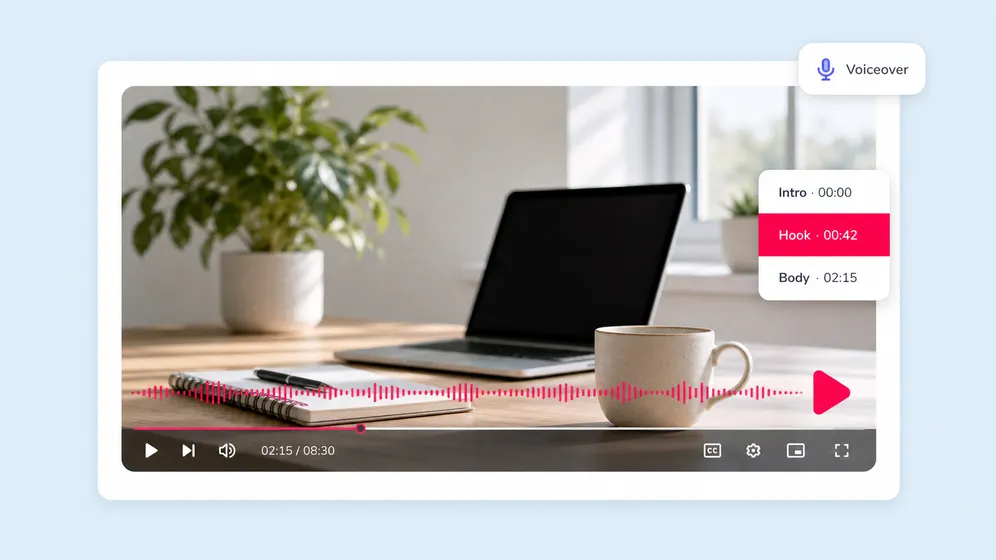
Voice realism is Fliki's strongest technical asset. The platform hosts over 2,000 neural voices across 80+ languages and 100+ regional dialects.
Real-World Findings from Our Audio Audit:
- English Nuances: Tier-1 voices (such as Matthew, Sarah, and Christopher) demonstrated natural cadence with virtually zero metallic distortion.
- Arabic Dialect Accuracy: We specifically tested Modern Standard Arabic (الفصحى) as well as Saudi and Egyptian accents. The engine handled vocal diacritics (Tashkeel) with high accuracy. Voices articulated complex phonemes without robotic stuttering.
- Granular Controls: Creators can adjust speaking speed per scene, shift pitch, and insert pause tokens ranging from 0.1s to 5.0s for dramatic timing.
- Pronunciation Dictionary: For technical acronyms (e.g., "LLM", "CUDA", "Kubernetes") or brand names, the built-in phonetic replacement tool ensures 100% correct pronunciation across every scene.
4. Real-World & Uncommon Use Cases
While marketed primarily as a text-to-video tool, Fliki serves several distinct operational niches:
Core Use Cases:
- Faceless YouTube Channels: Automated production of educational documentaries, history recaps, and tech roundups at high velocity.
- Article & Blog Repurposing: Converting existing high-ranking SEO articles into video summaries to capture rich snippet visibility on Google Search.
- Corporate Training & Microlearning: Transforming dry onboarding manuals and internal compliance PPTs into digestible 3-minute video lessons.
Uncommon Use Cases:
- Interactive Video Quizzes & Polls: Generating short-form trivia clips with timed text pauses to drive social media comments and engagement.
- Podcast Audiograms: Converting podcast audio snippets into video clips featuring dynamic waveforms and kinetic word-by-word subtitles.
5. Shorts, Reels & TikTok Automation: The Secret Weapon for Viral Growth
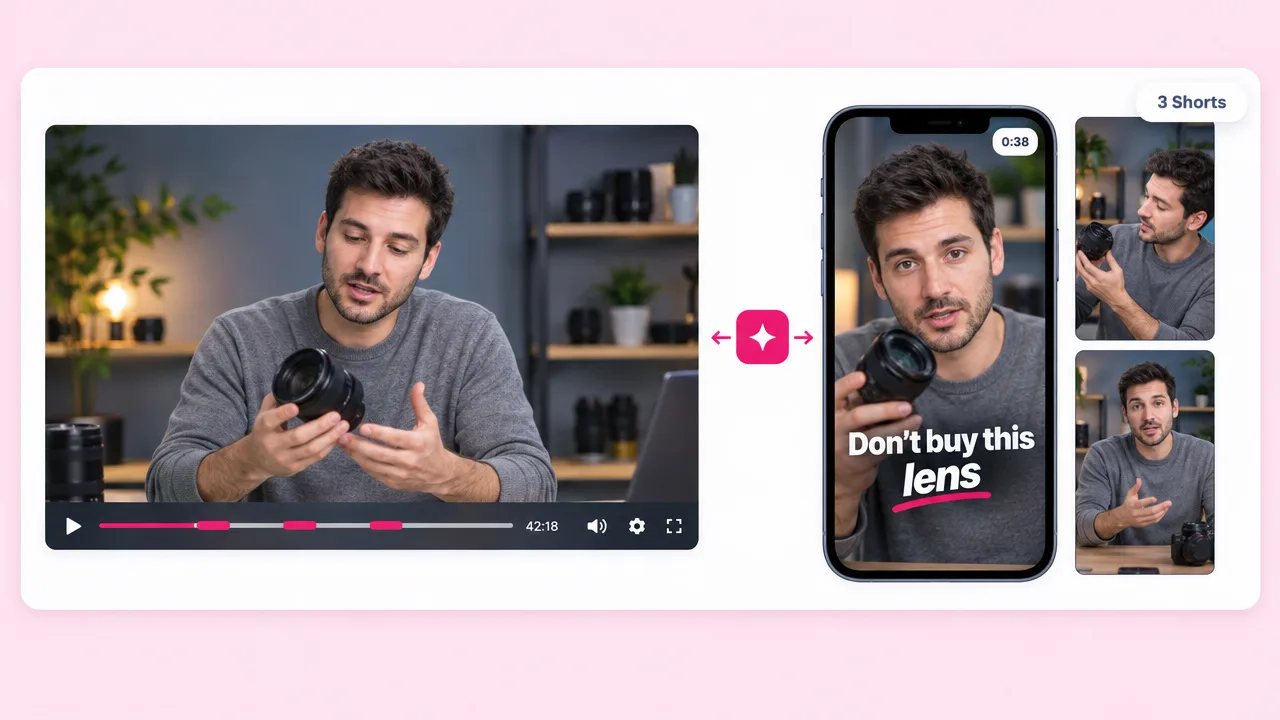
One of Fliki's most leveraged capabilities is its automated 9:16 vertical reformatting:
- Auto-Subject Tracking: Automatically centers focal subjects when cropping 16:9 stock assets into vertical phone frames.
- Kinetic Dynamic Captions: Words highlight dynamically in sync with narration, matching the high-retention subtitle styling favored on TikTok and Instagram Reels.
- Time Savings: In our testing, creating a batch of 5 vertical shorts took less than 20 minutes from start to finish—a workflow that typically demands hours in traditional editing software.
6. The Economics of Fliki: Credit Math & Which Plan to Pick
Fliki operates on a credit-based subscription model. Understanding how credits are consumed prevents unexpected exhaustion:
| Plan | Price (Annual) | Monthly Credits | Video Quality | Voices & Features | Commercial License | Target User |
|---|
| Free | $0 | 3 credits (~5 min) | 720p (Watermarked) | 300 basic voices | ❌ No | Evaluation only |
| Standard | $21/mo ($252/yr) | 180 credits (~3 hrs) | 1080p Full HD | 1,000+ voices + HD assets | ✔ Full Commercial | Solo Creators & Marketers |
| Premium | $66/mo ($792/yr) | 600 credits (~10 hrs) | 1080p + 60fps | 2,000+ voices + Cloning + Avatars | ✔ Priority Processing | Agencies & Heavy Publishers |
Which Plan Should You Pick?
- Choose Free: Only to test voice synthesis quality in your browser.
- Choose Standard: If you operate a YouTube channel or social page publishing 2 to 4 videos weekly.
- Choose Premium: If you require AI voice cloning, AI avatars, or export longer long-form videos exceeding 15 minutes.
7. Known Limitations: When Should You Look Elsewhere?
To maintain rigorous editorial integrity, we highlight where Fliki is NOT the optimal tool:
- Look elsewhere (HeyGen / Synthesia): If your core requirement is hyper-realistic talking-head avatar video with emotional facial micro-expressions.
- Look elsewhere (Runway Gen-3 / Kling): If you require photorealistic generative cinematography with physics simulation rather than curated stock B-roll.
- Look elsewhere (Premiere / DaVinci): If your production demands complex multi-track audio mastering and keyframe-accurate animation.