

WavechatChatGPT for websites AI Tool
Personalized website chatbot for business support.
ChatGPT for websites0
Personalized website chatbot for business support.
Overall
Average of 1 data signal below
3 of 4 content areas filled (features, FAQs, pros/cons, description)
This score is calculated automatically from this listing's available data (community rating, capabilities, pricing transparency, and documentation). It is not a paid or sponsored review.
Pricing & Model
paid
Open Source & API
Proprietary
No Public API
Foundational Model
Proprietary Engine
Key Integrations
Web App Only
Common queries about Wavechat answered
Wavechat is an AI tool designed for businesses to create a personalized AI chatbot that can be deployed on their website to provide instant and round-the-clock support to visitors. It is trainable based on the website content, customizable, and doesn't need any coding experience to create. It comes with a unique knowledgebase management feature and supports over 100 languages. Wavechat also offers optional direct email contact for situations where the bot cannot provide an answer.
The main purpose of Wavechat is to provide businesses with a tool to create a customized, 24/7 support AI chatbot, trained on their website content. The AI chatbot instantly answers visitors' questions, improving their on-site experience and providing consistent support regardless of time or day.
Real ratings and feedback from the community
Be the first to share your rating and comments for this AI tool!
How Wavechat stacks up against top competitors
| Feature | Wavechat | Chatbot GPT3 Plugin | GPT Stick | SiteSpeakAI |
|---|---|---|---|---|
| Rating | — | — | ★ 3 | — |
| Pricing Model | paid | paid | paid | paid |
| API Access | No | No | No | No |
| Open Source | No | No | No | No |
| Link | Visit Website | Visit Website |
Explore similar AI tools in this category
Wavechat works through a three-step process. First, it crawls the website to gather all the content. Next, it trains the chatbot on this gathered content. Finally, the personalized bot can be added to the website as a chat widget.
Wavechat supports over 100 languages, making it a globally accessible tool for businesses around the world.
Using Wavechat to create a personalized chatbot involves three steps. First, Wavechat crawls the website for all content. Second, the bot is automatically trained on this content. Lastly, the personalized bot is added to the website as a chat widget. No coding experience is required during this process.
Wavechat trains the chatbot by crawling the website and collecting all the content. The AI bot is then automatically trained on this compiled data to understand and respond to queries related to the website's content.
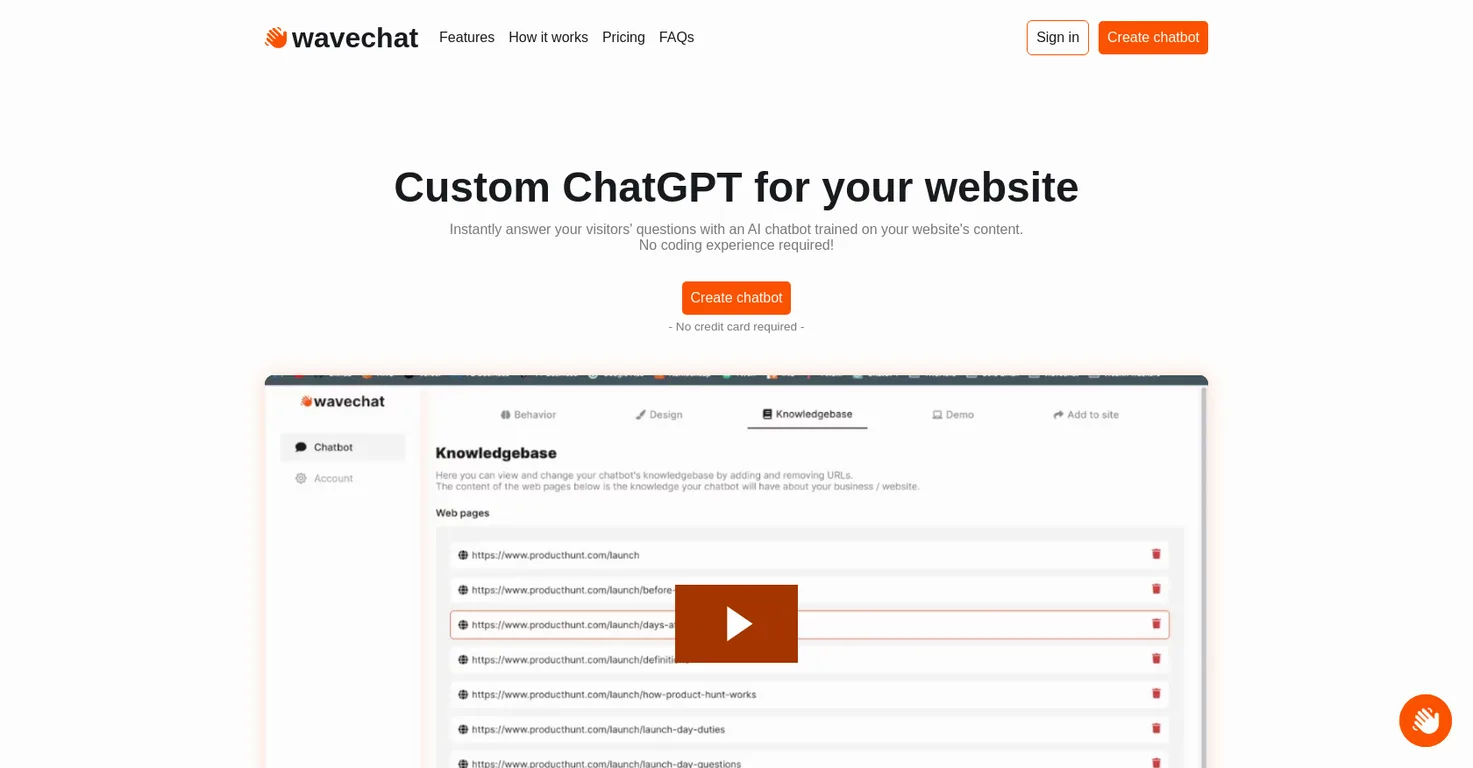
'Manage your bot's knowledgebase' is a feature in Wavechat that allows businesses to maintain their bot's knowledge up-to-date. They can easily add or remove web pages to keep the bot abreast with the latest information from the website.
In Wavechat, the chatbot can be customized to align with the brand's image. Businesses can change the bot's design, behavior, colors and default responses to match their brand image.
If the chatbot can't answer a visitor's question on Wavechat, there is an optional feature that allows the visitors to contact the business directly via email. This eases the communication process and ensures resolution of all queries.
The chatbot is added to the website through Wavechat by installing it as a chat widget. This is the final step in the creation process after the website is crawled for content and the bot is trained on it.
Wavechat offers four pricing plans - Hobby, Starter, Essential, and Business, priced at $0, $19, $49, $99 per month respectively. These plans vary based on the number of web pages and messages permitted per month.
If a business requires more messages or web pages than the limit in Wavechat's current plans, they can contact Wavechat directly for a custom solution.
Creating a chatbot with Wavechat does not require any coding experience. It's designed to simplify the process of chatbot creation, with an easy three-step process of crawling the website, training the bot and adding the chatbot to the website.
Businesses can update their Wavechat bot's knowledge by managing their bot's knowledgebase. They can add or remove web pages to keep the bot's knowledge up-to-date with the most recent information on their website.
Yes, the design of the Wavechat bot can be customized to align with the business's brand. Businesses can adjust the bot's design, behavior, colors, and default responses to match their brand's image.
Wavechat's chatbot becomes personalized through the training it receives based on the website's content. This means that it understands and responds to queries specific to the business's content, making it more geared towards the business's unique needs.
Wavechat provides instant support for website visitors by using a trained AI chatbot to answer their questions promptly. The bot operates 24/7, providing immediate responses to cater to visitors' queries at any time.
Yes, in Wavechat, businesses have the option to turn off the 'contact via email' feature. This feature is optional and can be controlled in the settings.
Wavechat enhances website visitors' experience by offering instant, personalized and round-the-clock support through an AI chatbot. This bot is trained on the website content, ensuring it provides accurate and contextually correct answers to the visitors, improving their overall experience.
'Trained on your website's content' in the context of Wavechat means the AI chatbot learns the information, terminologies, and context from the content available on the website. The bot uses this training to answer visitors' queries accurately and in line with the information available on the site.
| Visit Website |
| Visit Website |

Lovable
Lovablev2.2 turns your app ideas into live web apps instantly with AI and simple prompts-no coding required for fast MVPs and prototypes.


