

GPTHelpChatGPT for websites AI Tool
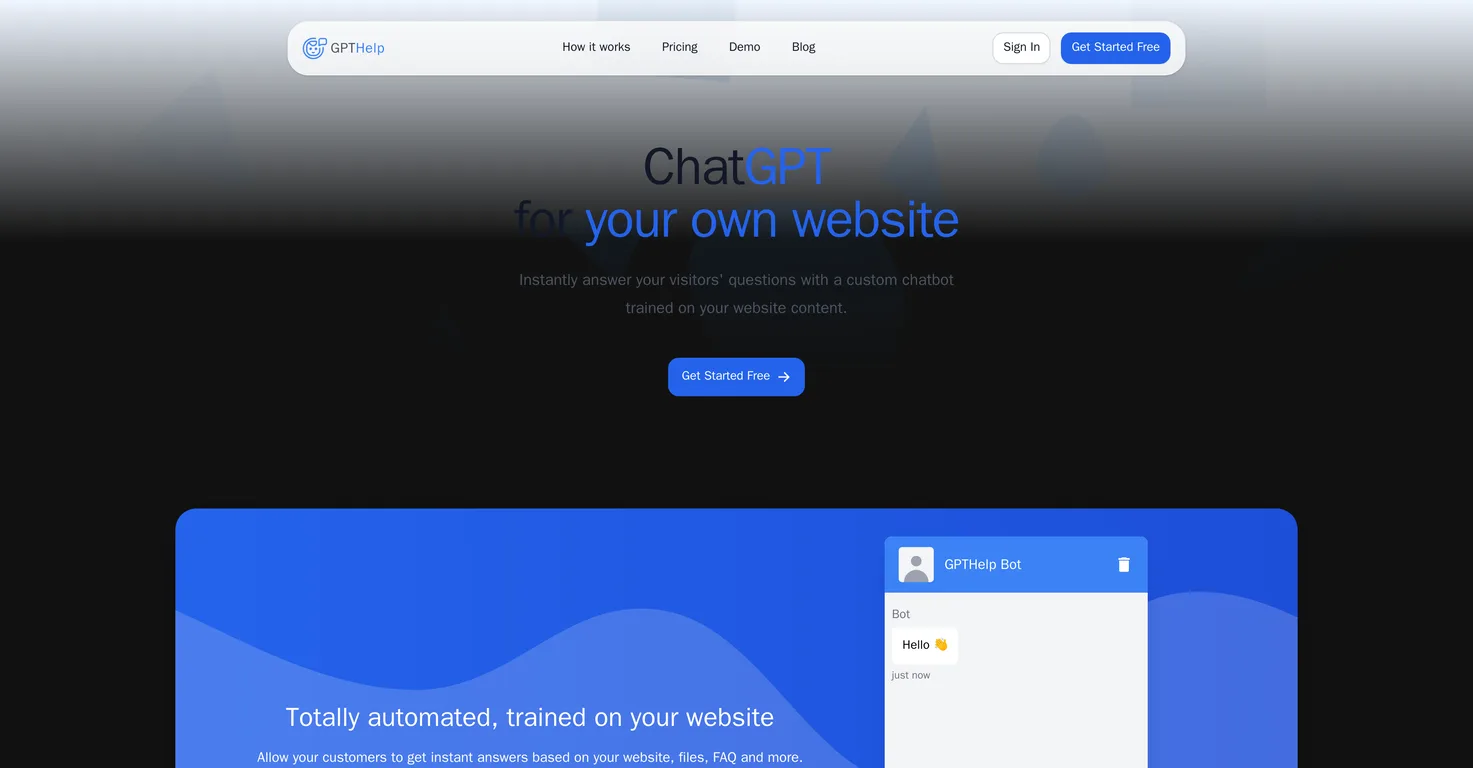
Fully automated AI support chatbot for your website.
ChatGPT for websites1 views
Fully automated AI support chatbot for your website.
Overall
Average of 1 data signal below
3 of 4 content areas filled (features, FAQs, pros/cons, description)
This score is calculated automatically from this listing's available data (community rating, capabilities, pricing transparency, and documentation). It is not a paid or sponsored review.
Pricing & Model
paid
Open Source & API
Proprietary
No Public API
Foundational Model
Proprietary Engine
Key Integrations
Web App Only
Common queries about GPTHelp answered
GPTHelp.ai creates a chatbot for your website by allowing you to input your website URL. The platform then automatically fetches all the pages on your website to train the AI chatbot on this content. The process simplifies and automates the creation of a unique customer service tool specific to your website.
GPTHelp.ai requires training from the content of your website, files, and FAQs. Once you input your website's address, it automatically fetches all the pages and uses this data to train the AI chatbot.
Real ratings and feedback from the community
Be the first to share your rating and comments for this AI tool!
How GPTHelp stacks up against top competitors
| Feature | GPTHelp | GPT Stick | UseChat | SiteSpeakAI |
|---|---|---|---|---|
| Rating | ★ 3 | ★ 3 | — | — |
| Pricing Model | paid | paid | free_trial | paid |
| API Access | No | No | No | No |
| Open Source | No | No | No | No |
| Link | Visit Website | Visit Website |
Explore similar AI tools in this category
Yes, you can customize the design of your GPTHelp.ai chatbot. This includes color, size, and icons, allowing you to align the chatbot's appearance with your specific needs and brand aesthetics.
You can modify the behavior of GPTHelp.ai's AI by choosing a name, assigning a role, and selecting its attitude. These modifications help in aligning the AI's behavior with your specific needs.
Yes, GPTHelp.ai provides a feature through which you can monitor the chatbot's conversations. This feature is beneficial for evaluating its performance. In addition to viewing the chat history, you can take over conversations and alter the AI's responses if necessary.
GPTHelp.ai uses the content of your website to train the AI by automatically fetching all the pages on your website once you enter your website's address. It then trains the AI chatbot on this content, allowing it to understand and answer questions related to your website.
The steps to creating a chatbot with GPTHelp.ai are: 1) Input your website's address. GPTHelp.ai will then automatically fetch all the pages on your website. 2) GPTHelp will train your AI chatbot on your website content. 3) After the training, you have a fully functional AI chatbot ready to answer questions related to your website content.
Yes, it is possible to take over conversations from the GPTHelp.ai chatbot. The platform allows you to view chat history and actively intervene in conversations if deemed necessary.
Yes, you can modify the responses of the GPTHelp.ai chatbot. This capability is part of the monitoring feature and allows you to intervene if necessary, ensuring that the responses align with the desired communication style and accuracy.
GPTHelp.ai handles FAQs on your website by training on them. During its training process, the platform fetches your FAQs along with other website content which teaches the chatbot how to address commonly asked questions.
You can assign any role that aligns with your specific needs to your GPTHelp.ai chatbot. This could vary from customer support to a guide that navigates users through your website, depending on your requirements.
Yes, you can select an attitude for your GPTHelp.ai chatbot. It can be aligned with your specific needs or your brand personality. This influences how the AI interacts with your website visitors.
GPTHelp.ai trains its AI on your website content by first fetching all the pages on your website once you've input the URL. Then it trains the AI chatbot on this content to create a tailored customer service tool.
Yes, the GPTHelp.ai chatbot is fully automated. Once the initial setup involving website URL ingestion and AI training is completed, the chatbot can autonomously answer visitor queries based on its training from your website content.
No, you do not have to manually set up FAQs for the GPTHelp.ai chatbot. The platform automatically fetches the data from your website, which includes FAQs, and trains the chatbot on this content.
Yes, you can choose the color, size, and icons of your GPTHelp.ai chatbot. These customization options allow you to maintain brand aesthetics and user interface consistency.
'Elevate the conversation to human support' with GPTHelp.ai means that when a conversation reaches a certain complexity or requires personal handling, it can be transferred from the AI chatbot to a human representative for further assistance.
GPTHelp.ai helps you evaluate the AI's performance through a monitoring feature. This feature enables you to view the chat history, take over conversations, and modify the AI's answers if necessary. Thus, giving you direct insights into how the chatbot is performing its duties.
GPTHelp.ai provides an automated support system for your website visitors by implementing an AI chatbot that's fully trained on your website content. The bot can answer visitors' questions instantly and accurately based on its training, eliminating the need for manual intervention.
The specific details to be collected from the user with the GPTHelp.ai chatbot will depend on your individual customization and settings. You could choose to collect basic information such as name and contact details, or more specific details as per your business requirements.
| Visit Website |
| Visit Website |
A new way to build web applications with point-and-click programming.


