

StudyPlannrStudy plans AI Tool
Improve goal-setting and enhance revision efficiency.
Study plansFree0
Improve goal-setting and enhance revision efficiency.
Overall
Average of 2 data signals below
Basic pricing published
3 of 4 content areas filled (features, FAQs, pros/cons, description)
This score is calculated automatically from this listing's available data (community rating, capabilities, pricing transparency, and documentation). It is not a paid or sponsored review.
Pricing & Model
free
Free
Open Source & API
Proprietary
No Public API
Foundational Model
Proprietary Engine
Key Integrations
Web App Only
Free
See full pricing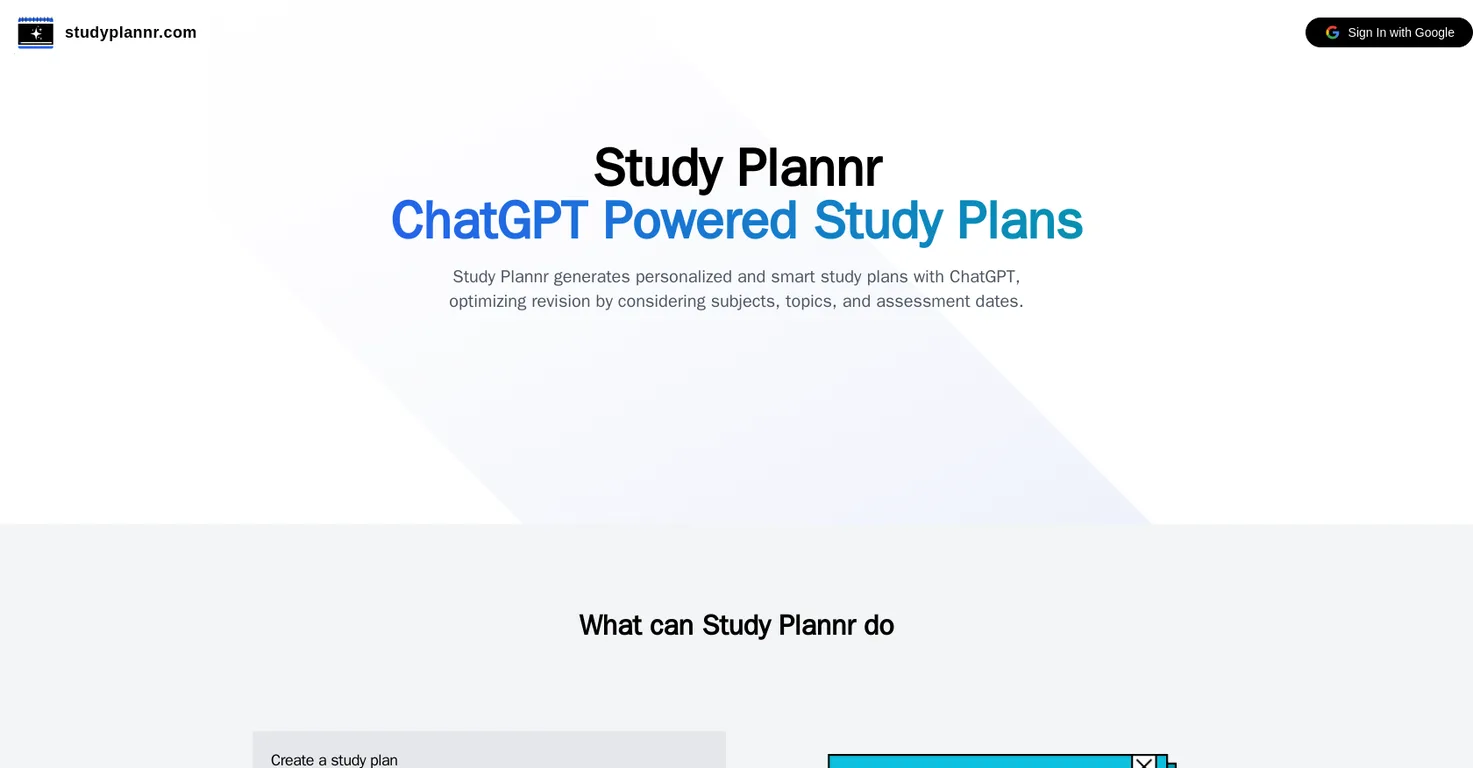
Common queries about StudyPlannr answered
StudyPlannr is an AI-powered tool that generates personalized study plans to optimize revision for learners. By considering subjects, topics, and assessment dates, it creates smart and customized study plans.
StudyPlannr uses ChatGPT, an AI system, to create personalized study plans by considering various inputs such as subjects, topics, and assessment dates. This AI technology allows the generation of smart study plans, effectively optimizing revision time.
StudyPlannr can be used by a variety of learner groups - parents with school children, educators, K12 students, and learners studying for certifications. The platform is currently designed mainly for primary school learners, but it is accessible to any learner regardless of their age or level of education.
Real ratings and feedback from the community
Be the first to share your rating and comments for this AI tool!
How StudyPlannr stacks up against top competitors
| Feature | StudyPlannr | Fliki | Lovable | Vsub |
|---|---|---|---|---|
| Rating | ★ 3 | ★ 4.8 | — | ★ 4.5 |
| Visits / month | — | 692,189 | 34,814,456 | 107,765 |
| Pricing Model | free | freemium | freemium | freemium |
| API Access | No | No | No | No |
| Open Source | No | No | No | No |
| Link | Visit Website |
Explore similar AI tools in this category
StudyPlannr benefits K12 students by creating customized and intelligent study plans to improve their learning efficiency. It supports their studying regulation, clarity, and goal-setting, making study more effective.
The current limitations of StudyPlannr are that it supports a maximum of four subjects and ten topics, and operates within a revision time frame of one month. Study plans are not saved on the platform, so it's advised to download them as PDFs.
If you're not satisfied with the study plan generated by StudyPlannr, you have the option to regenerate a new plan. There are no limits on the number of plans you can create.
Yes, StudyPlannr is free to use. It is currently in a beta phase with the focus on user satisfaction and experience.
Your study plans from StudyPlannr may vary slightly each time because they are generated with ChatGPT AI, which is given slight allowance to creatively schedule the plan. This can result in a slight variation in plans even with the same initial input.
Your study plan from StudyPlannr is saved in your default downloads folder upon downloading.
Parents can use StudyPlannr to create study plans for their school-going children. This can teach their children the importance of planning and goal setting, helping them regulate their own studying.
Educators can use StudyPlannr to cultivate positive behavior in students and assist with goal setting by creating smart study plans. This can serve both as a tool for educators and a positive learning experience for students.
StudyPlannr assists in goal setting by generating personalized study plan based on users’ subjects, topics, and assessment dates. These study plans provide learners with a clear pathway for their revision and learning, which emphasizes and supports goal setting.
To generate a study plan with StudyPlannr, you need to provide information about your subjects, topics, and assessment dates. These inputs are then considered by the AI to generate a personalized study plan.
In StudyPlannr, you can include a maximum of four subjects and ten topics in your study plan due to the platform's current limits.
The maximum revision time allowed by StudyPlannr is currently set at one month.
No, your study plans are not saved on StudyPlannr. Once a plan is generated, you are advised to download it as a PDF.
Yes, you can download your StudyPlannr schedule as a PDF. Once your study plan is generated, you are given the option to download it for easier reference or printing.
No, there are no limits on the number of plans you can create with StudyPlannr. During the launch period, you can regenerate and create as many plans as you wish.
Learners studying for certifications can utilize StudyPlannr to create specific study plans for their certification preparation. This personalized planning approach assists in effective revision and preparedness for their exams or certifications.
No, as plans are not saved on StudyPlannr, you cannot reprint a previously generated plan. Once a plan is generated, it should be downloaded as a PDF for future reference or printing.
| Visit Website |
| Visit Website |
| Visit Website |
Lexi AI is an AI-powered research assistant that helps users read, summarize, and extract key information from various documents. It allows users to chat with their documents, ask questions, generate new content, and organize their research efficiently.


