

SpikeTeam collaboration AI Tool
Empower your team with unified communication and collaboration.
Spike Listing Score
Auto-calculatedOverall
Average of 2 data signals below
Basic pricing published
3 of 4 content areas filled (features, FAQs, pros/cons, description)
This score is calculated automatically from this listing's available data (community rating, capabilities, pricing transparency, and documentation). It is not a paid or sponsored review.
Capabilities & Key Tasks
Atomic Answer Block (Fact Checked)
Pricing & Model
paid
from $4/mo
Open Source & API
Proprietary
No Public API
Foundational Model
Proprietary Engine
Key Integrations
Web App Only
About Spike
Spike Pricing
from $4/mo
See full pricing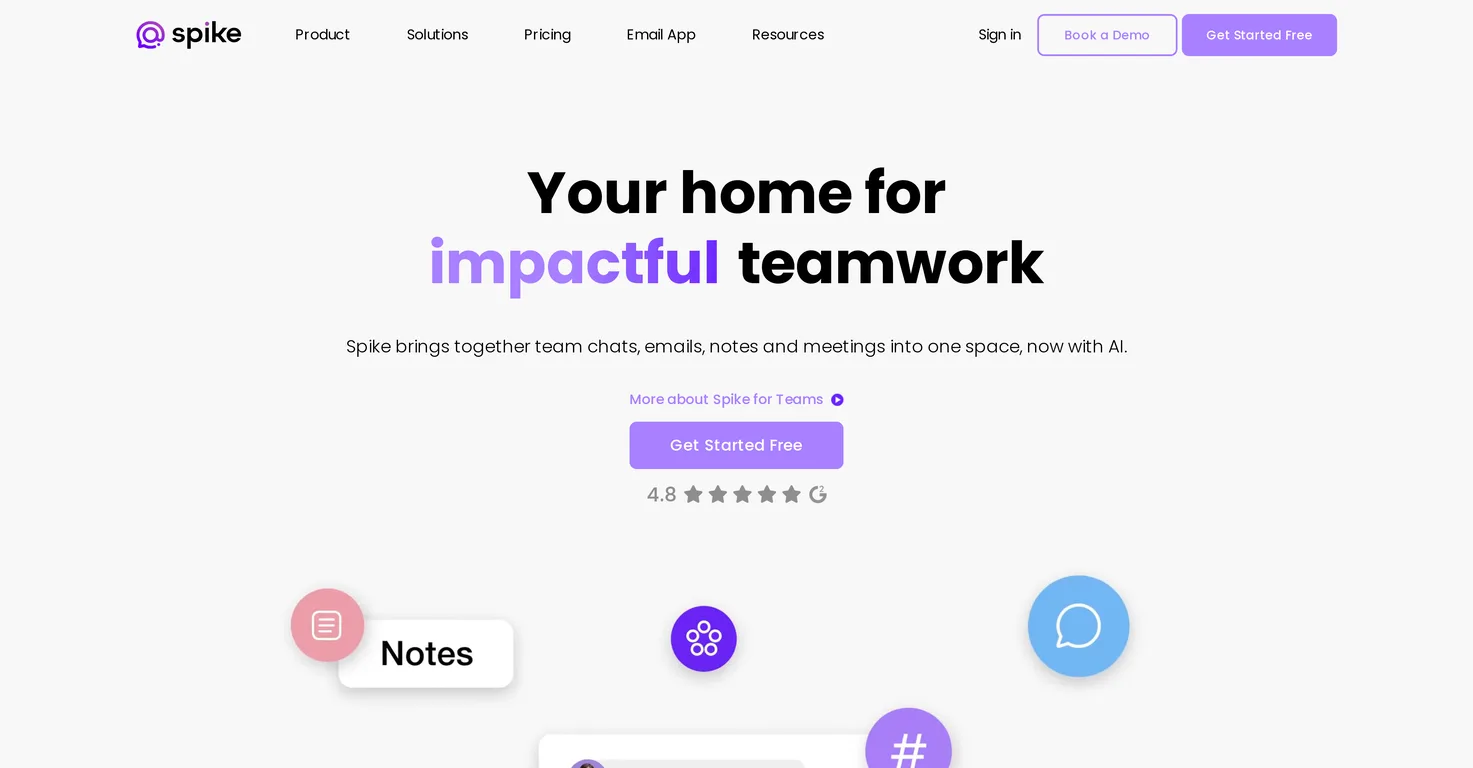
Pros
- Unified communication platform
- Combines chat
- emails
- meetings
- Collaborative document creation
- Task tracking feature
- File management feature
- Calendar feature
- Allows domain usage
- Switch between text and video calls
- Private group conversations
- Priority Inbox
- Suited for various industries
- Advanced file preview
- Built-in voice messages
- Single workspace cuts costs
- Customizable email domains
- Collaborative brainstorming space
- Seamless switching between communication
- Keeps communication on brand
- Dedicated spaces for team chat
- One invoice for all services
- Integrates external email services
- Can work with non-Spike users
- Supports video meetings from emails
Cons
- Lacks workflow automation
- No multi-language support
- Lacks Kanban style task tracking
- Cannot customize Priority Inbox
- No in-built Gantt chart
- Lacks third-party app integrations
- No offline mode
- Limited file preview formats
- No sentiment analysis
- No specific security features
Frequently Asked Questions
Common queries about Spike answered
What industries are suited for Spike?
Spike is suited for various industries like professional services, creative agencies, technology, and IT & Support.
What is the function of Channels in Spike?
The Channels feature in Spike allows for public team conversations on any topic, enhancing team communication and collaboration.
How does the Priority Inbox feature work in Spike?
The Priority Inbox feature in Spike prioritizes important messages, ensuring that key communications are not overlooked.
Can I use my own domain for emails in Spike?
Yes, Spike enhances the email experience by allowing users to use their own domain or obtain one from the suite.
What is the Magic AI feature in Spike?
The Magic AI in Spike is an AI-backed assistant that aids in handling emails, replies, and creates space for brainstorming ideas.
Does Spike support video and audio calls?
Yes, Spike supports video and audio calls. Clients can easily switch between text conversations and video or audio calls, streamlining the communication process.
What is the purpose of the unified feed in Spike?
The unified feed in Spike combines chat, emails, meetings, and collaborative documents, providing a single platform for all team communication.
How does Spike enhance the email experience?
Spike enhances the email experience by allowing users to use their domain or one from Spike, and the Magic AI assists in handling emails and replies, streamlining the process.
Can Spike assist with task tracking and file management?
Yes, Spike supports both task tracking and file management, all in one space, which can significantly aid in overall productivity and organization.
Is it possible to switch between text conversations and video calls in Spike?
Yes, Spike allows users to quickly switch between text conversations and video or audio calls, making it a versatile tool for communication.
Does Spike support collaborative document creation and editing?
Yes, Spike supports collaborative document creation and editing, thereby enabling team members to work in unison and increase productivity.
Can I handle emails and replies through Spike's Magic AI?
Yes, the Magic AI feature in Spike assists in handling emails and replies, helping to streamline tasks and enhance productivity.
Does Spike allow for public team conversations?
Yes, Spike's Channels feature allows for public team conversations on any topic, which can be beneficial for broad team discussions.
How does Spike's platform work for IT & support teams?
Spike provides a unified platform with features such as chat, emails, meetings, and document collaboration. This suits IT & Support teams by streamlining communication and reducing the need to juggle multiple platforms.
How does Spike reduce the need to switch between multiple apps and platforms?
Spike reduces the need to switch between multiple apps and platforms by providing a unified space for chat, emails, meetings, and collaborative documents, thus saving time and enhancing productivity.
Can I get a domain from Spike?
Yes, Spike offers the option for users to use their own domain or obtain one from the suite, benefiting brand consistency in their communication.
Can I schedule meetings with Spike?
Yes, with the inclusion of calendar features, Spike ensures users never miss important meetings by allowing them to schedule and track them effectively.
Can Spike enhance team communication and productivity?
Yes, Spike aims to enhance team communication and productivity by providing a range of features in one space, including chat, emails, meetings, document collaboration, file management, task tracking, and more.
How does Spike prioritize important messages?
Spike prioritizes important messages via the Priority Inbox feature, ensuring users focus on critical communications first.
What are the features of Spike that support unified business communication?
Spike features supporting unified business communication include the unified feed, Channels for public team conversations, Priority Inbox, collaborative document creation and editing, task tracking, file management, video/audio calls, and the AI-backed assistant, Magic AI.
User Reviews
Real ratings and feedback from the community
No reviews yet
Be the first to share your rating and comments for this AI tool!
Direct Comparison Table
How Spike stacks up against top competitors
| Feature | Spike | Sleepless | Wild Moose | Chattermill |
|---|---|---|---|---|
| Rating | ★ 3 | ★ 3 | — | — |
| Pricing Model | paid | paid | paid | unknown |
| API Access | No | No | No | No |
| Open Source | No | No | No | No |
| Link | Visit Website | Visit Website | Visit Website | Visit Website |
Alternatives to Spike
Explore similar AI tools in this category


Tool Details
Similar Tools

Fliki
Compare Fliki's free and paid tiers to see how this text-to-video AI tool simplifies social media, blog-to-video, and content marketing production.

Lovable
Lovablev2.2 turns your app ideas into live web apps instantly with AI and simple prompts-no coding required for fast MVPs and prototypes.

Vsub
Create faceless videos in seconds with AI

HeyGen
Business videos with custom avatars & voiceovers.