

JuliusData analysis AI Tool
Data analysis and visualization solution.
Data analysis1 views
Data analysis and visualization solution.
Overall
Average of 1 data signal below
3 of 4 content areas filled (features, FAQs, pros/cons, description)
This score is calculated automatically from this listing's available data (community rating, capabilities, pricing transparency, and documentation). It is not a paid or sponsored review.
Pricing & Model
freemium
Open Source & API
Proprietary
No Public API
Foundational Model
Proprietary Engine
Key Integrations
Web App Only
Common queries about Julius answered
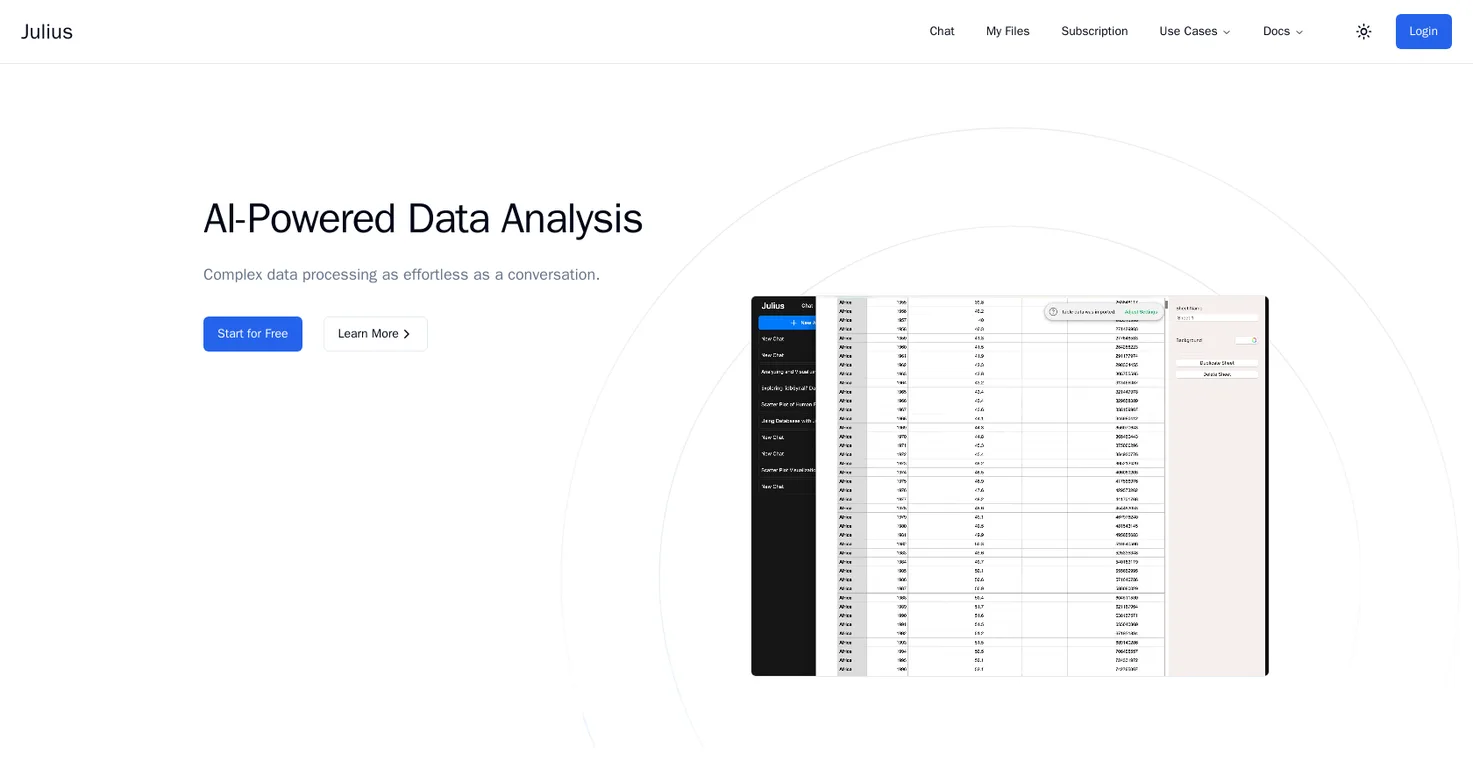
Julius is an AI-powered tool designed to analyze structured data from spreadsheets, Excel files, and CSV files, and transform it into visual charts and key trends. It provides analysis and insights by answering user queries, allows complex tasks like Linear Regression, Modeling, Projections and creates data animations.
Julius supports any data file format, which includes but is not limited to spreadsheets (such as .xls, .xlsx, .xlsm, .xlsb, .csv), Google Sheets, and Postgres databases.
Yes, Julius offers advanced features that allow users to perform complex analysis tasks including Linear Regression and Modeling.
Real ratings and feedback from the community
Be the first to share your rating and comments for this AI tool!
How Julius stacks up against top competitors
| Feature | Julius | Athena Intelligence | Kyligence | Definite |
|---|---|---|---|---|
| Rating | ★ 3 | — | ★ 3 | — |
| Pricing Model | freemium | paid | paid | free_trial |
| API Access | No | No | No | No |
| Open Source | No | No | No | No |
| Link | Visit Website | Visit Website |
Explore similar AI tools in this category
Yes, Julius allows the creation of captivating data animations to bring data to life.
With Julius, users can quickly and effortlessly download data into CSV or Excel formats for easy sharing.
Julius can generate sleek looking data visualizations using simple instructions provided by the users.
Absolutely, Julius has an AI-powered feature that lets users analyze any form of structured data by simply asking questions. The AI performs the analysis and provides insights.
Julius saves time during data preparation by automating tasks. It automates data preparation tasks which significantly reduces the time spent in manual data cleaning.
Julius can analyze various types of files, but is specially designed for structured data sources like spreadsheets, Excel Files, CSV files, Google Sheets, and Postgres databases.
Julius is free to use with some limitations. However, users can manage their plan on the Subscription page to increase these limits.
Users are allowed to link up to two data sources in the free version, for more they would need to upgrade their plan.
Yes, Julius supports multi-tab spreadsheets. Users can upload a multi-tab spreadsheet and refer to the individual names of the tabs in their prompts, Julius will perform analysis on these tabs accordingly.
Julius ensures data privacy by utilizing strict access control. Each user has access only to their own data in the secure notebook file storage and the data is completely erased from the servers when deleted.
The Julius support team can be reached either by sending an email to [email protected] or by clicking the Help beacon in the bottom left corner of the tool's interface.
The limitations of the free version of Julius include the ability to link up to two data sources, send up to seven messages per month, and export unlimited files.
Guidance on how to use Julius is available in the form of a start guide and use case section that can be found on their website.
Yes, Julius does offer statistical modeling capabilities giving users access to expert-level insights without the complexity associated with such analysis.
Users only have access to their own data within Julius. This is safeguarded in a secure notebook file storage system.
When a user deletes their data within the app, it is completely erased from the servers.
Users can share their analysis findings through Julius by instantly exporting their data into CSV or Excel formats. They can also generate sleek visualizations and create captivating animations to effectively communicate their data insights.
| Visit Website |
| Visit Website |


