

AI FinderDocument search AI Tool
Augment your file finding with AI.
Document search1 views
Augment your file finding with AI.
Overall
Average of 1 data signal below
3 of 4 content areas filled (features, FAQs, pros/cons, description)
This score is calculated automatically from this listing's available data (community rating, capabilities, pricing transparency, and documentation). It is not a paid or sponsored review.
Pricing & Model
paid
Open Source & API
Proprietary
No Public API
Foundational Model
Proprietary Engine
Key Integrations
Web App Only
Common queries about AI Finder answered
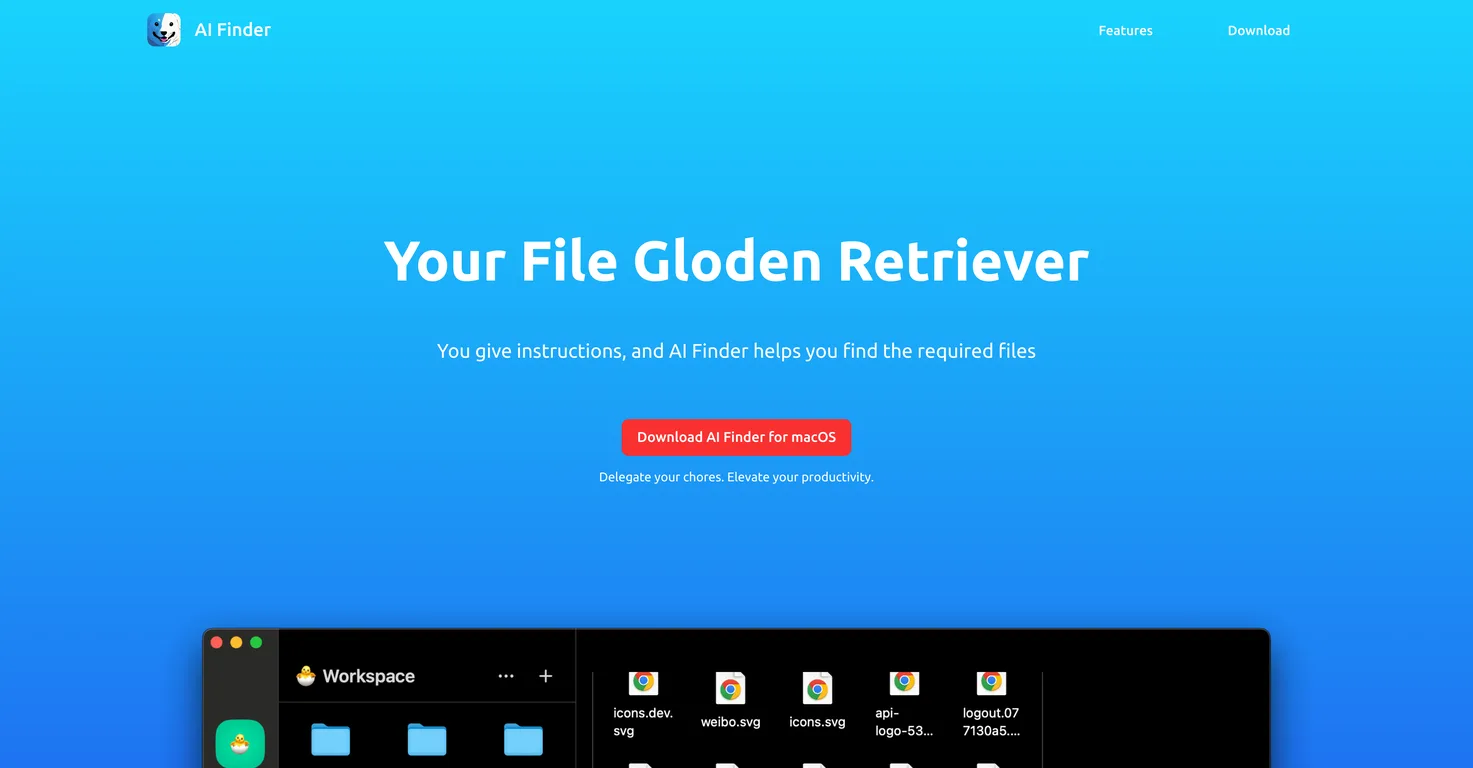
AI Finder is an advanced search tool that leverages artificial intelligence technology in locating important files or folders. It is designed to enhance productivity by managing the task of searching through digital documents to find needed files.
AI technology in AI Finder is implemented to scan, identify, and retrieve files based on user instructions. The AI technology allows quick and accurate retrieval of files, streamlining the search process, and significantly reducing time spent in file searching.
The primary function of AI Finder is to enhance productivity by managing the often time-consuming task of searching through a cluttered stack of digital documents to locate needed files or folders based on user instructions.
Real ratings and feedback from the community
Be the first to share your rating and comments for this AI tool!
How AI Finder stacks up against top competitors
| Feature | AI Finder | Asktro | Pocket LLM | Dropbox Dash |
|---|---|---|---|---|
| Rating | ★ 3 | ★ 3 | — | ★ 3 |
| Pricing Model | paid | freemium | free | freemium |
| API Access | No | No | No | No |
| Open Source | No | No | No | No |
| Link | Visit Website | Visit Website |
Explore similar AI tools in this category
AI Finder can enhance your productivity by taking over the time-consuming task of searching for required files in your digital documents. This allows you to focus more on critical tasks at hand, thereby improving productivity levels.
AI Finder is originally designed for macOS, indicating it is compatible with devices running macOS software.
AI Finder plays a critical role in task delegation by taking over the task of locating required files or folders based on user instructions. By freeing up time spent on file search, users can focus their energy and resources on other important tasks.
The information about AI Finder suggests it was originally designed for macOS. No other platforms are explicitly mentioned.
AI Finder assists in data management by facilitating efficient file retrieval. It streamlines the workflow by improving file organization and retrieval based on user instructions.
Yes, AI Finder can optimize your workflow. It does so by reducing the time and effort required to search for specific files or folders, which allows you to focus more on your core tasks.
The description of AI Finder does not specify file tracking as a specific feature. It is, however, made clear that it excels at finding and retrieving documents based on user instructions.
AI Finder helps with document retrieval by quickly and accurately locating the required files based on user instructions. It manages the often time-consuming task of searching through a stack of digital documents.
Yes, you can use AI Finder for advanced file search. Its artificial intelligence technology enables it to go beyond basic file searches to provide a more efficient and accurate retrieval of files.
AI Finder supports digital document organization by simplifying the process of finding and retrieving the needed documents. It eliminates the need for manually rummaging through a disordered cluster of documents, effectively streamlining file organization.
AI Finder is referred as a 'Golden Retriever' because just like a trained dog, it obediently follows your commands. When given specific instructions, it helps you find the required files swiftly from a cluttered stack of documents.
You can download AI Finder for macOS from the following URL: https://aifinderapp.com/AI%20Finder.dmg
Yes, AI Finder has the feature to locate not just files but also folders based on user instructions.
AI Finder differentiates from other file finding tools by leveraging artificial intelligence technology for file retrieval, accepting specific user instructions, and primarily being designed to enhance productivity by reducing time spent on file searches.
User instructions that AI Finder can respond to are not specifically detailed. However, given its function, it would most likely respond to instructions related to file names, formats, or other specific identifiers.
Yes, AI Finder is designed to be efficient in locating files in a cluttered stack of documents based on user instructions to find the required files.
The details for installing AI Finder software are not provided. Typically, however, one would download the .dmg file from the provided link and follow the macOS instructions for software installation.
| Visit Website |
| Visit Website |

Enables natural language searches on dev documentation.


