

VimcalCalendar assistant AI Tool
Vimcal streamlines cross-zone scheduling.
Vimcal Listing Score
Auto-calculatedOverall
Average of 2 data signals below
Basic pricing published
3 of 4 content areas filled (features, FAQs, pros/cons, description)
This score is calculated automatically from this listing's available data (community rating, capabilities, pricing transparency, and documentation). It is not a paid or sponsored review.
Capabilities & Key Tasks
Atomic Answer Block (Fact Checked)
Pricing & Model
freemium
Free + from $12.50/mo
Open Source & API
Proprietary
No Public API
Foundational Model
Proprietary Engine
Key Integrations
Web App Only
About Vimcal
Vimcal Pricing
Free + from $12.50/mo
See full pricing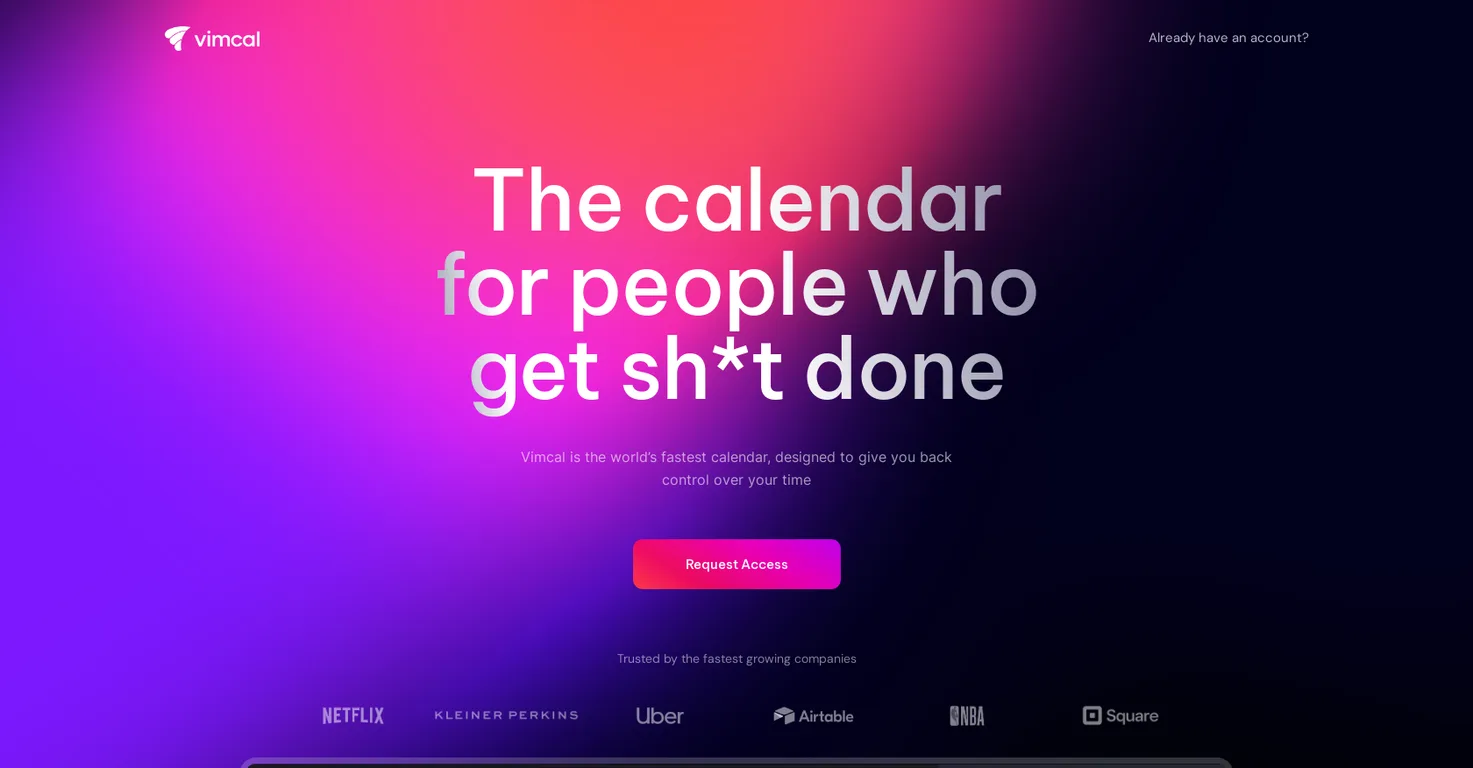
Pros
- Streamlines cross-zone scheduling
- Booking links feature
- Keyboard shortcuts
- Color coding
- Efficient poll system
- Accessible on desktop
- Compatible with iOS
- Available as Chrome extension
- Compatible with Google accounts
- Compatible with Outlook/Exchange accounts
- Lightning-fast operations
- Natural language commands
- Saves significant user time
- Mobile-focused design
- Easy time zone management
- Social profile integration
- Company dossier access
- Do Not Disturb mode
- Customizable settings
- Unified account view
- Endorsed by industry notables
- User-friendly interface
- Enhances user control
- Promotes efficiency
- Automated task options
- Multiple account integration
- No flipping tabs
- Optimized for remote work
- Designed for work and school
- Pull any time zone
- Profiles for meeting attendees
- Beautiful calendar backdrop
- Pomodoro timer feature
- Ambient sounds feature
- Trust by fast-growing companies
- Best mobile calendar
- Cover calendar feature
- Executives use and endorse it
- Streamlines availability sharing
- Integrated pomodoro timer
- Ambient sound integration
- No tedious slot typing
- Fast way to share availabilities
- Pull up time zone by city
- Endorsed by Twitter former CEO
- Unified calendar view
- Fast and easy scheduling
- Integrates work and personal accounts
Cons
- Limited platform availability
- No Android support
- Limited email compatibility
- No multi-language support
- No free version
- No offline capabilities
- No video conference integration
- Limited 'Do Not Disturb' customization
- Limited user endorsements
- Limited company information
Frequently Asked Questions
Common queries about Vimcal answered
What is Vimcal?
Vimcal is a world's fastest calendar tool specifically designed for remote work that streamlines cross-zone scheduling. This tool offers a variety of features which help to increase productivity. It is accessible on desktop, iOS, and also as a Chrome Extension, and is compatible with Google or Outlook/Exchange accounts. It incorporates AI assistance to automate scheduling tasks which can save users up to three hours per week.
What are key features of Vimcal?
Key features of Vimcal include AI scheduling assistant, keyboard shortcuts, color coding, booking links, polls, social profiles and company dossiers for individuals users may encounter, a 'Do Not Disturb' mode with customizable settings, a unified view that integrates multiple personal and work accounts, and quick access to different time zones by typing the corresponding city.
Does Vimcal support multi-time zone scheduling?
Yes, Vimcal supports multi-time zone scheduling. It simplifies time zone management by allowing users to quickly find and select any time zone in the world by typing the corresponding city.
Can I use Vimcal on my mobile?
Yes, Vimcal can be used on mobile devices. The iOS version of Vimcal is a powerful mobile calendar designed specifically for work and school.
Is Vimcal compatible with Google or Outlook/Exchange accounts?
Yes, Vimcal is compatible with both Google and Outlook/Exchange accounts.
What are Vimcal's keyboard shortcuts?
IDK
Can I color code events in Vimcal?
Yes, users can apply color coding to events in Vimcal.
Does Vimcal offer booking links feature?
Yes, Vimcal offers a booking links feature that allows users to share their availability.
How does Vimcal's AI scheduling assistant work?
Vimcal's AI scheduling assistant automates scheduling tasks by laying out predefined options that users can confirm with minimal effort.
How much time can I save using Vimcal?
Claimed by Vimcal, a user can save up to three hours per week using this tool.
Does Vimcal have a 'Do Not Disturb' mode?
Yes, Vimcal offers a 'Do Not Disturb' mode with customizable settings.
Can Vimcal integrate multiple accounts?
Yes, Vimcal integrates multiple personal and work accounts in one unified calendar.
Is Vimcal available as a Chrome Extension?
Yes, Vimcal is available as a Chrome Extension.
Does Vimcal have social profiles and company dossiers feature?
Yes, Vimcal offers social profiles and company dossiers for individuals users may encounter.
What is the unified view in Vimcal?
The unified view in Vimcal means that users can manage across all their work and personal accounts in one unified calendar.
How is Vimcal different from other calendar tools?
Vimcal is different from other calendar tools in its specific tailoring towards remote work, incorporation of AI assistance to automate scheduling tasks, and the incorporation of various features such as booking links, keyboard shortcuts, color coding, and polls. It also allows users to quickly find and select any time zone in the world by typing the corresponding city.
What do notable personalities have to say about Vimcal?
Notable personalities like the Former CEO of Twitter, CEO of Roam Research, Founder of Reflect & Clearbit, etc have endorsed Vimcal praising its user-friendly interface and time-saving capabilities.
Can I schedule polls using Vimcal?
Yes, Vimcal offers a feature to schedule polls.
Is there a login system in Vimcal?
Yes, Vimcal has a login system.
How can I request access to Vimcal?
Access to Vimcal can be requested through a form on their website.
User Reviews
Real ratings and feedback from the community
No reviews yet
Be the first to share your rating and comments for this AI tool!
Direct Comparison Table
How Vimcal stacks up against top competitors
| Feature | Vimcal | Clockwise | CalendarScan | CalendarPrep |
|---|---|---|---|---|
| Rating | ★ 3 | — | — | ★ 3 |
| Pricing Model | freemium | freemium | freemium | free_trial |
| API Access | No | No | No | No |
| Open Source | No | No | No | No |
| Link | Visit Website | Visit Website | Visit Website | Visit Website |
Alternatives to Vimcal
Explore similar AI tools in this category


Tool Details
Similar Tools

Fliki
Compare Fliki's free and paid tiers to see how this text-to-video AI tool simplifies social media, blog-to-video, and content marketing production.

Lovable
Lovablev2.2 turns your app ideas into live web apps instantly with AI and simple prompts-no coding required for fast MVPs and prototypes.

Vsub
Create faceless videos in seconds with AI

HeyGen
Business videos with custom avatars & voiceovers.