

Upscaler CCImage enhancement AI Tool
Upscale your photos to crystal clear perfection.
Image enhancementFree + from $5
Upscale your photos to crystal clear perfection.
Overall
Average of 2 data signals below
Basic pricing published
3 of 4 content areas filled (features, FAQs, pros/cons, description)
This score is calculated automatically from this listing's available data (community rating, capabilities, pricing transparency, and documentation). It is not a paid or sponsored review.
Pricing & Model
freemium
Free + from $5
Open Source & API
Proprietary
No Public API
Foundational Model
Proprietary Engine
Key Integrations
Web App Only
Free + from $5
See full pricing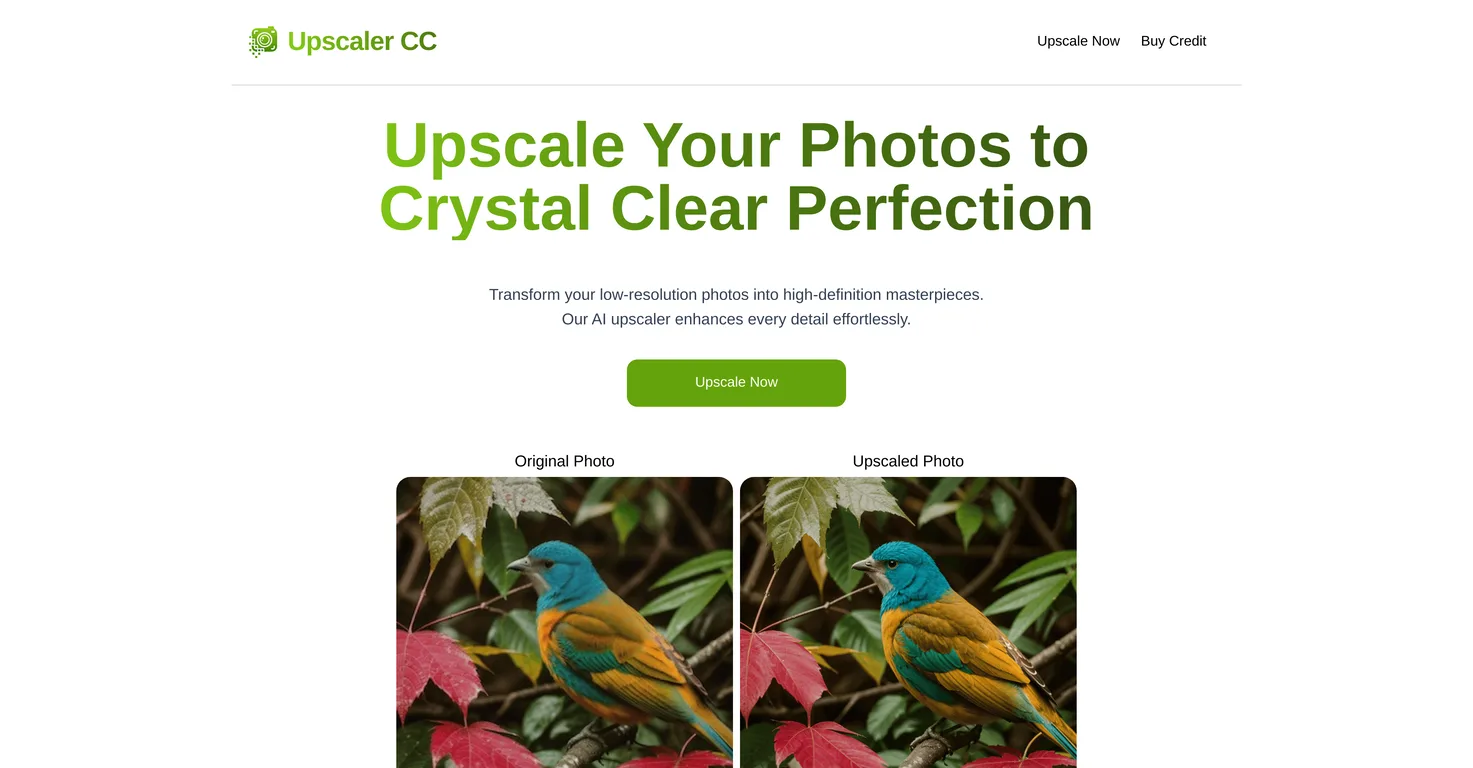
Common queries about Upscaler CC answered
Upscaler CC enhances photos by interpreting image data, refining it, and reconstructing increased details during the upscaling process. It transforms low-resolution images into high-definition quality pictures, bringing out great detail and clarity.
Images with higher original quality, contrast, and detail yield the best results with Upscaler CC. Although it greatly enhances photos, variations in these factors may influence the effectiveness of the final result.
Real ratings and feedback from the community
Be the first to share your rating and comments for this AI tool!
How Upscaler CC stacks up against top competitors
| Feature | Upscaler CC | SuperID | Upscale by StickerMule | Deep Image |
|---|---|---|---|---|
| Rating | ★ 3 | ★ 3 | — | — |
| Pricing Model | freemium | paid | freemium | freemium |
| API Access | No | No | No | No |
| Open Source | No | No | No | No |
| Link | Visit Website | Visit Website |
Explore similar AI tools in this category

Upscaler CC handles user information with high standards of confidentiality. It ensures that the processed photos are not shared with third-party vendors without the users' consent.
The number of photos you can upscale with Upscaler CC is not explicitly specified on their website. However, they do mention that users can purchase additional credits to upscale more photos.
Upscaler CC maintains uploaded photos for an unspecified duration, suggesting they ensure user accessibility for a certain period after processing.
Upscaler CC's effectiveness varies with the quality of the original images. While it excels at enhancing photos, the tool's results may vary based on original quality, contrast, and detail.
Upscaler CC supports various file formats and sizes. However, the detailed specifications regarding this are not directly indicated on their website.
During the upscaling process, Upscaler CC works by interpreting image data, refining it, and reconstructing the increased details. This contributes to the enhancement of photo details, offering an upgrade of the overall image quality.
While Upscaler CC is certainly proficient at enhancing images, whether it can meet all professional needs depends on specific requirements; the website does not provide explicit information about professional use.
Yes, users who want to upscale more photos can purchase additional credits. The exact pricing and procedure for this are not specified on their website.
Upscaler CC guarantees that the processed images are not shared with third-party vendors without the user's consent.
Upscaler CC can greatly enhance images, but the results may vary due to differences in original quality, contrast, and detail. The tool might not yield the same results for all types of photos.
Upscaler CC uses AI to transform low-resolution images into high-definition quality ones. The AI interprets image data, enhancing detail and clarity that might not have been apparent in the original image, and it refines and reconstructs these details during the upscaling process.
The effectiveness of Upscaler CC can be influenced by many factors, including contrast and detail in the original image. Variations in these factors could affect the quality of the final upscaled image.
Information about Upscaler CC supporting batch processing of images is not provided on their website.
There is no specific mention of system requirements for using Upscaler CC on their website, suggesting it could potentially be used across various systems.
Compared to traditional photo enhancement software, Upscaler CC has the advantage of using AI technology for upscaling, helping refine and reconstruct image details more effectively. It also supports various file formats and sizes.
Upscaler CC's policies or procedures regarding customer dissatisfaction with results are not explicitly mentioned on their website.
Upscaler CC is designed to enhance photos quickly, but the exact time it takes to process and upscale images is not specified on their website.
While Upscaler CC does mention that users can purchase additional credits to upscale more photos, there are no indications of any hidden fees or charges associated with the use of their service based on the information provided on their website.
| Visit Website |
| Visit Website |
AI powered image enhancement for better quality and details.
Fliki
Compare Fliki's free and paid tiers to see how this text-to-video AI tool simplifies social media, blog-to-video, and content marketing production.


