

UnspamSpam detection AI Tool
Streamline your inbox with AI.
Spam detection0
Streamline your inbox with AI.
Overall
Average of 1 data signal below
3 of 4 content areas filled (features, FAQs, pros/cons, description)
This score is calculated automatically from this listing's available data (community rating, capabilities, pricing transparency, and documentation). It is not a paid or sponsored review.
Pricing & Model
paid
Open Source & API
Proprietary
No Public API
Foundational Model
Proprietary Engine
Key Integrations
Web App Only
Common queries about Unspam answered
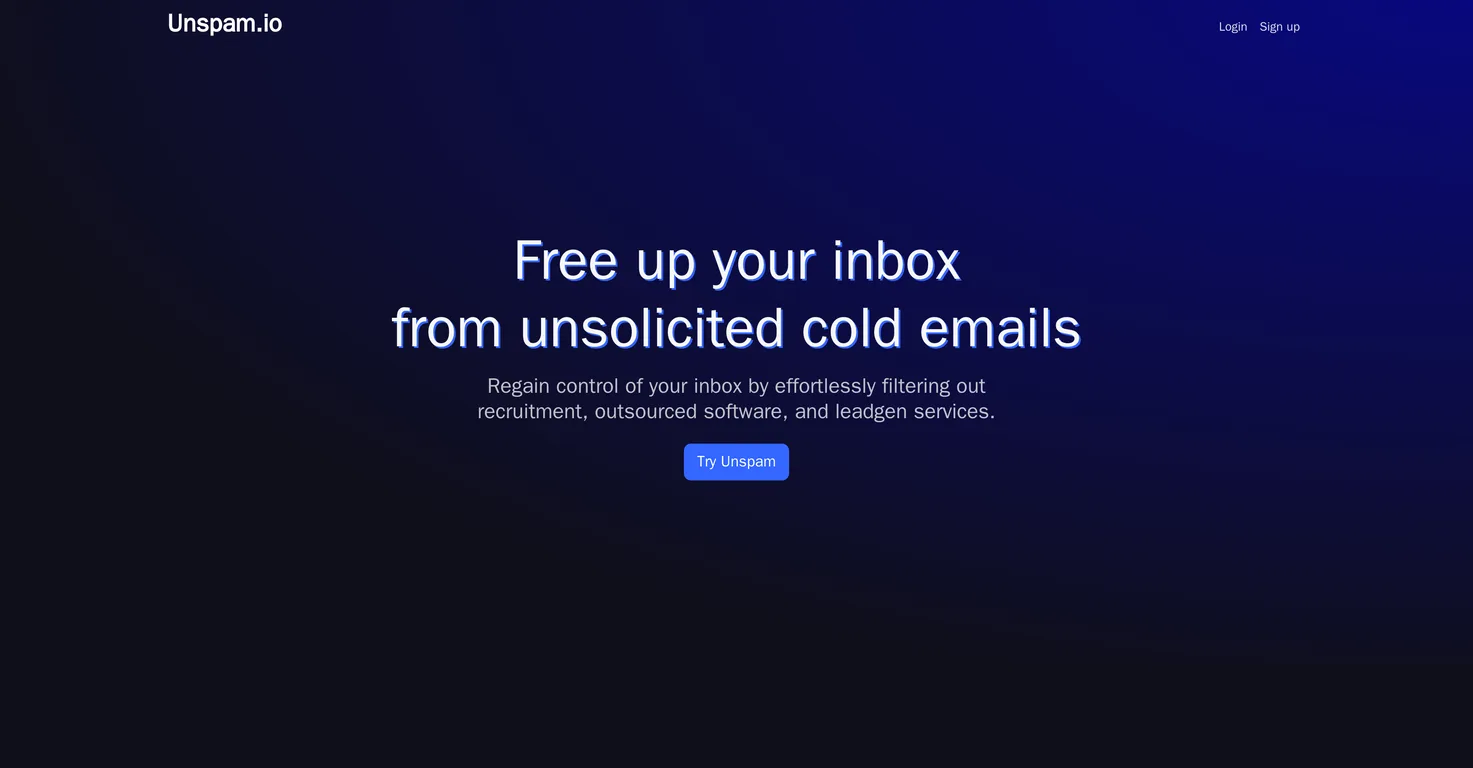
Unspam is an AI-powered tool designed to filter out unsolicited emails. It is compatible with Gmail and Google Workspace, and its goal is to minimize email disruptions so users can focus on what truly matters.
Unspam integrates with Gmail and Google Workspace. Upon connecting your email account, it automatically scans new emails for potential spam. If any are detected, they're labeled or archived automatically, resulting in a clutter-free inbox.
No, Unspam does not store or log emails. This principle is an integral part of Unspam's privacy-focused design. Emails only ever live momentarily in memory for the purpose of identifying spam.
Real ratings and feedback from the community
Be the first to share your rating and comments for this AI tool!
How Unspam stacks up against top competitors
| Feature | Unspam | Akismet | Bot Butcher | Wavu |
|---|---|---|---|---|
| Rating | — | — | ★ 3 | ★ 3 |
| Pricing Model | paid | paid | paid | paid |
| API Access | No | No | No | No |
| Open Source | No | No | No | No |
| Link | Visit Website | Visit Website |
Explore similar AI tools in this category
Akismet is an AI-powered spam filtering service that protects websites from comment, trackback, and contact form spam. It uses machine learning to detect and block malicious content in real-time, ensuring a cleaner and safer online environment for users and website owners.
Unspam uses advanced artificial intelligence technology to detect spam. The specific details as to how this is done aren't provided on their website, but it is likely that the AI is trained to recognize certain patterns or keywords typically found in spam emails.
Unspam handles potential spam emails by automatically labeling or archiving them. This results in a clutter-free inbox for the user and helps to reduce email disruptions.
You can train the Unspam AI filter with your own emails by manually forwarding those emails to Unspam for training. This, however, is strictly on a voluntary basis and is not a requirement for using the service.
Yes, Unspam was initially created as a personal solution by the founder to deal with the issue of unsolicited messages.
Unspam is designed for anyone who is tired of dealing with unsolicited emails, but it's particularly beneficial to founders, CEOs, and engineering leaders who want to regain control of their inboxes.
Yes, Unspam works automatically once it's set up. It scans new emails for unsolicited messages and automatically labels or archives them.
Unspam is specifically designed to work with Gmail and Google Workspace on their website. There is no mention of compatibility with other email platforms.
Unspam aims to minimize email disruptions by actively filtering out unsolicited emails. It automatically labels or archives potential spam, freeing users from having to go through these unused messages and, consequently, helps them refocus on more important content in their inboxes.
Unspam was founded by Louw, who created the tool to regain control of his own inbox and subsequently decided to share it with a broader audience.
Unspam considers any form of unwanted emails as unsolicited. This includes, but is not limited to, recruitment, outsourced software, and leadgen services.
Connecting your Gmail or Google Workspace account to Unspam can be done in four easy steps. You first need to sign up for the service, then link your Gmail or Google Workspace account, let the AI scan for unsolicited messages, and finally, you can enjoy a clutter-free inbox.
While it is clear that Unspam can systematically identify and handle spam emails, there is no mention of more generalized email automation capabilities on their website.
Being privacy-focused means that Unspam prioritizes user privacy and data protection. It does not store or log emails, neither does it use them to train its AI filter unless a user voluntarily forwards an email for that purpose.
Your emails will only be used to train the Unspam AI filter if you choose to manually forward them for this purpose. Under normal conditions, emails are not used for machine training.
Security is a top priority in the design of Unspam to protect users' personal information, maintain trust, and uphold privacy. The tool ensures emails are never stored or logged, and are only used for identifying spam.
Yes, Unspam is used by founders, CEOs, and engineering leaders to cut the noise in their inboxes.
Yes, you need to enable JavaScript to run Unspam, as indicated on their website.
| Visit Website |
| Visit Website |

Lovable
Lovablev2.2 turns your app ideas into live web apps instantly with AI and simple prompts-no coding required for fast MVPs and prototypes.


