

TraceJourneyImage to SVG AI Tool
Turn midjourney images into vectors with just one click.
TraceJourney Listing Score
Auto-calculatedOverall
Average of 2 data signals below
Basic pricing published
3 of 4 content areas filled (features, FAQs, pros/cons, description)
This score is calculated automatically from this listing's available data (community rating, capabilities, pricing transparency, and documentation). It is not a paid or sponsored review.
Capabilities & Key Tasks
Atomic Answer Block (Fact Checked)
Pricing & Model
paid
from $10/mo
Open Source & API
Proprietary
No Public API
Foundational Model
Proprietary Engine
Key Integrations
Web App Only
About TraceJourney
TraceJourney Pricing
from $10/mo
See full pricing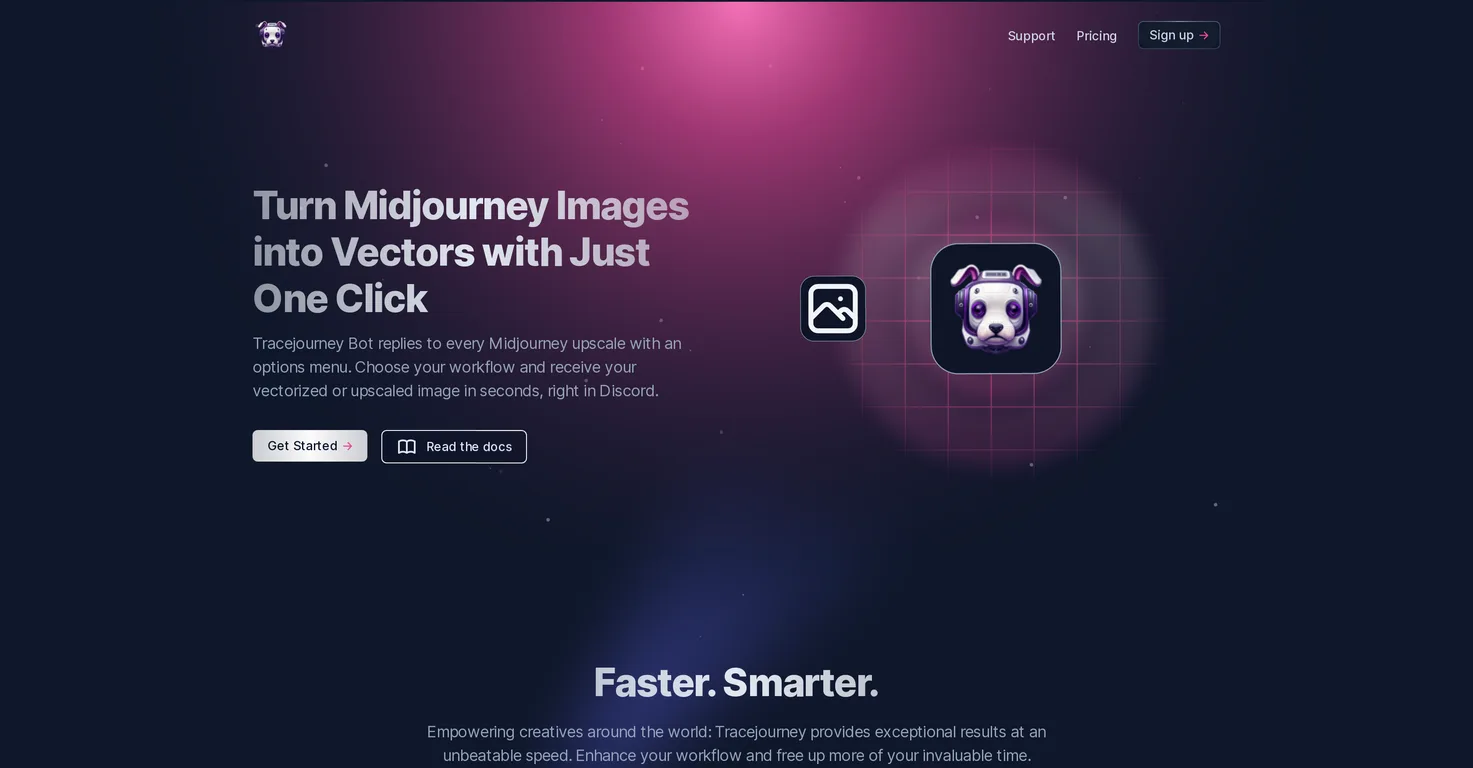
Pros
- Discord integration
- Midjourney image vectorization
- Midjourney image upscaling
- Fast results
- Optimized GPU clusters
- Batch processing
- Background removal
- Brightness adjustment
- Contrast adjustment
- Color correction
- Sharpness adjustment
- PNG and JPEG conversion
- EPS
- SVG support
- User rule setting
- Creative community connection
- One-click vectorization
- Workflow customization
- Batch processing up to 10 images
- Filetype selection
- Real-time menu options
- Noise elimination
- Endless scalability
- Direct message feature
- User server integration
- Quick file conversion
- 30
- 000 creatives on Discord
- Real-time image adjustments
Cons
- Primarily integrated with Discord
- Limited to 10 image batches
- No direct integration with design apps
- File types limited
- No offline capabilities
- No multi-platform support
- Lacks customizability outside Discord
- Dependent on GPU cluster performance
- No advanced editing features
- User experience tied to Discord
Frequently Asked Questions
Common queries about TraceJourney answered
How does TraceJourney upscale images?
TraceJourney upscales images by using cutting-edge AI models that run on highly optimized GPU clusters. The AI enables image upscaling up to 8x, eliminating noise and bringing out the details.
What platforms is TraceJourney integrated with?
TraceJourney is primarily integrated with the Discord platform. This allows ease of use within the creative community on Discord.
Does TraceJourney support batch processing?
Yes, TraceJourney does support batch processing. It can work on up to 10 images at the same time.
What format does TraceJourney convert images to?
TraceJourney can convert images to PNG and JPEG formats. This conversion can be done with just one click.
What does TraceJourney mean by 'your server, your rules'?
'Your server, your rules' in the context of TraceJourney means that when TraceJourney is invited to a Discord server, users have the upper hand in setting the rules. This accommodates user preferences and facilitates collaborative creation.
How does the vectorization feature in TraceJourney work?
TraceJourney's vectorization feature works by transforming pixels into vectors, offering endless scalability and uncompromised quality. Users can choose their preferred vector file type between EPS, PDF, or SVG.
Can TraceJourney remove backgrounds from images?
Yes, TraceJourney can remove backgrounds from images. This feature is designed to let the subject in the image shine, essentially providing a 'background gone in a snap' solution.
How do I invite TraceJourney to my Discord server?
To invite TraceJourney to your Discord server, you simply need to use the invite tool provided on their website or app. Note that the exact process wasn't explicitly detailed within our sources but is generally straightforward and intuitive.
What does 'midjourney' mean in the context of TraceJourney?
'Midjourney' in the context of TraceJourney likely refers to a stage in the creative process where creatives need to upscale images or vectorize them, and TraceJourney provides this service.
Does TraceJourney help with brightness, contrast, color, and sharpness adjustments?
Yes, TraceJourney does help with brightness, contrast, color, and sharpness adjustments. These quick adjustments are part of the features TraceJourney offers.
What is the maximum number of images I can process at once using TraceJourney?
The maximum number of images you can process at once using TraceJourney is 10. This is achieved through its batch processing feature.
Can I directly send my images to TraceJourney as a DM?
Based on their website, you can indeed send your images directly to TraceJourney as a Direct Message (DM).
Does TraceJourney provide options for different vector file types?
Yes, TraceJourney does provide options for different vector file types. Users can choose their preferred file type between EPS, PDF, or SVG.
How does TraceJourney ensure quick results?
TraceJourney ensures quick results by running its AI models on highly optimized GPU clusters. This setup allows for quick responses and fast processing of image upscaling and vectorization requests.
What makes TraceJourney different from other image upscaling tools?
TraceJourney differs from other image upscaling tools by integrating with Discord and providing various advanced features, like batch processing, background removal, image adjustments, and more. Additionally, its utilization of cutting-edge AI models for quick result delivery and GPU clusters for seamless operation sets it apart.
How does TraceJourney facilitate collaborative creation?
TraceJourney facilitates collaborative creation by allowing its users to set the rules when it's invited to Discord servers. This shared control facilitates creativity and accommodates user preferences.
Who are TraceJourney's primary users?
TraceJourney's primary users are creatives that are part of the Discord community. These users utilize the tool for image upscaling, vectorization, and other image adjustments.
What is the image to SVG feature of TraceJourney?
The image to SVG feature of TraceJourney allows users to turn their images into vectors with one click. This provides a seamless transition, ensuring designs remain sharp, adaptable, and ready for any medium or magnification.
How can I connect with fellow creatives using TraceJourney?
You can connect with fellow creatives using TraceJourney by joining the large creative community on Discord where TraceJourney is integrated.
What are the GPU clusters TraceJourney uses?
The GPU clusters which TraceJourney uses are described as highly optimized. They run the cutting-edge AI models, facilitating quick image processing tasks, but specific details about these clusters aren't given on their website.
User Reviews
Real ratings and feedback from the community
No reviews yet
Be the first to share your rating and comments for this AI tool!
Direct Comparison Table
How TraceJourney stacks up against top competitors
| Feature | TraceJourney | AIVector | Vectr | Vectorizer |
|---|---|---|---|---|
| Pricing Model | paid | freemium | freemium | freemium |
| API Access | No | No | No | No |
| Open Source | No | No | No | No |
| Link | Visit Website | Visit Website | Visit Website | Visit Website |
Alternatives to TraceJourney
Explore similar AI tools in this category


Tool Details
Similar Tools

Fliki
Compare Fliki's free and paid tiers to see how this text-to-video AI tool simplifies social media, blog-to-video, and content marketing production.

Lovable
Lovablev2.2 turns your app ideas into live web apps instantly with AI and simple prompts-no coding required for fast MVPs and prototypes.

Vsub
Create faceless videos in seconds with AI

HeyGen
Business videos with custom avatars & voiceovers.