

ToonCrafterImage cartooning AI Tool
Animate your cartoons with AI power.
Image cartooningFree + from $9.99/mo0
Animate your cartoons with AI power.
Overall
Average of 2 data signals below
Basic pricing published
3 of 4 content areas filled (features, FAQs, pros/cons, description)
This score is calculated automatically from this listing's available data (community rating, capabilities, pricing transparency, and documentation). It is not a paid or sponsored review.
Pricing & Model
freemium
Free + from $9.99/mo
Open Source & API
Proprietary
No Public API
Foundational Model
Proprietary Engine
Key Integrations
Web App Only
Free + from $9.99/mo
See full pricing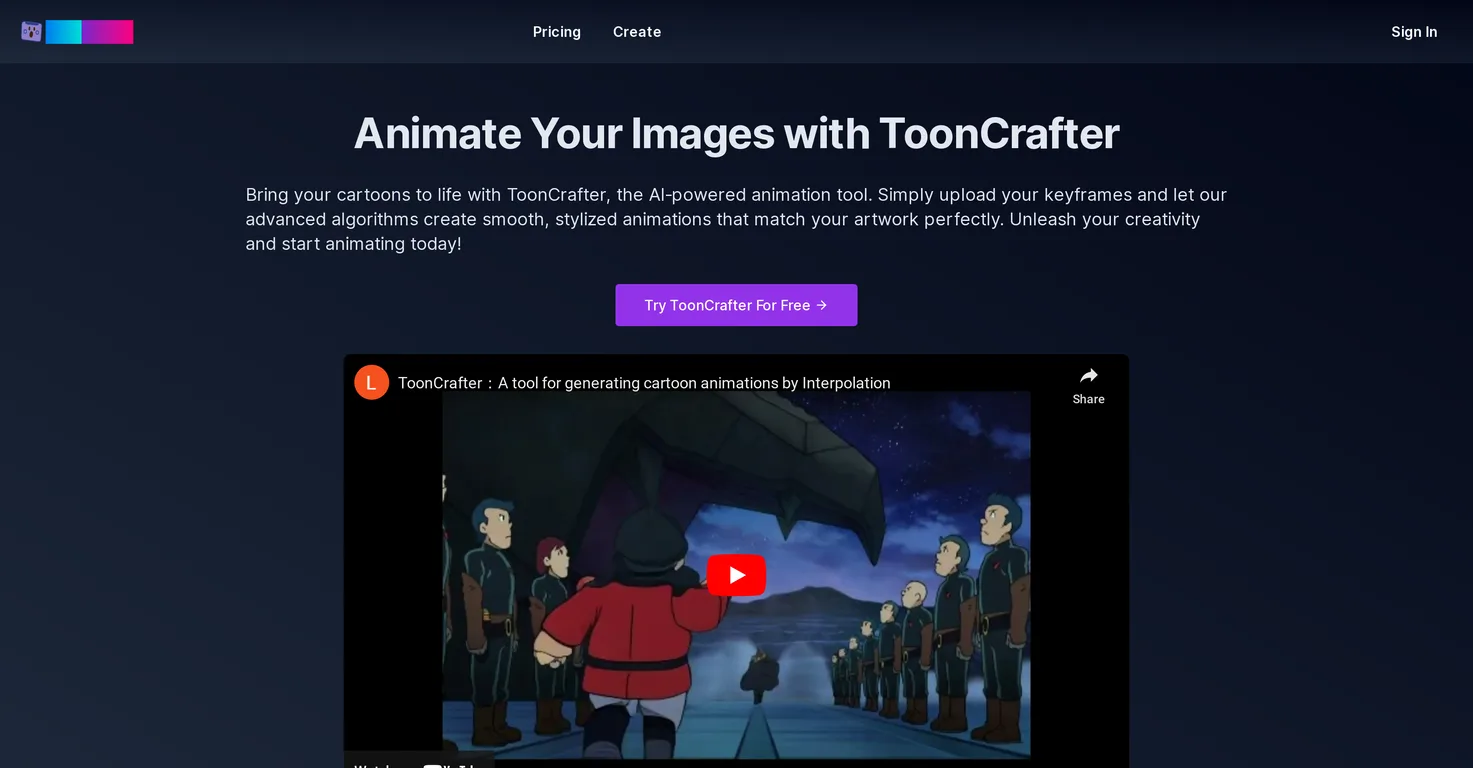
Common queries about ToonCrafter answered
ToonCrafter is an AI-powered tool designed to create lifelike, stylized cartoon animations. Users can upload their keyframes and ToonCrafter uses advanced algorithms to generate animated clips that seamlessly match the original artwork.
ToonCrafter's AI-driven animation generation works by users inputting two static cartoon images, or keyframes. ToonCrafter then uses its advanced algorithms to automatically generate fluid, lifelike animation clips.
'Style transfer learning' in the context of ToonCrafter refers to the AI's ability to learn and imitate the style of the cartoon artworks it's trained on. This allows the generated animations to seamlessly blend with the original art style, maintaining visual consistency.
Real ratings and feedback from the community
Be the first to share your rating and comments for this AI tool!
How ToonCrafter stacks up against top competitors
| Feature | ToonCrafter | Toonify | Colorcinch | Cartoonize |
|---|---|---|---|---|
| Rating | ★ 3 | — | — | ★ 3 |
| Pricing Model | freemium | freemium | freemium | Freemium |
| API Access | No | No | No | No |
| Open Source | No | No | No | No |
| Link | Visit Website | Visit Website |
Explore similar AI tools in this category

Transform your photo into a cartoon easily online.
ToonCrafter extracts pixel-level detail from keyframes with its innovative algorithms. These algorithms are capable of detecting fine textures, lines, and other visual elements from input frames and incorporate them into the generated animations.
ToonCrafter ensures smooth and seamless transitions in the animations by generating transition animations that ensure fluid and natural motion between keyframes. This provides the final animation with a polished look.
ToonCrafter is quite efficient at generating animation clips. Typically, it can generate an animation clip in around 10 to 20 seconds, depending on the input configuration and current system load.
ToonCrafter maintains visual consistency with the original art style by training on massive cartoon datasets. By learning from these datasets, it ensures that the generated animations seamlessly blend with the original art style.
You can upload 2 to 4 keyframe images to use ToonCrafter, though two are usually sufficient. These images represent your animation's starting and ending points.
You describe your desired animation effects to ToonCrafter using text prompts. After uploading your keyframe images, you use these prompts to specify what animation effects you want to achieve.
You can preview and share your final animated clip in the popular MP4 format.
ToonCrafter has a diverse range of creative applications, including social media marketing, personal creative projects, the creation of animated stickers, animated presentations, and the creation of educational content.
Yes, you can use ToonCrafter for social media marketing. It can enhance your social media posts with eye-catching cartoon animations, to boost engagement and attract more followers.
Yes, ToonCrafter is suitable for personal creative projects. You can bring your drawings and sketches to life, creating dynamic animations for your art portfolio or passion projects.
Yes, you can use ToonCrafter to create animated stickers. It allows you to design your own animated stickers for chat apps and social media, adding a personal touch to your online interactions.
Yes, you can use ToonCrafter in presentations. It allows you to incorporate animated characters and scenes into your presentations, making your ideas more captivating and memorable.
Yes, you can use ToonCrafter for creating educational content. It enables you to create engaging animated explanations and tutorials, simplifying complex concepts and making learning more fun.
ToonCrafter can effectively extract a variety of visual elements from input frames. This includes fine textures, lines, and other visual elements, allowing for detailed and nuanced animations.
The animation is generated based on the keyframes provided through an innovative blend of AI algorithms, style transfer learning, and pixel-level detail extraction. All these contribute to creating an animation that seamlessly blends with the user’s original artwork style.
The requirements for the keyframe images to upload on ToonCrafter are flexible. You are typically required to upload 2 to 4 keyframe images, which represent your animation's starting and ending points.
On average, ToonCrafter takes between 10 to 20 seconds to generate an animation clip. This time may vary depending on the input configuration and current system load.
| Visit Website |
| Visit Website |


