

SpeechPulseSpeech to text AI Tool
VOICE TYPING EVERYWHERE
Speech to textfrom $19.950
VOICE TYPING EVERYWHERE
Overall
Average of 2 data signals below
Basic pricing published
3 of 4 content areas filled (features, FAQs, pros/cons, description)
This score is calculated automatically from this listing's available data (community rating, capabilities, pricing transparency, and documentation). It is not a paid or sponsored review.
Pricing & Model
paid
from $19.95
Open Source & API
Proprietary
No Public API
Foundational Model
Proprietary Engine
Key Integrations
Web App Only
from $19.95
See full pricing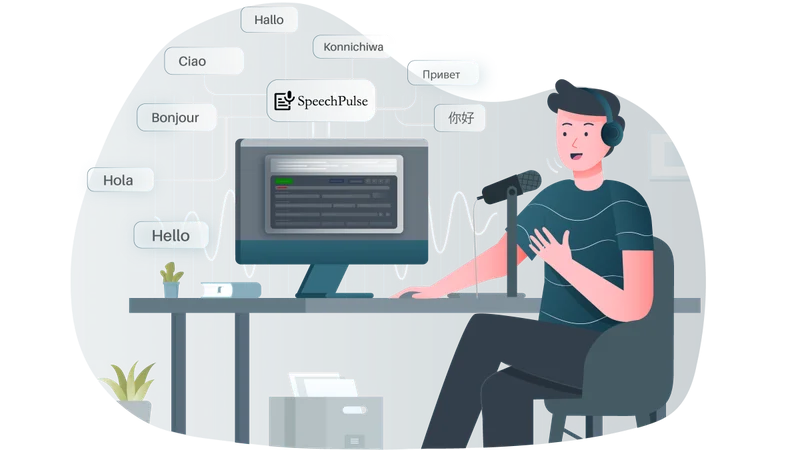
Common queries about SpeechPulse answered
SpeechPulse is a voice recognition tool that increases typing efficiency and translates non-English speech into English in real-time. It operates fully offline, utilizing a computer's microphone for on-the-spot speech recognition. It can type into various apps, including text editors, web browsers, and office software. The recognition capability of SpeechPulse is built on OpenAI's Whisper speech-to-text models, which provide high accuracy even under noisy conditions. The tool supports several languages and can transcribe or translate audio files. It also provides subtitle generation for audio and video files, supporting .srt and .vtt subtitle formats.
SpeechPulse uses the computer's built-in microphone for real-time speech recognition. This functionality means that whatever the user speaks into the microphone, the tool is able to recognize the language and convert the speech into text instantly.
Real ratings and feedback from the community
Be the first to share your rating and comments for this AI tool!
How SpeechPulse stacks up against top competitors
| Feature | SpeechPulse | TalkTastic | CleverType | Koe App |
|---|---|---|---|---|
| Rating | ★ 3 | — | — | ★ 3 |
| Pricing Model | paid | free | paid | paid |
| API Access | No | No | No | No |
| Open Source | No | No | No | No |
| Link | Visit Website | Visit Website |
Explore similar AI tools in this category
TalkTastic is a voice-to-text tool developed for macOS applications. This tool enables the user to convert spoken words into written text across any application in the macOS environment.
CleverType is an AI-powered keyboard application designed for Android devices. It is powered by ChatGPT, a language model developed by OpenAI. The tool is primarily designed to enhance typing and writ
SpeechPulse is designed to type into a variety of applications. While it specifically mentions functionality with text editors, web browsers, and office applications, it does not restrict to these alone. Therefore, it is highly likely it can work with many other applications that support text input.
No, SpeechPulse does not require an internet connection to operate. It works completely offline, making it a suitable tool for use in environments where internet connectivity may not be reliable or available.
SpeechPulse ensures high accuracy in speech recognition through the use of OpenAI's Whisper speech-to-text models. These models are designed to possess a superior ability to recognize and interpret human speech, ensuring highly accurate text transcription from verbal inputs.
Yes, SpeechPulse is designed to perform effectively under noisy conditions. Through the utilization of OpenAI's Whisper speech-to-text models, it can still provide excellent recognition accuracy even when the ambient environment is noisy.
SpeechPulse boasts low latency, meaning that the time delay between the speech input and text output is minimal. The tool converts speech into text virtually in real time, aiding smooth and efficient communication.
SpeechPulse supports several languages for speech recognition, including English, French, Spanish, Italian, German, Japanese, Chinese, and Russian. This wide range of language support makes SpeechPulse a versatile tool for users needing multilingual speech recognition.
Yes, SpeechPulse is capable of translating non-English speech into English text in real time. This feature enables users to understand and communicate with speakers of various languages more effectively.
Yes, SpeechPulse can transcribe or translate audio files. It supports a diverse range of audio file formats, including mp3, wav, m4a, flac, ogg, and webm. This extensive format support allows versatility in the handling of different audio file types.
SpeechPulse generates subtitles for audio and video files by converting the spoken dialogue into text and timestamping it precisely. This allows for the creation of accurately timed subtitles that synchronize perfectly with the audio and visual content.
Yes, SpeechPulse supports .srt and .vtt subtitle formats. These are widely used formats for subtitle files, hence making SpeechPulse compatible with a large number of video and audio players.
Yes, SpeechPulse is available for both Windows and Mac operating systems. This provides flexibility for users with different operating systems to benefit from its features.
SpeechPulse supports Windows 10 and 11. This means it can be installed and run efficiently on devices with these operating system versions.
Yes, SpeechPulse is able to operate on Apple Silicon Macs. The tool has been specifically mentioned as compatible with these models, indicating optimal functionality on Apple's M1 series of computers.
SpeechPulse can indeed work with all office software applications. It has been specifically designed to integrate and type into these applications, thus making text input easier and more efficient.
SpeechPulse improves typing efficiency by converting speech into text in real time. Instead of manually typing the text, users can speak the content and the tool transcribes it instantly, thereby speeding up the text input process.
SpeechPulse utilizes OpenAI's Whisper speech-to-text models to transcribe speech into text. It leverages the capabilities of these advanced AI models to recognize and understand speech, thereby achieving high accuracy in real-time transcription.
SpeechPulse does not provide specific figures for translation accuracy per language. However, it is noted for its excellent translation accuracy for popular languages.
SpeechPulse can be downloaded for Windows or Mac from their website. Users simply need to navigate to the download page and select the version that corresponds with their operating system.
| Visit Website |
| Visit Website |


