

ScannerGoDocument scanning AI Tool
Converts paper to digital PDFs.
Document scanningFree + from $4.49/mo0
Converts paper to digital PDFs.
Overall
Average of 2 data signals below
Basic pricing published
3 of 4 content areas filled (features, FAQs, pros/cons, description)
This score is calculated automatically from this listing's available data (community rating, capabilities, pricing transparency, and documentation). It is not a paid or sponsored review.
Pricing & Model
freemium
Free + from $4.49/mo
Open Source & API
Proprietary
No Public API
Foundational Model
Proprietary Engine
Key Integrations
Web App Only
Free + from $4.49/mo
See full pricing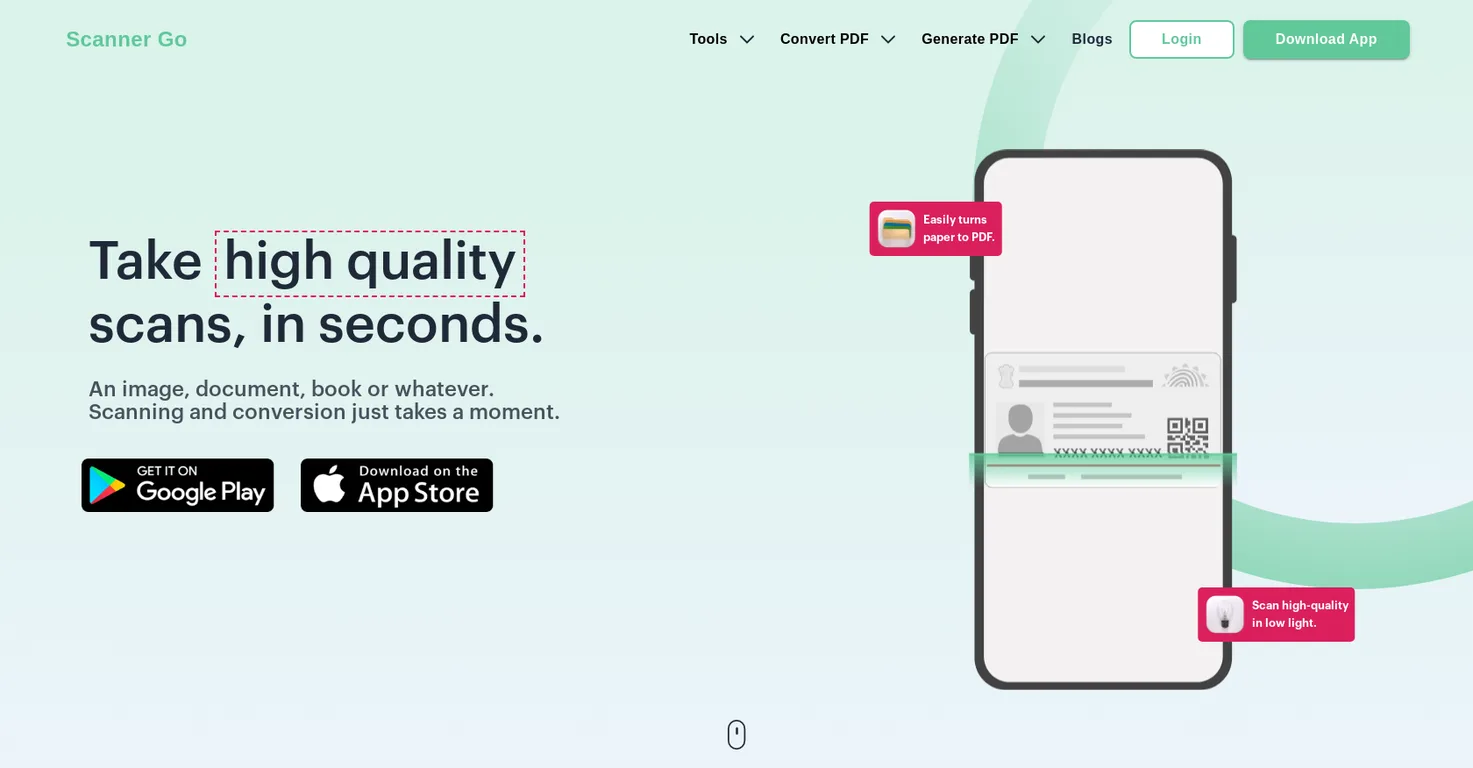
Common queries about ScannerGo answered
ScannerGo is a versatile PDF scanner application that specializes in converting paper to digital PDFs. It allows users to swiftly scan, transform, edit, and share PDF files with no fuss. ScannerGo includes features such as high-quality scanning even under poor lighting conditions, powerful OCR capabilities to extract text from PDFs and images, and convenient file management abilities. It ensures safe document storage in the cloud, accessible from any device at any time. Additionally, it encompasses other useful PDF tools like converting PDFs to Word, merging PDFs, compressing files, and more.
ScannerGo harnesses OCR (Optical Character Recognition) technology to extract text from PDFs and images. This advanced function enables users to convert the extracted text into editable text formats, perfect for content modification or reproduction.
Real ratings and feedback from the community
Be the first to share your rating and comments for this AI tool!
How ScannerGo stacks up against top competitors
| Feature | ScannerGo | TapScanner | Scanboy | ScanRelief |
|---|---|---|---|---|
| Rating | ★ 3 | — | — | — |
| Pricing Model | freemium | freemium | freemium | free_trial |
| API Access | No | No | No | No |
| Open Source | No | No | No | No |
| Link | Visit Website | Visit Website |
Explore similar AI tools in this category
TapScanner is mobile scanning software that lets users scan, edit and share high-resolution images and documents. It utilizes advanced artificial intelligence technologies to enhance scanned images an

ScanRelief is an AI-powered tool that focuses on simplifying receipt and invoice processing by converting receipt files into an Excel sheet and renaming the files with relevant information from the re
Yes, ScannerGo is designed to deliver high-quality scans even in low-light conditions. This ensures users can digitize their documents wherever and whenever needed, without being restricted by poor lighting situations.
With ScannerGo, saving your documents to the cloud is straightforward with its dedicated save-to-cloud feature. This functionality guarantees safe file storage and enables access from any device at any time, providing both convenience and data safety.
Yes, after scanning documents with ScannerGo, users can directly manage and edit them within the app. This feature enhances the app's offerings by providing a one-stop solution for document handling.
Indeed, ScannerGo supports the conversion of PDFs to Word files. This feature caters to users who might need to manipulate or refine the content contained in a scanned PDF document within a Word processor.
Yes, ScannerGo includes an easy-to-use PDF merger tool. Users can combine PDFs in their chosen order, making it convenient to collate multiple documents into one comprehensive file.
Certainly, ScannerGo has a dedicated tool for compressing PDF files. This feature is especially useful when needing to reduce file size for easier sharing or to save storage space while maintaining the PDF's quality.
To use the one-tap scanning feature on ScannerGo, all that's needed is to tap once on the scan button within the app. This will immediately activate the scanning process for documents, images, books, or anything that needs digitizing.
ScannerGo is a free application that offers an array of tools for document scanning, conversion, and management. Despite being free-of-cost, it offers powerful features typically found in premium applications.
ScannerGo can be downloaded from the Google Play Store and the Apple App Store. Links to both of these platforms are available on their website for direct download and installation.
Yes, ScannerGo features a printing tool within the app itself. This allows users to directly manage, edit, and print their documents straight from within the app, providing a comprehensive document management solution.
Absolutely, ScannerGo is more than just a scanning and converting tool. It boasts a range of PDF tools including transforming PDFs to multiple formats (like Word and Excel), merging PDFs, compressing files, and more. These features supplement its primary scanning function by providing extended PDF manipulation capabilities.
Absolutely, direct sharing of PDFs is possible within the ScannerGo app. This feature, coupled with editing, printing, and storage, makes it a complete tool for boosting daily productivity.
Yes, among its comprehensive list of features, ScannerGo allows for the conversion of zipped format files to PDFs. This makes it possible to convert and compress larger or multiple files for more streamlined sharing and storage.
ScannerGo allows you to extract data from your PDFs directly to a spreadsheet. This is done through its 'PDF to Excel' feature, which pulls out data from inside the PDF file and organizes it neatly in a spreadsheet format.
ScannerGo has a specialized tool for compressing files that cleverly reduces the size of your PDFs without compromising their quality. It employs smart algorithms that methodically compact the file data, ensuring the end product retains its original clarity despite being a smaller size.
On their website, there's no explicit information indicating a limit to the number of documents you can scan using ScannerGo. It's assumed that users can scan as many documents as they want, given sufficient device storage.
Yes, ScannerGo's OCR technology enables text extraction from PDFs and images. Once the OCR process is complete, the extracted text can then be converted into editable text formats, offering versatility and convenience in document conversion.
Yes, ScannerGo provides the functionality to convert JPEG images directly into PDFs. With this feature, users can convert and save their images as PDF documents, making sharing, editing, and storing them much simpler.
| Visit Website |
| Visit Website |


