

RelayerLearning assistance AI Tool
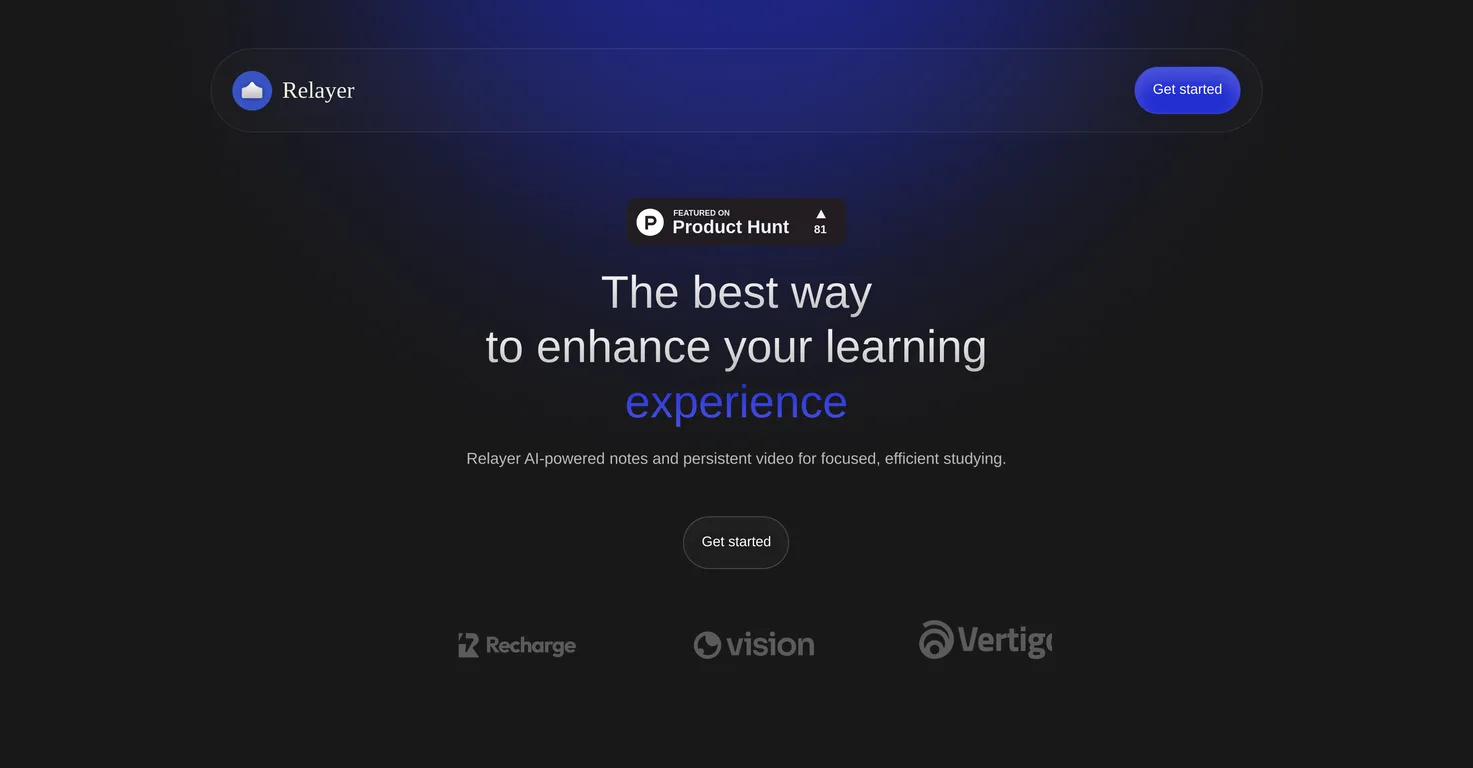
Enhance your learning with AI-powered notes and persistent video.
Learning assistance0
Enhance your learning with AI-powered notes and persistent video.
Overall
Average of 1 data signal below
3 of 4 content areas filled (features, FAQs, pros/cons, description)
This score is calculated automatically from this listing's available data (community rating, capabilities, pricing transparency, and documentation). It is not a paid or sponsored review.
Pricing & Model
paid
Open Source & API
Proprietary
No Public API
Foundational Model
Proprietary Engine
Key Integrations
Web App Only
Common queries about Relayer answered
Relayer is an AI-powered tool designed specifically to enhance the learning process. It includes features such as AI note-taking and video viewing to make study sessions more efficient.
The key feature of Relayer is its AI-powered note-taking. This feature simplifies the capturing of key points from video lessons, thus eliminating the need for manual transcription.
Relayer's AI note-taking feature works by automatically capturing and transcribing key points from video lessons. It leverages artificial intelligence to extract essential information, thus relieving users from the task of manual transcription.
Real ratings and feedback from the community
Be the first to share your rating and comments for this AI tool!
How Relayer stacks up against top competitors
| Feature | Relayer | Learnbase | Ace It | PhotoSolve |
|---|---|---|---|---|
| Rating | ★ 3 | ★ 3 | — | — |
| Pricing Model | paid | freemium | unknown | unknown |
| API Access | No | No | No | No |
| Open Source | No | No | No | No |
| Link | Visit Website | Visit Website |
Explore similar AI tools in this category

Ace It is an AI-powered platform designed to streamline the creation, management, and delivery of engaging learning experiences. It helps businesses, educators, and content creators rapidly generate interactive lessons, quizzes, and summaries, enhancing efficiency and personalization in education and training.
Relayer enhances multitasking during video viewing with its always-on-top video player. This unique feature ensures that your video lessons are always in view, hence facilitating note-taking or other tasks without losing track of the content.
Relayer facilitates collaborative learning by allowing users to share notes, highlight important sections, and work concurrently in real-time. This makes Relayer a go-to option for group study sessions.
Yes, in Relayer you can easily share your notes. It enables collaboration among users by allowing them to share their AI-generated notes, fostering a seamless learning experience.
Relayer organizes notes automatically. The AI in the tool ensures that all notes are neatly arranged and accessible easily, allowing you to dedicate more time to actual learning rather than managing your notes.
Yes, you can access Relayer on multiple devices. The tool supports cross-platform accessibility, meaning you can reach your notes and videos from any device including computers, tablets, and phones.
Relayer aims to improve study efficiency by automating and simplifying note-taking from video lessons, organizing your notes automatically, and allowing seamless collaboration. These features reduce the time spent on non-learning activities and maximize your study time.
Yes, Relayer supports real-time collaboration. It allows you to work together with peers in real-time, share notes and highlight important sections contributing to an intuitive, collaborative learning experience.
The 'always-on-top' feature in Relayer is an innovative video player that keeps your video lessons in view at all times. It's designed to ensure you never lose track of your content while taking notes or multitasking.
You can access your notes and videos in Relayer across multiple devices. The information is synchronized across your computer, tablet, or phone, ensuring that you have access to your study materials from any device.
No, manual transcription is not needed in Relayer. It employs AI to handle the heavy lifting of capturing key points from your video lessons, thus bypassing the need for manual note-taking.
The AI in Relayer enhances your learning experience by automating the note-taking process from video lessons, organizing your notes, and facilitating collaborative learning. These AI-driven features transform your studying into a more efficient and enjoyable experience.
Yes, Relayer is suitable for group learning. It fosters collaboration by allowing users to share notes, highlight crucial sections, and work together in real-time, making it an ideal tool for group learning scenarios.
In Relayer, you can highlight important sections while taking notes. This feature enables you to underline crucial information during your study sessions putting emphasis on key learning points.
Yes, Relayer supports note-taking for video lessons. Its AI-powered note-taking facility is designed to capture key points from video lessons, thus completely removing the burden of manual transcription.
Yes, with Relayer, you can view your video lessons while taking notes. The tool provides an always-on-top video player that keeps your video lessons in view at all times, enabling continuous viewing while making notes.
Yes, you can use Relayer on your phone. It offers multi-device support, which means you can access your notes and educational videos from any device, including your phone.
Yes, Relayer keeps your learning synchronized across devices. It allows accessing of learning materials - notes and videos - from your computer, tablet, or phone, thus ensuring you can study anytime, from anywhere.
| Visit Website |
| Visit Website |

PhotoSolve is an AI-powered tool designed to help students learn by providing solutions to their math problems using images of handwritten or printed equations.

Lovable
Lovablev2.2 turns your app ideas into live web apps instantly with AI and simple prompts-no coding required for fast MVPs and prototypes.


