

Read HighlightsMeetings AI Tool
Improved meeting productivity and wellness.
MeetingsFree + from $15/mo
Improved meeting productivity and wellness.
Overall
Average of 2 data signals below
Basic pricing published
3 of 4 content areas filled (features, FAQs, pros/cons, description)
This score is calculated automatically from this listing's available data (community rating, capabilities, pricing transparency, and documentation). It is not a paid or sponsored review.
Pricing & Model
freemium
Free + from $15/mo
Open Source & API
Proprietary
No Public API
Foundational Model
Proprietary Engine
Key Integrations
Web App Only
Free + from $15/mo
See full pricing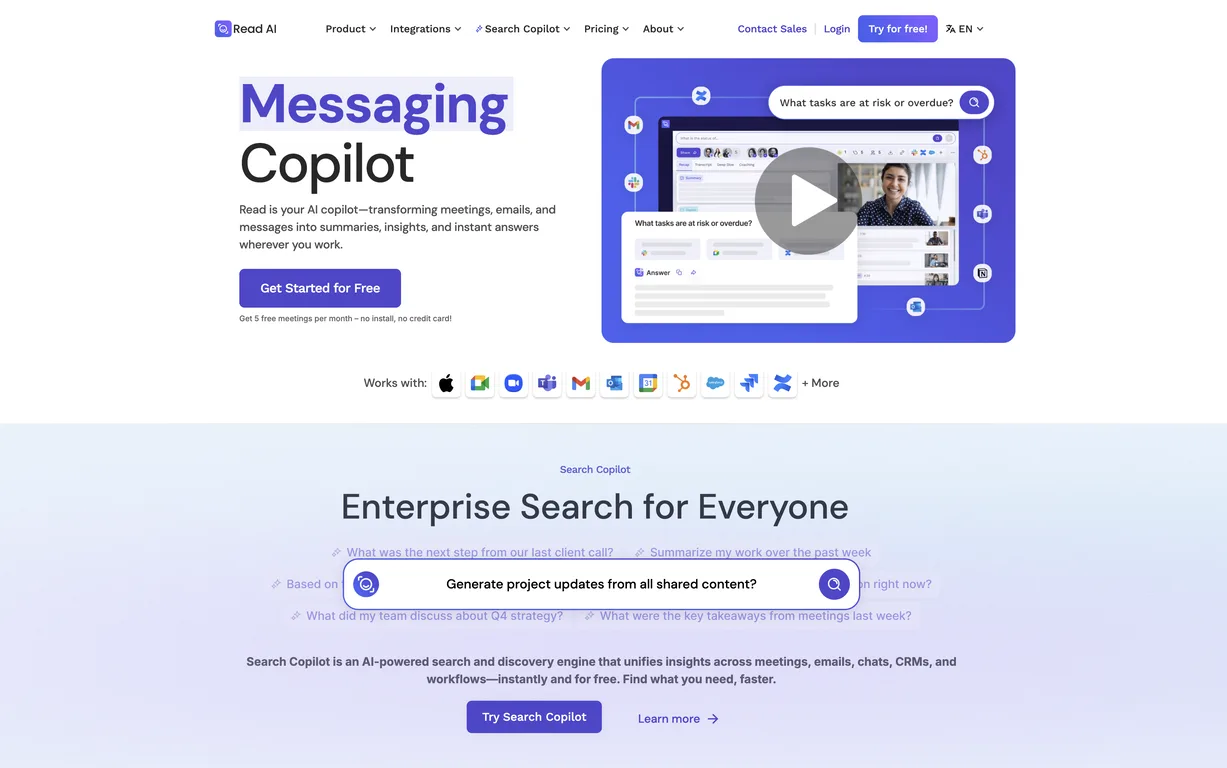
Common queries about Read Highlights answered
Read employs AI power to maximize meeting productivity. Its suite of features improves scheduling, provides real-time analytics, generates useful summaries, transcriptions, and promotes actionable recommendations. It also offers a meeting Navigator, assistant, and the option of playback & transcriptions. Ensuring efficient communication, note-taking and overall team efficiency are among the ways through which Read improves meeting productivity.
Read offers numerous unique features including its intelligent scheduling, dashboard analytics, real-time transcriptions, and automated recommendations. The Read dashboard presents personalized meeting analytics. Automated recommendations are generated based on understanding trends across teams. The smart scheduling feature of Read prevents bad meetings from happening by allowing a preview of all meeting metrics. Read's unbiased programmable feedback integrates insights from millions of interactions to aid in decision-making.
Real ratings and feedback from the community
Be the first to share your rating and comments for this AI tool!
How Read Highlights stacks up against top competitors
| Feature | Read Highlights | Meeting Navigator | Timetics.ai | Zoom IQ |
|---|---|---|---|---|
| Rating | ★ 4.6 | ★ 3 | ★ 3 | — |
| Pricing Model | freemium | freemium | paid | freemium |
| API Access | No | No | No | No |
| Open Source | No | No | No | No |
| Link | Visit Website | Visit Website |
Explore similar AI tools in this category

Read's real-time analytics involve the use of personalized meeting data, collaboration insights, and automated coaching to optimize meeting outcomes. These analytics consider factors like conversation balance, participant reactions and overall engagement. Subjective visual cues, unlike common analytics tools, are also taken into account. This holistic evaluation aids in better understanding of the meeting dynamics and read the room effectively.
Read's automated recommendations function by studying the interaction dynamics from millions of data points across past meetings. Utilizing these insights, the AI provides concise and clear action items to improve meetings. The recommendations help in optimizing meetings for fewer attendees, higher engagement, and better outcomes. This continuous learning and recommending loop ensures that each meeting is more efficient than the previous one.
Read utilizes AI power to analyze the productivity of meetings and identifies inefficiencies. By providing real-time analytics, automated recommendations and transcription services, it pinpoints areas of meetings that can be made more efficient. On average, Read can identify up to 20 meeting hours a month that could be removed or eliminated, thereby significantly cutting down unproductive meeting time.
Read was selected as an Essential App by Zoom due to its high effectiveness in improving meeting productivity and wellness. Its integration features with existing platforms, ability to conduct real-time analytics of meetings, offer automated recommendations based on meeting content and manage meeting schedules, make it a valuable tool for Zoom's customer base. The decision also highlights the seamless compatibility between the two platforms.
Read integrates with several popular video conferencing and calendar solutions. This includes platforms like Webex, Zoom, and Teams. Such integration allows Read to work within existing workflows, providing a single source of truth about meeting productivity and efficiency. This aids in making the platform universally user-friendly and convenient.
Read doesn't merely present analytics, it provides clear, actionable feedback based on the data accumulated during meetings. It uses data from millions of interactions to provide unbiased, automated, and programmable feedback. The insights generated are not limited to what people say, but also takes into account visual cues for a comprehensive picture. Thus, it offers concise action items to improve existing and future meetings.
Read is compatible with multiple platforms, most notably Webex, Zoom, and Microsoft Teams. It integrates seamlessly with these platforms to provide a unified meeting management tool regardless of the preferred video conferencing solution by the user.
Read provides a suite of meeting tools that can be used at various stages of a meeting. Before meetings, it aids in efficient scheduling, prepping for the agenda items and participants. During the meeting, it offers features like real-time analytics and meeting navigation to steer towards better outcomes. After the meeting, Read provides features such as summaries, transcriptions, and playback, ensuring follow-up tasks are easily managed and no insights are lost.
Read Meeting Tools & Metrics is a video conferencing app offering several tools such as personalized meeting analytics, collaboration insights, and coaching. These tools drive improved meeting outcomes. Additionally, the presence of features like playback and transcription aids in contextual understanding of participant reactions to conversation.
Read enhances team efficiency by adopting multiple ways. The smart scheduling feature prevents inefficient meetings, real-time analytics optimizes meeting time, and automated recommendations enable high engagement meetings. The transcription service offered by Read ensures no important points are lost, while playback ensures every participant is updated with the discussed points. These features prevent redundancy and improve overall team efficiency.
Read's Smart Scheduling feature optimizes the scheduling approach by considering meeting metrics even before they transpire. This feature assists in scheduling meetings with confidence, while concurrently preventing inefficient meetings from taking place. It allows users to view all meeting metrics without having to leave their calendar, offering a seamless scheduling experience.
Read has been featured in reputable media outlets such as Techcrunch and Adweek. These media features endorse the credibility and effectiveness of the tool in improving meeting productivity.
Yes, Read offers a 14-day free trial for its services allowing users to familiarize themselves with the features and assess their effectiveness in improving meeting productivity and wellness. The platform also provides a demo, further aiding potential users in understanding how the product operates and provides value.
Read aims for ‘meeting wellness’ in a hybrid work environment which is meant to reduce meeting hours, improve scheduling, promote team efficiency, and ensure balance in conversations. Meeting wellness stands for maximizing productivity and efficiency while reducing fatigue and incoordination. Read propagates meeting wellness through a number of its features including real-time analytics, transcriptions, playback, and automated recommendations.
Read uses its AI-powered capabilities to provide a transcription feature. After your meeting, the tool provides transcriptions of the meeting coupled with playback options. This not only helps to contextualize participant reactions but also ensures no important points from the conversation are lost. These transcriptions can then be used as a collaborative tool for follow-up actions or points of reference.
Absolutely, Read offers the feature of real-time annotations or notes during the meeting along with transcribing services after the meeting. These notes can be shared with the team, aiding in remembering and acting upon important points discussed during the meeting. It also provides a feature to playback the meetings where the notes can be reviewed in context.
The term 'single platform for meetings and interactions' means that Read provides a unified platform where every aspect of meeting management occurs. It integrates with preferred video conferencing and calendar solutions to provide a comprehensive tool that deals with every stage of a meeting - before, during, and after. Read thus becomes a sole source of truth, learning from all touchpoints and continuously improving meeting productivity.
Read identifies unproductive meeting hours through its cutting-edge real-time analytics, transcriptions, and automated recommendations. It studies the data gathered from millions of interactions and meetings to highlight areas of potential time wastage and unproductivity. By recognizing patterns of inefficient meetings, Read's AI can then suggest actionable improvements for future meetings. On average, it identifies up to 20 hours of unproductive meeting time each month that can be substantially reduced or completely eliminated.
| Visit Website |
| Visit Website |
Fliki
Compare Fliki's free and paid tiers to see how this text-to-video AI tool simplifies social media, blog-to-video, and content marketing production.


