

OneTake AIVideo editing AI Tool
Transform raw footage into professional presentations with a single click.
Video editingFrom $920
Transform raw footage into professional presentations with a single click.
Overall
Average of 2 data signals below
Basic pricing published
3 of 4 content areas filled (features, FAQs, pros/cons, description)
This score is calculated automatically from this listing's available data (community rating, capabilities, pricing transparency, and documentation). It is not a paid or sponsored review.
Pricing & Model
paid
From $92
Open Source & API
Proprietary
No Public API
Foundational Model
Proprietary Engine
Key Integrations
Web App Only
From $92
See full pricing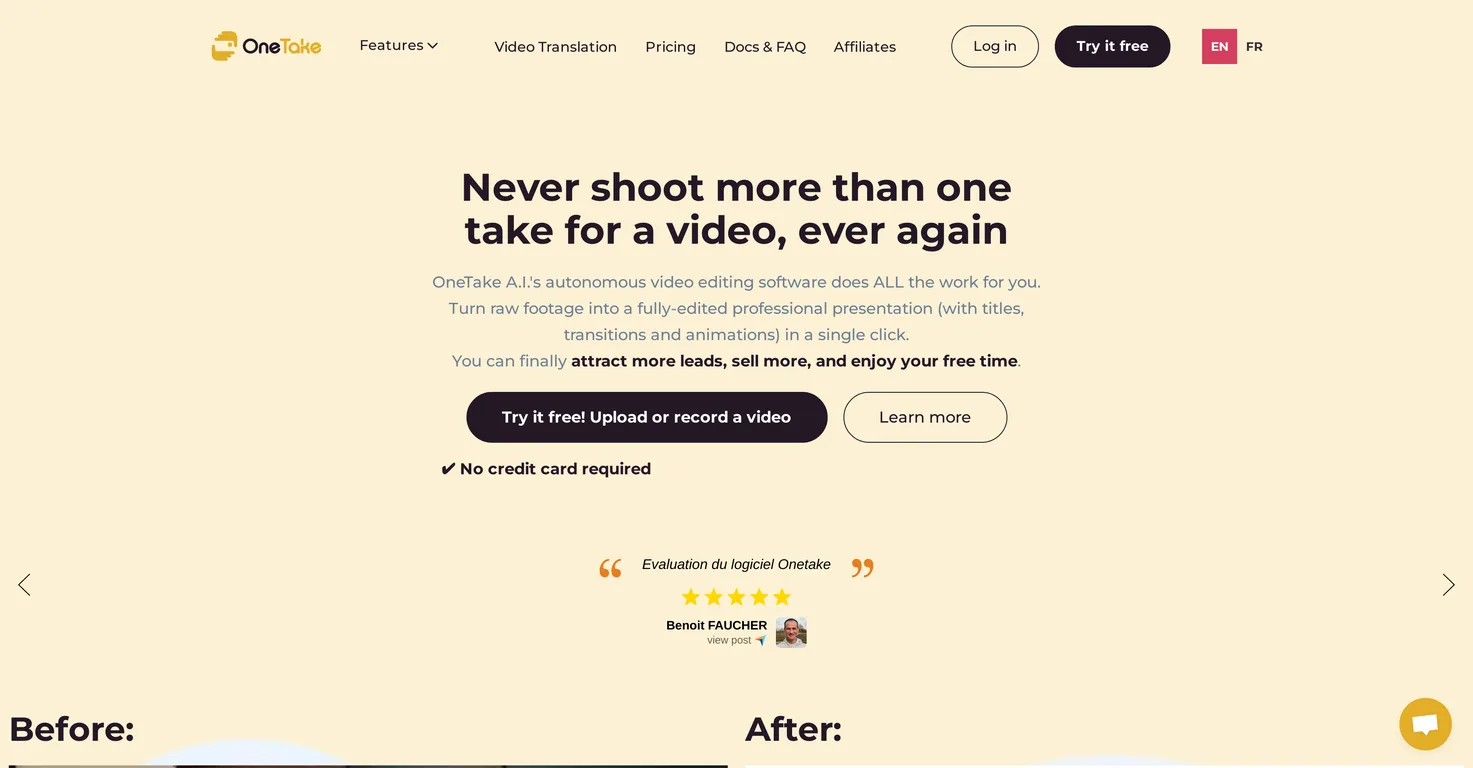
Common queries about OneTake AI answered
OneTake AI is an autonomous artificial intelligence tool designed specifically for video editing and translation. It is geared towards entrepreneurs and provides a range of features including content suggestions, scriptwriting, animations and transitions, various video styles, audio cleaning, search engine optimization writing, video export, podcast creation, and more. It transforms raw footage into professional presentations with just one click and handles translations, dubbing, and lip-syncing in various languages.
OneTake AI assists with video editing by autonomously transforming raw footage into professional presentations. With a single click, it can create polished videos complete with animations, transitions, and various video styles that match your individual brand. OneTake AI also cleans audio, removing background noises for crisp, strong voiceovers.
Real ratings and feedback from the community
Be the first to share your rating and comments for this AI tool!
How OneTake AI stacks up against top competitors
| Feature | OneTake AI | Vrew | Picsart | VideoProc Converter |
|---|---|---|---|---|
| Rating | ★ 3 | — | — | ★ 3 |
| Pricing Model | paid | freemium | Freemium | paid |
| API Access | No | No | No | No |
| Open Source | No | No | No | No |
| Link | Visit Website | Visit Website |
Explore similar AI tools in this category
OneTake AI uses artificial intelligence to analyze your best content and suggest new topics, themes, and outlines based on that. This allows you to continuously create content that aligns with your top-performing videos.
Yes, OneTake AI has an ability to write scripts in your own style. It leverages its artificial intelligence capabilities to understand and mimic your unique style for a consistent brand voice across your video content.
Yes, OneTake AI can create animations and insert transitions into your videos to highlight key points and hold viewer engagement. These features enhance the overall quality and professional look of your videos.
Yes, OneTake AI provides a variety of video styles to match your individual brand. These styles can be applied to your videos to ensure a consistent aesthetic that aligns with your brand identity.
Yes, OneTake AI supports vertical video formats. It has specific options for vertical videos that are suitable for numerous social media platforms, including TikTok, Instagram Reels, and YouTube Shorts.
OneTake AI promotes high audio quality by eliminating background noise. It processes the audio from your videos to produce clear, strong voiceovers, making your key messages stand out and ensuring your audience can hear your content clearly regardless of their listening environment.
Yes, OneTake AI offers advanced controls to adjust the AI editing settings according to your needs. This allows for personalized optimization of video editing for better control over your content.
Yes, OneTake AI can assist in writing social media descriptions and ads. Based on your video content, it can autonomously generate descriptions for YouTube videos, Facebook ads, and emails.
Yes, OneTake AI can transcribe your videos, turning even improvised speech into a professional presentation. This enhances accessibility and assists in content creation for multilingual audiences.
OneTake AI can export your videos to a variety of platforms, including YouTube, Vimeo, and LinkedIn, among others. It supports one-click export to universal MP4 format, making it easy to share your content across different platforms.
Yes, OneTake AI can help with creating podcasts. From your video content, OneTake AI can generate podcast-quality MP3s that you can export to platforms like Spotify, Apple Podcasts, Google Play, and Soundcloud.
Yes, OneTake AI provides a feature for easy video sharing. It creates a share page for each video, equipped with key moments and searchable transcriptions to facilitate efficient video sharing.
OneTake AI can be integrated with your website through powerful hosting. You can easily embed the videos on your site through the OneTake Video Player.
OneTake AI works with various types of raw footage for video editing. You can upload your raw footage from any source, and OneTake AI will autonomously edit it into a professional presentation, complete with titles, transitions, and animations.
Yes, OneTake AI can handle translations to multiple languages. Their advanced artificial intelligence not only translates the content but also ensures that dubbing matches the user's original lip movements and voice tone.
With OneTake AI, you can export your content to a variety of platforms. It supports one-click export to a universal MP4 format, which can be uploaded on platforms like YouTube, Vimeo, Facebook, LinkedIn, and more.
Yes, OneTake AI provides advanced controls that allow you to adjust the AI editing settings. This means you can tailor the AI's behavior to better meet your specific needs and preferences for each video editing project.
Yes, OneTake AI supports vertical video formats which are tailor-made for social media platforms. This ensures your videos are compatible with platforms like TikTok, Instagram Reels, and YouTube Shorts where vertical video content dominates.
| Visit Website |
| Visit Website |


