

MotionShotGuides AI Tool
Create and share informative walkthrough guides quickly.
Guidesfrom $7/mo0
Create and share informative walkthrough guides quickly.
Overall
Average of 2 data signals below
Basic pricing published
3 of 4 content areas filled (features, FAQs, pros/cons, description)
This score is calculated automatically from this listing's available data (community rating, capabilities, pricing transparency, and documentation). It is not a paid or sponsored review.
Pricing & Model
paid
from $7/mo
Open Source & API
Proprietary
No Public API
Foundational Model
Proprietary Engine
Key Integrations
Web App Only
from $7/mo
See full pricing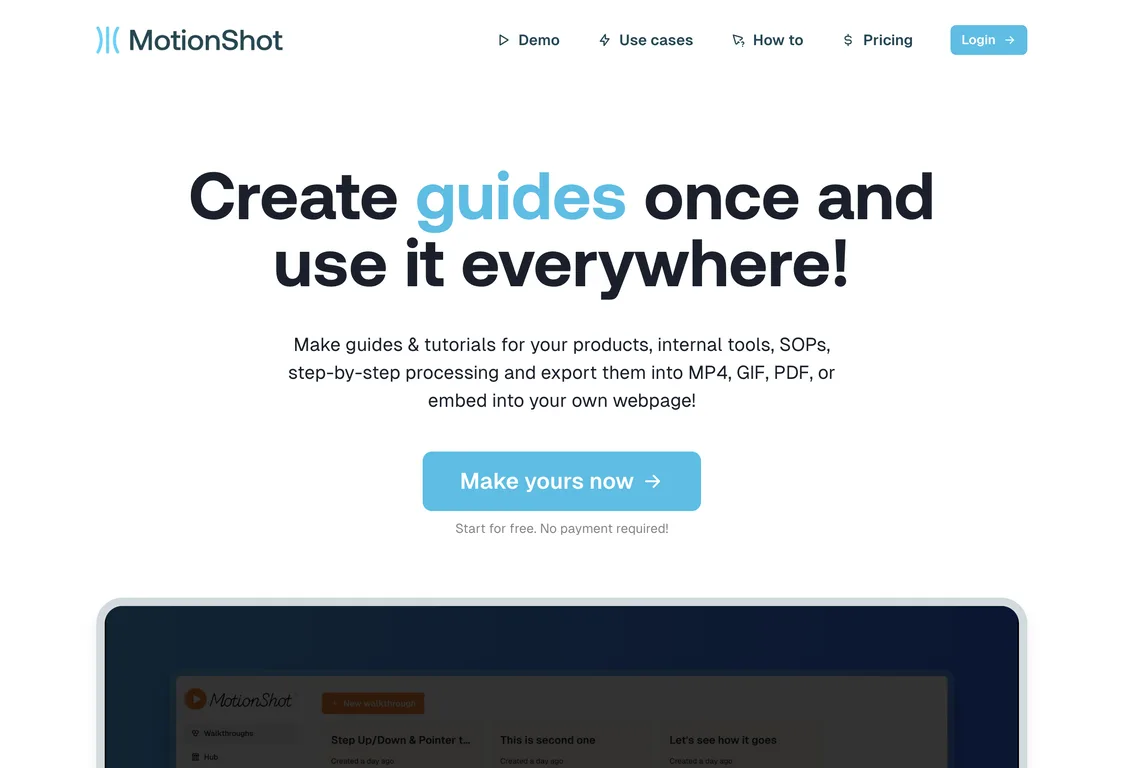
Common queries about MotionShot answered
MotionShot is a tool designed to create detailed walkthrough guides with screenshots for browser-based operations. These guides or tutorials can be created for various purposes including products, standard operating procedures (SOPs), or internal tools.
MotionShot functions by allowing users to create and build step-by-step guides. The process involves capturing screens and clicks automatically with a Chrome extension, saving users from manually taking screenshots. Users can also annotate screenshots, customize colors, and provide guide details like title, description, and Call-to-Action. The completed guide can be exported in multiple formats or embedded directly into webpages.
Real ratings and feedback from the community
Be the first to share your rating and comments for this AI tool!
How MotionShot stacks up against top competitors
| Feature | MotionShot | Guidde | Guideless | Supademo |
|---|---|---|---|---|
| Rating | ★ 3 | ★ 3 | — | ★ 3 |
| Pricing Model | paid | freemium | unknown | freemium |
| API Access | No | No | No | No |
| Open Source | No | No | No | No |
| Link | Visit Website | Visit Website |
Explore similar AI tools in this category
Yes, MotionShot enables the creation of walkthrough guides for any browser-based operation.
With MotionShot, you can export your walkthrough guides in various formats such as MP4, GIF, PDF, or embed them directly into a webpage.
The Chrome extension feature in MotionShot aids in automatically capturing screens and clicks as you walk through any page on Chrome, thereby simplifying the tutorial creation process.
Yes, MotionShot may be employed for help desk support. It assists in creating comprehensive guides, which can reduce support tickets and customer service inquiries, consequently saving cost.
MotionShot proves beneficial during employee onboarding by enabling the creation of clear, step-by-step resources that can simplify the knowledge transfer process.
Yes, MotionShot offers customization options for tutorial guides. It enables users to annotate the screenshots, customize colors, and provide a title, description, and Call-to-Action details.
Yes, using MotionShot, you can include the walkthrough guide on your landing page or share it with customers through a shareable link.
A MotionShot Hub is an option for creating a public collection of guides. This can function as a help desk for your customers or employees.
Yes, MotionShot offers both free and paid subscriptions. While the free version has limited capabilities, the paid subscription unlocks more advanced options and features.
No, only a paid subscription of MotionShot allows the generation of unlimited guides. The free plan comes with a guide generation limit.
MotionShot has various applications including help desk support, employee onboarding, content creation, and creation of product guides.
Yes, MotionShot possesses an automatic screen and click capturing feature through a Chrome extension, eliminating the need for manual screenshot capture.
Yes, MotionShot guides can be embedded directly into any webpage.
Yes, MotionShot allows users to add annotations to the screenshots while creating the guide.
Yes, MotionShot allows customization of guides such as changing colors, providing titles, and adding detailed descriptions.
Yes, well-structured guides created with MotionShot can reduce customer service enquiries and support tickets, leading to cost savings.
Yes. Once a guide is published on MotionShot, a shareable link is generated that can be shared with customers.
Yes, MotionShot includes an option to create a public collection of guides, known as a MotionShot Hub.
| Visit Website |
| Visit Website |


