

DottypostLinkedIn carousels AI Tool
Create beautiful LinkedIn Carousels swiftly.
LinkedIn carouselsfrom $9/mo
Create beautiful LinkedIn Carousels swiftly.
Overall
Average of 2 data signals below
Basic pricing published
3 of 4 content areas filled (features, FAQs, pros/cons, description)
This score is calculated automatically from this listing's available data (community rating, capabilities, pricing transparency, and documentation). It is not a paid or sponsored review.
Pricing & Model
free_trial
from $9/mo
Open Source & API
Proprietary
No Public API
Foundational Model
Proprietary Engine
Key Integrations
Web App Only
from $9/mo
See full pricing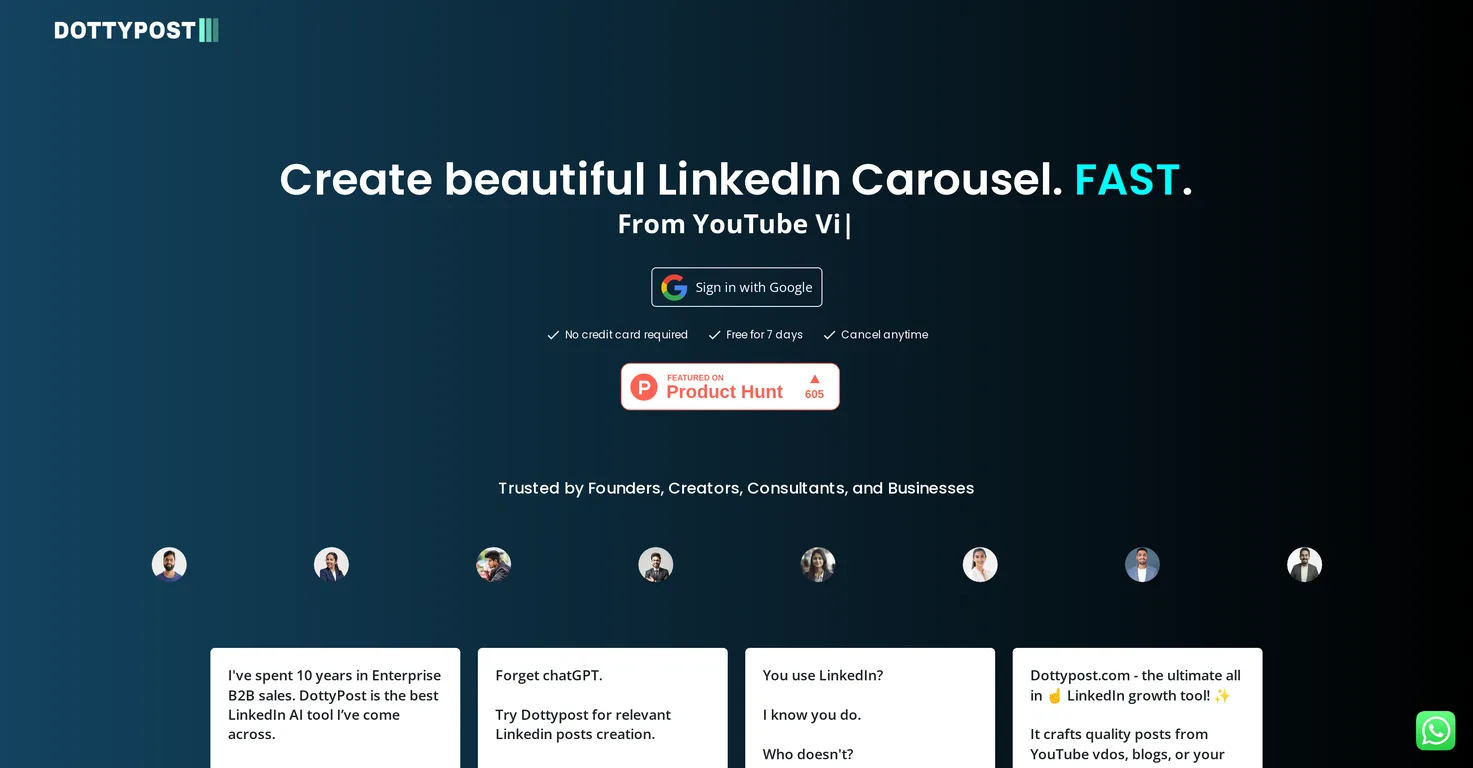
Common queries about Dottypost answered
Dottypost is an AI-powered tool that aids in optimizing LinkedIn content creation and augmenting brand visibility. Its functionalities include quick LinkedIn carousel creation from various sources, post scheduling automation, queue and draft management, high fidelity previews, AI-generated posts, and chat assist functionality powered by GPT-4. It is also built for team collaboration and is integrated tightly with the LinkedIn platform using official APIs.
Dottypost optimizes LinkedIn content creation in several ways. It accelerates the production of LinkedIn carousels by sourcing material from different locations such as YouTube videos, blogs, or particular topics. It allows users to conveniently save and repurpose content, and also features AI-generated posts for rapid content creation. It helps automate post scheduling and includes management tools for queues and drafts.
Real ratings and feedback from the community
Be the first to share your rating and comments for this AI tool!
How Dottypost stacks up against top competitors
| Feature | Dottypost | Carousel generator | LinkedIn Carousel Generator by 2PR | Lumeo |
|---|---|---|---|---|
| Rating | ★ 3 | — | — | — |
| Pricing Model | free_trial | free_trial | unknown | unknown |
| API Access | No | No | No | No |
| Open Source | No | No | No | No |
| Link | Visit Website | Visit Website |
Explore similar AI tools in this category

Lumeo is an AI-powered video analytics platform enabling real-time monitoring, analysis, and response to events from existing camera infrastructure. It offers a flexible, low-code environment to build and deploy custom AI models for security, safety, and operational insights.

LinkedIn carousels in Dottypost refer to a type of content format designed for LinkedIn that allows for engaging storytelling through a series of swipeable cards or slides. Dottypost enables users to create these carousels swiftly and conveniently as part of their content generation process.
Yes, Dottypost is capable of creating LinkedIn carousels from YouTube videos. It's a feature that allows users to transform a YouTube video into a carousel format suitable for LinkedIn posts.
With Dottypost, one can generate LinkedIn carousels from a variety of sources including blogs, specific topics, and YouTube videos. This enables a broad spectrum of content options for the user.
Dottypost fosters team collaboration by allowing multiple users to work together on the platform. This collaborative function enhances efficiency in content creation, scheduling, managing queues and drafts, and general LinkedIn post management.
Dottypost integrates seamlessly with official LinkedIn APIs. This ensures a tight reins on how the platform interacts with LinkedIn, resulting in an efficient and cohesive content creation and management process.
As part of its content assistance, Dottypost provides a library of over 10,000 viral posts. These posts serve as inspiration for users, aiding them in creating engaging and highly visible LinkedIn content.
Yes, users can leverage Dottypost to schedule their LinkedIn posts. The tool empowers users to automate their post scheduling and manage their content flow for optimal results and increased engagement.
'High fidelity previews' in Dottypost refers to the tool's ability to offer accurate, high-quality previews of the LinkedIn posts or carousels before they are published. This allows users to review and tweak their content for optimal design and messaging before it goes live.
Yes, Dottypost can generate posts using AI. The tool includes the functionality of AI-generated posts which enhances the speed of content creation. This feature, powered by modern AI technology, suggests post designs and content to help the user.
The GPT-4 chat assist functionality in Dottypost is a feature that utilizes AI to provide users with additional support during their content creation process. It offers guidance, suggestions, and even automated tasks to improve the user experience.
Dottypost enhances a brand's visibility on LinkedIn by optimizing the content creation process and offering a library of viral posts for inspiration. With its AI-powered toolset, Dottypost ensures that the created content is engaging, visually appealing, and optimized for visibility on the LinkedIn platform.
Founders, creators, and startups seeking to improve their LinkedIn engagement and build a larger, more engaged audience can benefit the most from using Dottypost. Its suite of tools designed for LinkedIn content optimization and brand visibility enhancement is ideally suited for these groups.
Yes, Dottypost allows users to save and repurpose content. This functionality adds to the efficiency of the content creation process by enabling users to reuse their best materials and consistently maintain a high level of engagement on their posts.
Dottypost allows users to manage their content workflow through queues and drafts. Users can organize their posts based on their publishing schedules which can be adjusted as needed. The draft feature allows users to save their unfinished posts and continue working on them at their convenience.
Yes, Dottypost does offer a free trial. New users can use the platform free of charge for a period of 7 days.
No, a credit card is not required to sign up for Dottypost. It enables potential users to enroll without the need for upfront payment information.
There are no cancellation charges for Dottypost. Users can cancel their Dottypost subscription anytime during the usage period.
Yes, Dottypost can convert YouTube videos into LinkedIn posts. It has a unique feature that transforms YouTube videos into an engaging carousel format tailored for LinkedIn.
| Visit Website |
| Visit Website |
Fliki
Compare Fliki's free and paid tiers to see how this text-to-video AI tool simplifies social media, blog-to-video, and content marketing production.


