

Code SenseiCode explanations AI Tool
Annotate code line by line in natural language.
Code explanations0
Annotate code line by line in natural language.
Overall
Average of 1 data signal below
3 of 4 content areas filled (features, FAQs, pros/cons, description)
This score is calculated automatically from this listing's available data (community rating, capabilities, pricing transparency, and documentation). It is not a paid or sponsored review.
Pricing & Model
paid
Open Source & API
Proprietary
No Public API
Foundational Model
Proprietary Engine
Key Integrations
Web App Only
Common queries about Code Sensei answered
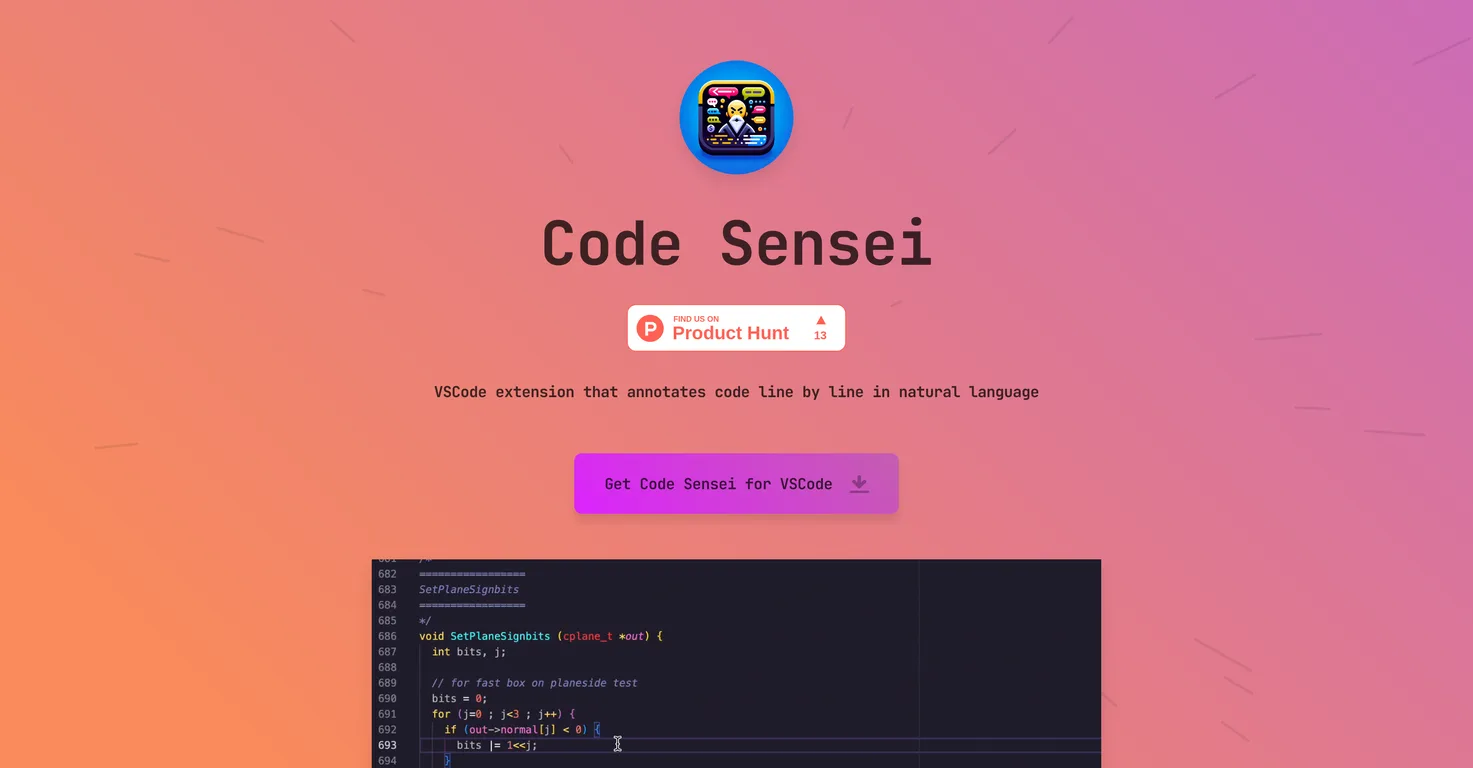
Code Sensei is a Visual Studio Code (VSCode) extension that annotates code in natural language. It is designed to break down and explain code line by line, making it easier to understand, particularly for less experienced developers or those seeking to better understand complex sections of code.
The main function of Code Sensei is to annotate code line by line using natural language. This offers detailed and easily understandable explanations of the code.
Code Sensei works by annotating code in an organized sequence, breaking it down line by line and explaining it in natural language. This helps to simplify complex sections or detailed intricacies of the code.
Real ratings and feedback from the community
Be the first to share your rating and comments for this AI tool!
How Code Sensei stacks up against top competitors
| Feature | Code Sensei | Driver AI | CodeChat | Jetbrains IDE Plugin |
|---|---|---|---|---|
| Rating | ★ 3 | ★ 3 | — | — |
| Pricing Model | paid | paid | freemium | freemium |
| API Access | No | No | No | No |
| Open Source | No | No | No | No |
| Link | Visit Website | Visit Website |
Explore similar AI tools in this category
Code Sensei can be notably useful for programmers by providing them with detailed explanations of complex code sections, improving their understanding of code intricacies, and offering insights during the code review process.
The benefits of Code Sensei for less experienced developers are manifold. It offers a platform where they can study and understand existing code in an easily digestible manner. The explanations provided in natural language help them to grasp complex concepts more comfortably.
Code Sensei can be used in training courses and online schools to teach programming through practical code interpretation. The code annotations can enrich teaching content by making programming languages more understandable and approachable for students.
Yes, Code Sensei can function as a custom solution for your educational platform. By translating complex code language into a more approachable natural language, it can enhance the learning experience for students.
Code Sensei offers the advantage of making programming languages more approachable for students by breaking down the code into more understandable pieces and providing comprehensible explanations in natural language. This facilitates the learning process and helps students to grasp the intricacies of various programming languages.
Code Sensei for VSCode can be downloaded from the VSCode marketplace. The download link is available on their website.
In Code Sensei, natural language code annotations refer to the process of explaining code line by line using simple, non-technical language. It makes the code easier to understand, especially for beginners or those not familiar with the particular programming language.
Code Sensei assists in code reviews by providing clear and comprehensive annotations of every line of code. This allows peers to easily understand the underlying logic, the use of different functions, and the overall functionality of the code.
Yes, Code Sensei can help you understand complex code sections by breaking them down and explaining them line by line in natural language.
Code Sensei is designed to annotate every line of code, providing detailed explanations in natural language to help improve understanding of the code.
No, Code Sensei isn't solely for individual developers. While it does benefit developers by assisting code understanding, it can also be a valuable tool for training courses and online schools, providing a practical approach to teaching code.
Yes, Code Sensei is designed to enhance code education. It explains code line by line in a more understandable language, allowing you to learn from existing code and improve your code comprehension.
Yes, Code Sensei provides a platform to study existing code. Its functionality of breaking down and annotating code line by line in natural language provides educational benefits, particularly for less experienced developers.
Code Sensei makes programming languages easier to understand by breaking down each line of code and explaining it in natural language. This simplifies complex sections and provides more graspable explanations for intricate details of the code.
You can use Code Sensei in your online school by integrating it into your teaching materials. The tool can assist in breaking down complex code into understandable parts offering students a practical way to understand and learn coding.
Yes, Code Sensei is a tool for code breakdown. It processes each line of code, explaining its function, logic, and purpose in natural language.
Code Sensei helps junior developers increase their code comprehension by translating complex elements of code into more understandable segments. The tool provides a learning platform for studying existing code in an easily comprehensible manner.
| Visit Website |
| Visit Website |

Lovable
Lovablev2.2 turns your app ideas into live web apps instantly with AI and simple prompts-no coding required for fast MVPs and prototypes.


