

AudiostripMusic editing AI Tool
Remove or isolate vocals from any song!
Audiostrip Listing Score
Auto-calculatedOverall
Average of 2 data signals below
Basic pricing published
3 of 4 content areas filled (features, FAQs, pros/cons, description)
This score is calculated automatically from this listing's available data (community rating, capabilities, pricing transparency, and documentation). It is not a paid or sponsored review.
Capabilities & Key Tasks
Atomic Answer Block (Fact Checked)
Pricing & Model
freemium
Free + from $7.59/mo
Open Source & API
Proprietary
No Public API
Foundational Model
Proprietary Engine
Key Integrations
Web App Only
About Audiostrip
Audiostrip Pricing
Free + from $7.59/mo
See full pricing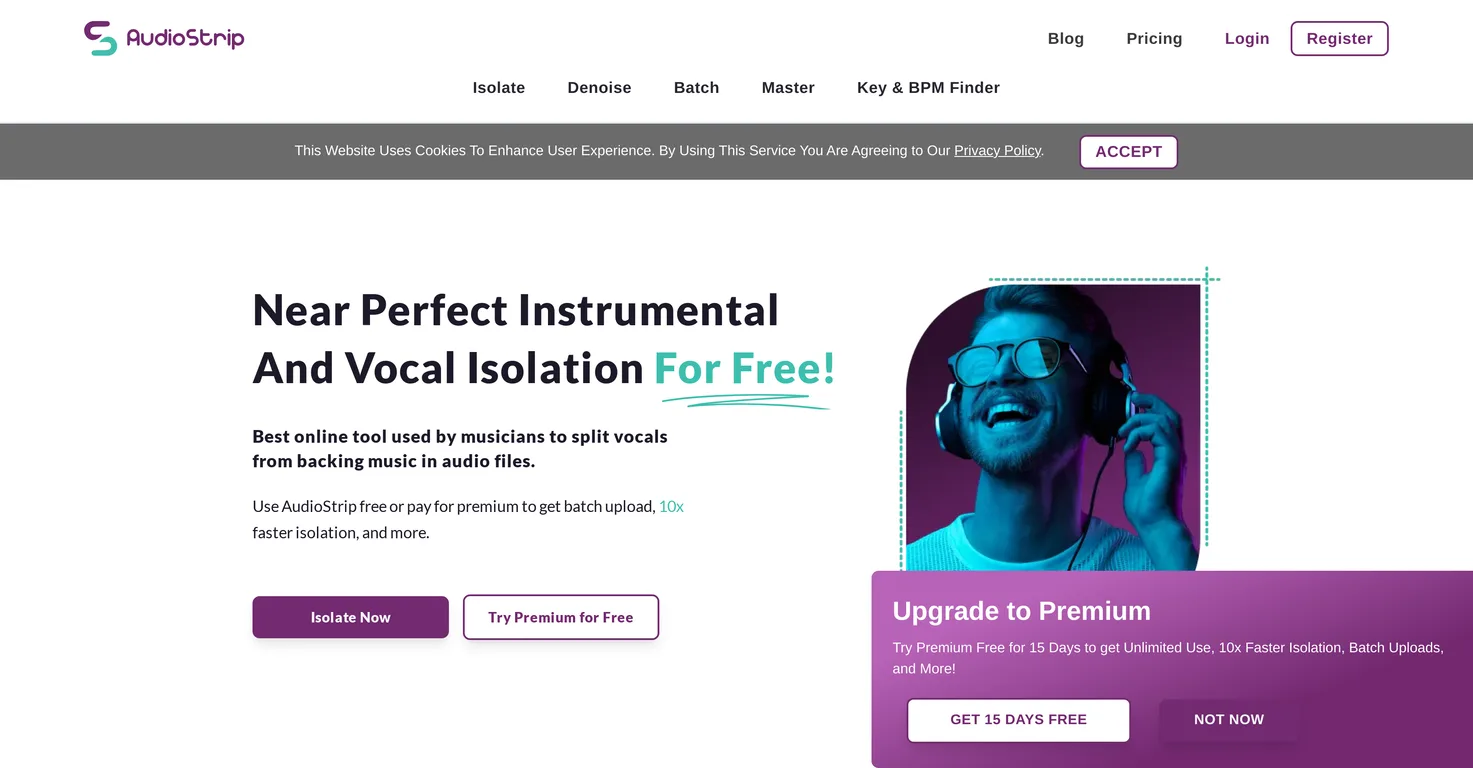
Pros
- Highest quality algorithms
- Free usage
- Simple and intuitive UI
- Batch isolation feature
- Transcription option
- Mastering feature
- Recommended by industry professionals
- Free premium subscription access
- Various output formats support
- User-friendly website
- Error messages for better understanding
- Precision in isolation tasks
- Doesn't require downloads or installation
- Available on all browsers
- Music remixing features
- Supports karaoke uses
- Easy to upload songs
- Create vocal-free instrumental tracks
- Remove bass and drums features
- Processing pause function
Cons
- Lacks offline functionality
- Limited file output formats
- No direct integration with DAWs
- No noise reduction feature
- No mobile app available
- No collaboration features
- Requires JavaScript enabled
- Poor handling of complex songs
- Pro features require subscription
- Unclear error messages
Frequently Asked Questions
Common queries about Audiostrip answered
What is AudioStrip?
AudioStrip is an online tool that uses AI and deep learning techniques to isolate or remove vocals from any song. It is specifically designed for music producers, artists, and others in the music industry who need to isolate vocals. AudioStrip offers both individual and batch isolation, and provides features such as transcribing and mastering songs.
How does AudioStrip work?
AudioStrip works by leveraging sophisticated digital signal processing algorithms. These algorithms can dissect complex auditory information into distinct elements, thereby enabling the tool to separate the vocal component from a song. The result is a track either without vocals or with isolated vocals, depending on the user's requirement.
Is AudioStrip free to use?
Yes, AudioStrip is free to use. However, it also offers a premium subscription with additional features. The premium subscription can be activated for free by filling up a simple form provided on their website.
How can I use AudioStrip to remove vocals from a song?
To use AudioStrip for removing vocals from a song, you simply need to upload the song on their website. The software efficiently processes the audio and provides a track without the vocals.
What does AudioStrip mean by 'batch isolation'?
'Batch isolation' by AudioStrip refers to the ability to isolate vocals from multiple songs at once. This convenient feature helps save time by processing multiple tracks simultaneously.
What additional features does the premium subscription of AudioStrip offer?
The premium subscription of AudioStrip offers several additional features. Apart from higher performance, it also provides the option to remove bass and drums from the song. The subscription is compatible with multiple output formats as well.
How can I activate the premium subscription for free on AudioStrip?
To activate the premium subscription for free on AudioStrip, you need to complete a simple form provided on their website. This activation grants users access to enhanced features.
Is it possible to pause while processing files on AudioStrip?
Yes, AudioStrip provides a pause function while processing files. This feature allows users to momentarily stop the process if required.
Why might I see error messages while using AudioStrip?
Error messages on AudioStrip typically indicate that the files might not have isolated as expected. These messages help users understand any potential issues with the isolation process.
Can I use AudioStrip for instrumental track creation?
Yes, AudioStrip can be used for instrumental track creation. By removing the vocals from a song, AudioStrip allows users to obtain the instrumental part of the song exclusively.
Who are the target users of AudioStrip?
The target users of AudioStrip include music producers, artists, and other individuals in the music industry. It's also ideal for music enthusiasts, karaoke lovers, and DJs.
Why do I need to enable JavaScript to use AudioStrip?
JavaScript is required to use AudioStrip because the tool is web-based and utilises JavaScript for its functionalities. You need to enable JavaScript in your browser to use it.
Does AudioStrip work on all browsers?
Yes, AudioStrip works on any commonly-used browser, as long as JavaScript is enabled. Additional software download or installation is not required.
Why has AudioStrip been recommended by professionals in the music industry?
AudioStrip has been recommended by professionals in the music industry because it allows them to express their creativity in ways that were not previously possible. By isolating vocals, artists can use high-quality acapellas as placeholders while waiting for official stems, thereby facilitating their creative process.
Can I use AudioStrip for remixing songs?
Yes, AudioStrip can be used for remixing songs. By isolating the vocals or the instrumental parts of a song, users can manipulate these elements as per their requirements, thereby making it possible to create unique remixes.
How precise is AudioStrip in separating the vocal component from a song?
AudioStrip is highly precise in isolating the vocal component from a song. It uses advanced digital signal processing algorithms, which can dissect complex auditory data into distinct elements with high precision.
Are there any limitations while using the free version of AudioStrip?
While AudioStrip is available for free, some limitations might apply. Additionally, there may be premium features which are subject to change.
Can AudioStrip be used to extract isolated vocal tracks?
Yes, AudioStrip can be used to extract isolated vocal tracks. This feature is quite helpful for artists and music producers who need to use vocals separately for various purposes.
What are the additional features one can expect with AudioStrip?
AudioStrip continuously adds new features over time. Its current features include vocal isolation, batch processing, transcription, song mastering, and error messages that explain why files may not have isolated as expected. The premium subscription offers additional benefits such as higher performance, removal of bass and drums, and compatibility with multiple output formats.
Does AudioStrip require any software to be downloaded or installed?
No, AudioStrip does not require any software to be downloaded or installed. It is a web-based tool that operates via browsers with JavaScript enabled.
User Reviews
Real ratings and feedback from the community
No reviews yet
Be the first to share your rating and comments for this AI tool!
Direct Comparison Table
How Audiostrip stacks up against top competitors
| Feature | Audiostrip | TuneBlades | UndertonesAI | SkyMusic |
|---|---|---|---|---|
| Rating | — | ★ 3 | ★ 3 | — |
| Pricing Model | freemium | free_trial | paid | — |
| API Access | No | No | No | No |
| Open Source | No | No | No | No |
| Link | Visit Website | Visit Website | Visit Website | Visit Website |
Alternatives to Audiostrip
Explore similar AI tools in this category


Tool Details
Similar Tools

Fliki
Compare Fliki's free and paid tiers to see how this text-to-video AI tool simplifies social media, blog-to-video, and content marketing production.

Lovable
Lovablev2.2 turns your app ideas into live web apps instantly with AI and simple prompts-no coding required for fast MVPs and prototypes.

Vsub
Create faceless videos in seconds with AI

HeyGen
Business videos with custom avatars & voiceovers.