

AnySolveAITask automation AI Tool
Empowering you to create and automate complex tasks.
Task automationFree + from $1
Empowering you to create and automate complex tasks.
Overall
Average of 2 data signals below
Basic pricing published
3 of 4 content areas filled (features, FAQs, pros/cons, description)
This score is calculated automatically from this listing's available data (community rating, capabilities, pricing transparency, and documentation). It is not a paid or sponsored review.
Pricing & Model
freemium
Free + from $1
Open Source & API
Proprietary
No Public API
Foundational Model
Proprietary Engine
Key Integrations
Web App Only
Free + from $1
See full pricing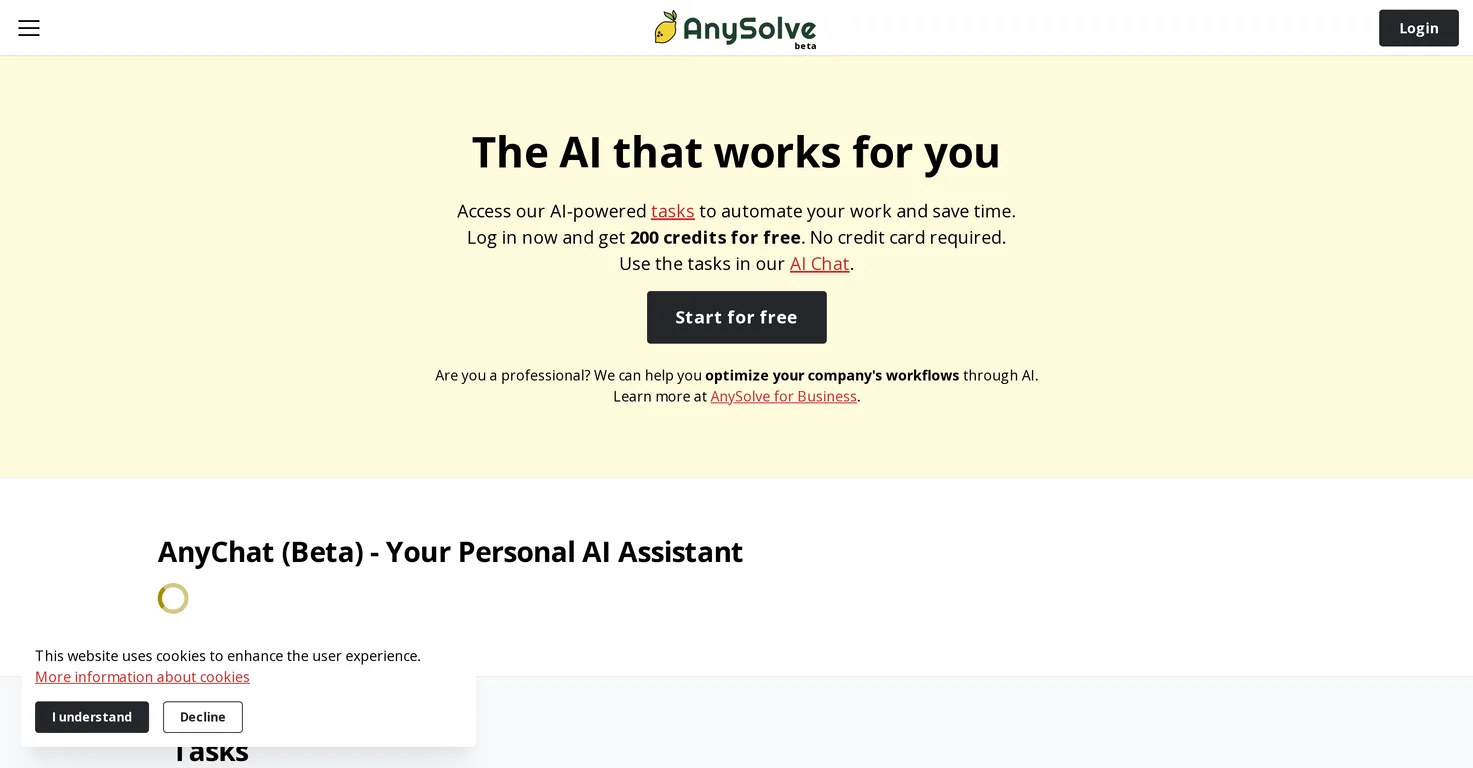
Common queries about AnySolveAI answered
AnySolve AI is an artificial intelligence system designed to automate and perform a wide variety of tasks with a focus on optimizing work. Its chief product, 'AnyChat', is an AI chatbot that aids users in carrying out diverse functions ranging from simple queries to executing complex procedural tasks. It also provides a community platform where users can share their AI tasks with others. The task creation module of AnySolve AI supports versatile AI tool development, creating everything from searchable document collections to answering exam questions. It generates various output formats and integrates with different AI solutions to enhance its functionality.
AnyChat, the AI chatbot part of AnySolve AI, allows users to ask questions or execute tasks that can range from simple inquiries to complex procedural tasks. AnyChat also enables users to run tasks shared within the AI community. This capability extends to a range of operations, such as googling precise data, providing website content descriptions, generating textual outcomes based on prompts, image retrieval and processing image-based text, intercommunication with other applications like Slack, creating data-based charts, and searching for customized information.
Real ratings and feedback from the community
Be the first to share your rating and comments for this AI tool!
How AnySolveAI stacks up against top competitors
| Feature | AnySolveAI | Hints | Bardeen | Autory |
|---|---|---|---|---|
| Rating | ★ 3 | — | — | ★ 3 |
| Pricing Model | freemium | free_trial | freemium | free_trial |
| API Access | No | No | No | No |
| Open Source | No | No | No | No |
| Link | Visit Website | Visit Website |
Explore similar AI tools in this category

With AnySolve AI, users can automate a wide range of tasks, such as creating a title from text, writing essays on specified topics, adding website content to searchable document collections, answering exam questions, and completing chat prompts using generative transformer large language models. Other sample task features include creating a bar chart representing the years served by American presidents and searching for news about the president of the United States.
Yes, AnySolve AI has a community-oriented approach that allows users to share their created AI tasks with others. This sharing promotes a cooperative environment enabling others to benefit from unique and diversely developed tasks.
With AnySolve AI's task creation module, users can develop a variety of AI tools. Users can design tasks that generate titles from the given text, write essays about a particular topic, add a website's content as a searchable document in a collection, answer exam questions and even complete conversational prompts using a generative transformer large language model.
AnySolve AI has the functionality to create searchable document collections from a variety of sources. For example, it can turn a website's content into a document and add it to a searchable collection. Moreover, AnySolve AI can add a document to a collection that can be queried, offering a robust and adjustable way for users to gather and retrieve information.
AnySolve AI holds a distinct feature of answering exam questions effectively. This function assists in the learning and educational process by leveraging its Q&A and academic capabilities. It doesn't simply provide the answers but works to solve and understand the question context.
The output format of AnySolve AI tasks is diverse. It has the ability to generate results in a range of formats including PDFs, charts and even AI-generated images. This flexibility ensures the data is accessible and usable in a variety of applications.
Tasks in AnySolve AI can be executed via a REST interface. Coupled with a Python library provided by AnySolve AI, making it easier for developers to integrate AnySolve's AI tasks into their existing applications or platforms.
AnySolve AI is designed to integrate with a variety of AI solutions. This array of integrated AI solutions is always expanding, representing a broad palette of AI features, and offering extensive capabilities to users.
AnySolve AI provides a special feature for professionals designed to optimize the workflow of companies through effective application of AI solutions. This can help in automating tasks, streamlining processes, and improving overall productivity. AnySolve AI features are flexible across various professions, be it journalism, marketing, software or app development, or prompt engineering.
Users can initially use AnySolve AI without any fees as it provides free credits for trial purposes, and does not require a credit card for the initial sign-up. However, for continued use beyond the trial period or the exhaustion of free credits, fee structures would apply as per provided pricing plans.
New users of AnySolve AI receive 200 credits for free upon their first login. These credits allow users to execute a variety of tasks to evaluate whether the platform suits their needs.
The Python library in AnySolve AI facilitates easy execution of tasks. It is part of the REST interface that AnySolve AI provides, enabling developers to easily execute AI tasks within their applications.
Yes, AnySolve AI has the capability to generate AI-created images. This function contributes to the wide diversity of output formats AnySolve AI can produce, meeting various user requirements and application contexts.
Yes, AnySolve AI contains a special feature targeted at professionals that aids in optimizing company workflows through effective application of its AI solutions. This capability can particularly be useful to businesses seeking to enhance their operating efficiency via task automation and streamlined operations.
No, AnySolve AI does not require credit card information upon sign-up. It provides new users with free credits, allowing them to trial its capabilities without initial financial commitment.
User-generated tools created with AnySolve AI can be shared within the AI community, fostering a collaborative environment. By sharing their creations, users can enable others within the AnySolve community to benefit from their unique tasks and tools, facilitating an exchange of ideas and solutions.
The task automation feature in AnySolve AI comprises the creation, execution, and automation of complex tasks. It empowers users to derive value out of extensive AI-powered tasks, run them as individual tasks or incorporate them in workflows for automation, streamlining processes, and achieving comprehensive work optimization.
Yes, AnySolve AI can generate results in various formats, including PDFs and charts. This diverse output capability enables a broad application of the task results and improves the accessibility and understandability of the generated data and information.
| Visit Website |
| Visit Website |
Fliki
Compare Fliki's free and paid tiers to see how this text-to-video AI tool simplifies social media, blog-to-video, and content marketing production.


