

aiPDFDocument Q&A AI Tool
Transform your PDF experience with AI power.
Document Q&AFree + from $9/mo
Transform your PDF experience with AI power.
Overall
Average of 2 data signals below
Basic pricing published
3 of 4 content areas filled (features, FAQs, pros/cons, description)
This score is calculated automatically from this listing's available data (community rating, capabilities, pricing transparency, and documentation). It is not a paid or sponsored review.
Pricing & Model
freemium
Free + from $9/mo
Open Source & API
Proprietary
No Public API
Foundational Model
Proprietary Engine
Key Integrations
Web App Only
Free + from $9/mo
See full pricing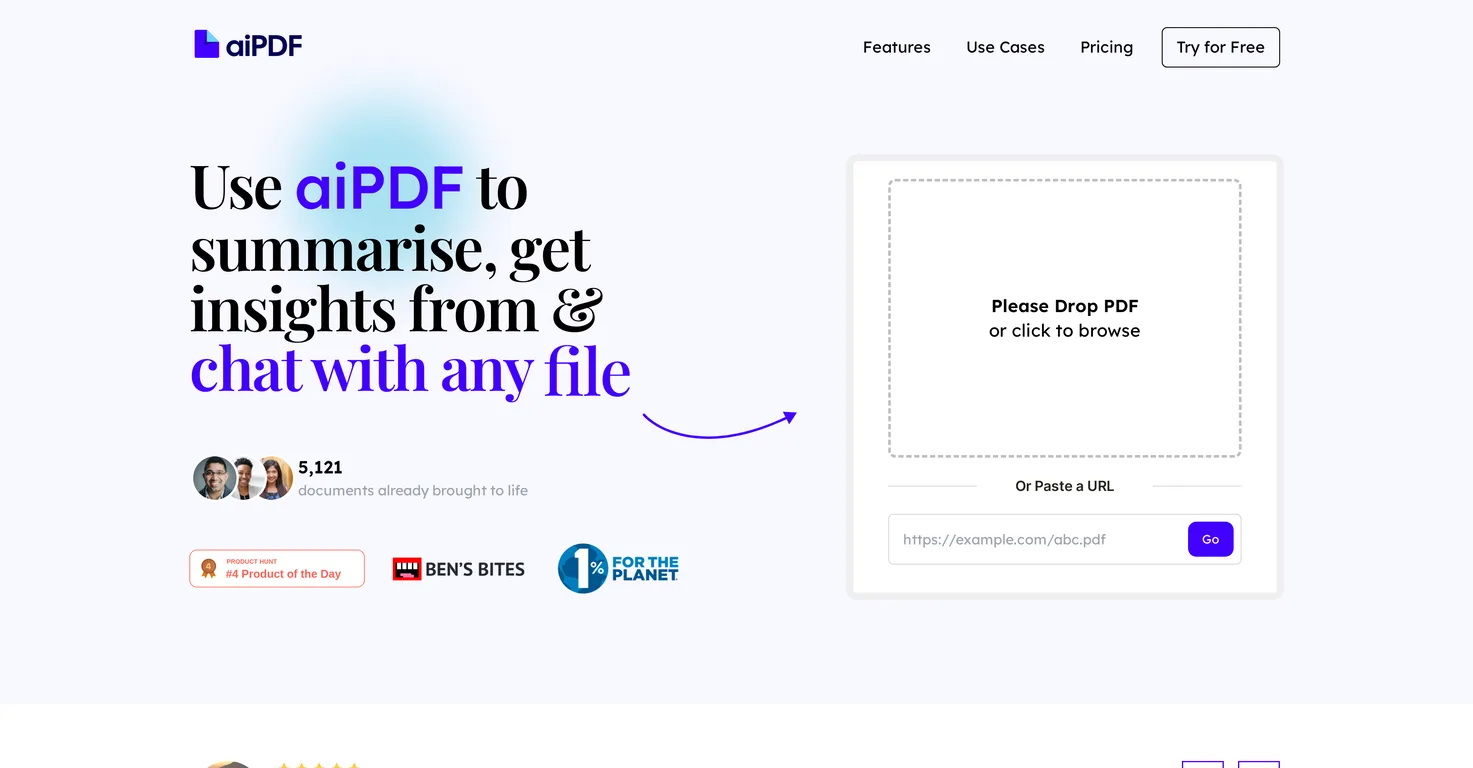
Common queries about aiPDF answered
aiPDF works with your PDF documents by allowing you to upload them to its online platform. Through its AI capabilities, aiPDF dives into these documents, extracting essential information, generating summaries, and enabling you to ask questions. It effectively transforms your PDFs into interactive and socially-engaging entities.
The summarization feature in aiPDF extracts the main points and critical information from the uploaded PDFs. It then condenses this data, providing you with a comprehensive, shortened version of the documents. This feature makes it more manageable and time-efficient to extract insights and make sense of substantial or complex readings.
Real ratings and feedback from the community
Be the first to share your rating and comments for this AI tool!
How aiPDF stacks up against top competitors
| Feature | aiPDF | Tenorshare | SearchMyDocs.ai | Zappr |
|---|---|---|---|---|
| Rating | ★ 3 | ★ 3 | ★ 3 | — |
| Pricing Model | freemium | Paid | paid | freemium |
| API Access | No | No | No | No |
| Open Source | No | No | No | No |
| Link | Visit Website | Visit Website |
Explore similar AI tools in this category

aiPDF makes PDF reading interactive by enabling users to engage with the document's content in a chat-like interface. You can ask questions relating to the document, to which aiPDF will provide precise and relevant answers sourced directly from the uploaded document. Thus, this tool transforms the traditionally passive act of reading PDFs into an active, dialogic process.
Yes, aiPDF can extract specific information from uploaded documents. Users can ask detailed questions about their documents, and the AI will provide the relevant answers. This feature makes it easy to find specific insights, details, or data without having to manually search through the entire document.
The responses given by aiPDF are highly accurate because they are directly sourced from the uploaded documents. For additional accuracy, the AI's responses are double-checked and backed by sources extracted from the uploaded materials. This process ensures precision and relevance in aiPDF's responses.
aiPDF ensures the security of your uploaded documents by treating them with utmost confidentiality. Only you have the key to your data vault, which ensures that your information stays securely yours. AiPDF promises its users that their document data is as safe as Fort Knox.
Yes, you are able to delete your documents from aiPDF's database anytime you wish. This feature gives users full control over their documents and data, offering them the assurance that their information privacy is respected.
The export feature in aiPDF allows you to extract the AI's responses generated from your interactions with your uploaded documents. This feature can be beneficial for numerous purposes, including referencing, research, or recording insights, thus aiding in knowledge management and productivity.
No, you don't need to download anything to use aiPDF. It operates fully online and only requires an internet connection and a web browser. This web-based nature eliminates the need for any downloads or installations, making it easy and convenient to use.
aiPDF supports environmental charities by integrating philanthropy into its business ethos. Specifically, it takes part in the global initiative 'One Percent for the Planet,' which is a network of businesses that accelerates environmental giving. By doing this, aiPDF contributes to the protection and restoration of the Earth.
aiPDF accepts a wide variety of document types. From academic essays and financial reports to messy documents and massive eBooks, aiPDF can handle them all. You can upload any document you wish to interpret, interact with, or extract insights from.
The number of documents you can upload to aiPDF varies depending on your subscription plan. Free users can upload two PDFs, while Dynamic users can upload 120 PDFs. Meanwhile, the Flagship plan offers unlimited PDF uploads.
The maximum size of a document you can upload to aiPDF also depends on your subscription plan. For Free users, the maximum PDF size is 15MB. Dynamic users can upload PDFs up to 25MB in size. Flagship users can upload documents up to 30MB in size.
While aiPDF does offer a free plan, it also has subscription plans that offer more extensive features. These include the Dynamic plan at $9/month and the Flagship plan at $19/month, both of which offer increased upload capacities, longer save durations, and more question allowances.
IDK
Yes, you can access aiPDF from any web browser. As an online tool, aiPDF only requires you to have an internet connection and doesn't require any downloads or installations, making it conveniently accessible from a multitude of devices.
aiPDF differentiates itself from other PDF tools by its multi-modal functionality, the ability to chat with documents, and its support for environmental charities. It goes beyond being a mere document management software to providing a dynamic interface for document interaction. Plus, aiPDF’s commitment to environmental philanthropy adds a unique value proposition.
aiPDF is indeed a good tool for academic research. It allows for instant summarization, extraction of specific information, and the ability to ask targeted questions about your uploaded documents. These features make it a powerful tool for research, helping to accelerate understanding and knowledge acquisition in academic contexts.
aiPDF can assist students in their academic endeavors by redefining their PDF experience. It allows students to upload any document, ask questions, extract details, and summarize extensive readings. This makes studying more efficient and engaging for students, helping them make the most out of their academic materials.
When providing responses, aiPDF uses a referencing system where the sources are directly extracted from the uploaded document. The responses are doubled-checked and are backed by these sources, ensuring the information is credible, traceable, and verifiable.
| Visit Website |
| Visit Website |
Fliki
Compare Fliki's free and paid tiers to see how this text-to-video AI tool simplifies social media, blog-to-video, and content marketing production.


