

AI Transcriptions by RiversideVideo transcription AI Tool
Transcribe audio and video in 100+ languages with just a few clicks!
Video transcriptionFree + from $15/mo
Transcribe audio and video in 100+ languages with just a few clicks!
Overall
Average of 2 data signals below
Basic pricing published
3 of 4 content areas filled (features, FAQs, pros/cons, description)
This score is calculated automatically from this listing's available data (community rating, capabilities, pricing transparency, and documentation). It is not a paid or sponsored review.
Pricing & Model
freemium
Free + from $15/mo
Open Source & API
Proprietary
No Public API
Foundational Model
Proprietary Engine
Key Integrations
Web App Only
Free + from $15/mo
See full pricing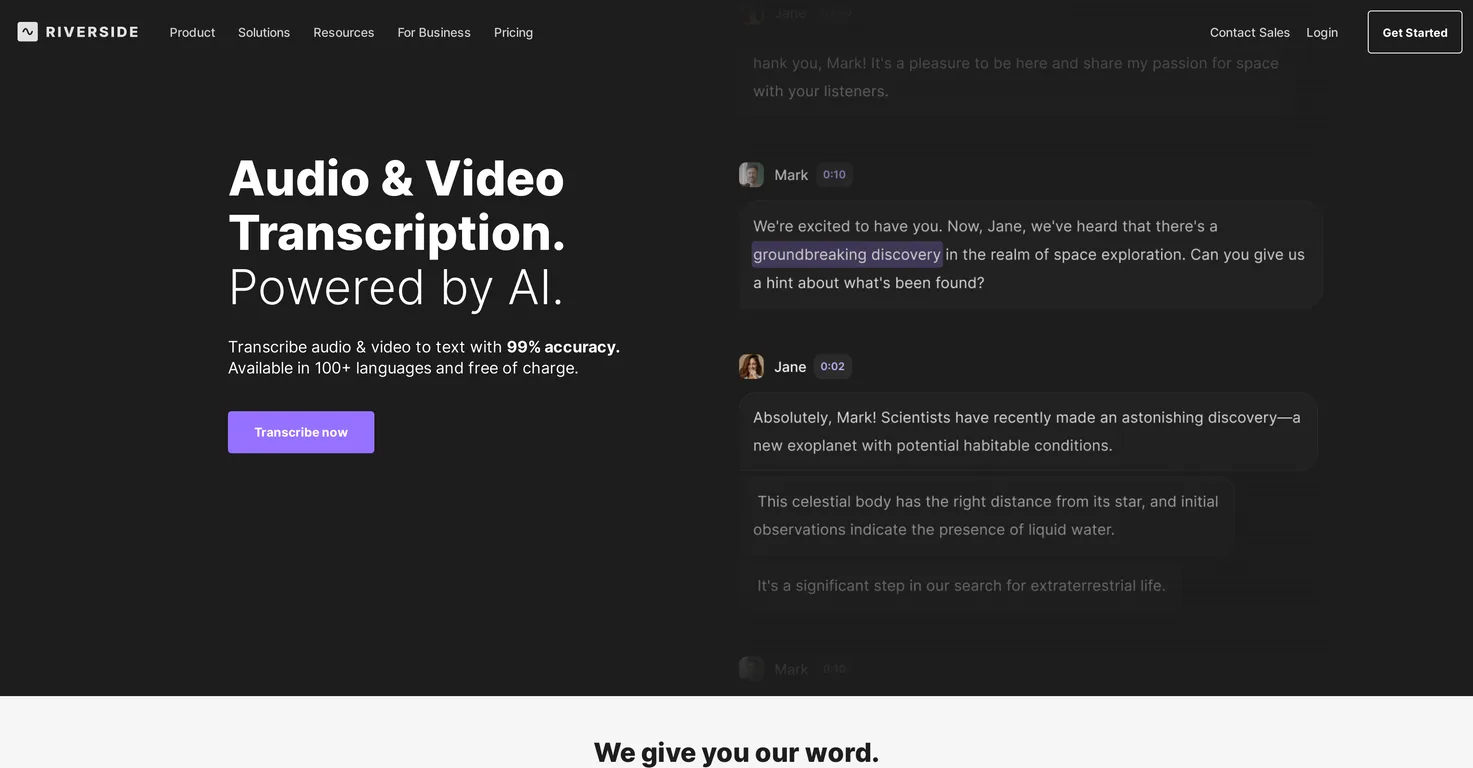
Common queries about AI Transcriptions by Riverside answered
Riverside supports MP3, WAV, MP4 and MOV formats for transcription.
No, Riverside offers unlimited transcriptions for free with no sign-up required.
Riverside is equipped with the latest AI technology which allows it to handle transcriptions in over 100 different languages. It is capable of picking up on accents, idioms, and regional particulars.
Real ratings and feedback from the community
Be the first to share your rating and comments for this AI tool!
How AI Transcriptions by Riverside stacks up against top competitors
| Feature | AI Transcriptions by Riverside | Malloy | ScriptMe | Youtube Transcript AI |
|---|---|---|---|---|
| Rating | ★ 3 | ★ 3 | — | ★ 3 |
| Pricing Model | freemium | free_trial | free_trial | Free |
| API Access | No | No | No | No |
| Open Source | No | No | No | No |
| Link | Visit Website |
Explore similar AI tools in this category
Develop detailed transcripts in over 50 languages, with AI-generated summaries.

Yes, Riverside can transcribe both audio and video files.
Riverside's accuracy rate for transcriptions is 99%.
Yes, Riverside does offer speaker detection during transcriptions. This feature identifies who is speaking, making it easier for users to follow the conversation.
Transcription times on Riverside can vary depending on factors such as file size, length of the content, and server activity.
Riverside offers a number of special features for content creators including high-quality audio and video recording, simple editing capabilities, speaker detection in transcriptions, content summaries, takeaways, chapters, stylish captions, 'Magic Clips' for creating bite-size, shareable social clips, and 'Magic Audio' for enhancing audio to studio-quality.
Yes, Riverside provides simple post-transcription editing capabilities. Users can edit their recordings from the waveform, or directly from the transcript, deleting words, sentences, or entire paragraphs as needed.
No, there is no limit on the number of transcriptions you can do with Riverside.
'Magic Audio' is a feature offered by Riverside which enhances the audio quality of recordings to studio-level quality with a single click.
'Magic Clips' is a feature offered by Riverside to create bite-size, shareable social clips using AI.
'Magic Audio' is a feature in Riverside's transcription service that enhances the audio quality to a studio-level with just one click. 'Magic Clips' allows the rapid creation of small, shareable social clips using AI technology.
Yes, Riverside has a privacy policy which is accessible on their website.
Riverside provides a feature known as 'AI Show Notes', which generates content summaries, takeaways and chapters from the transcribed data, helping you to curate and structure your content effectively.
Asynchronous recording is a feature offered by Riverside that allows guests to join your studio and record even in your absence.
Riverside's extensive features including high-quality recording, transcription, editing, and the ability to effectively parse and structure content make it an effective tool for the creation of podcasts, conducting webinars, and organizing virtual conferences.
Yes, Riverside has a teleprompter feature that allows you to keep everything you want to say or talk about ready during your recording.
Yes, Riverside is compatible with both Mac and mobile applications. Users can record in high-quality from anywhere using just their phone or Mac.
Yes, Riverside allows users to record in high-quality from anywhere. This could be using their mobile apps or the Mac app.
| Visit Website |
| Visit Website |
Fliki
Compare Fliki's free and paid tiers to see how this text-to-video AI tool simplifies social media, blog-to-video, and content marketing production.


