

AI Photo - Stable Diffusion Text-to-ImageImages AI Tool
Turn text into images with AI Photo.
Imagesfrom $4.99
Turn text into images with AI Photo.
Overall
Average of 2 data signals below
Basic pricing published
3 of 4 content areas filled (features, FAQs, pros/cons, description)
This score is calculated automatically from this listing's available data (community rating, capabilities, pricing transparency, and documentation). It is not a paid or sponsored review.
Pricing & Model
paid
from $4.99
Open Source & API
Proprietary
No Public API
Foundational Model
Proprietary Engine
Key Integrations
Web App Only
from $4.99
See full pricing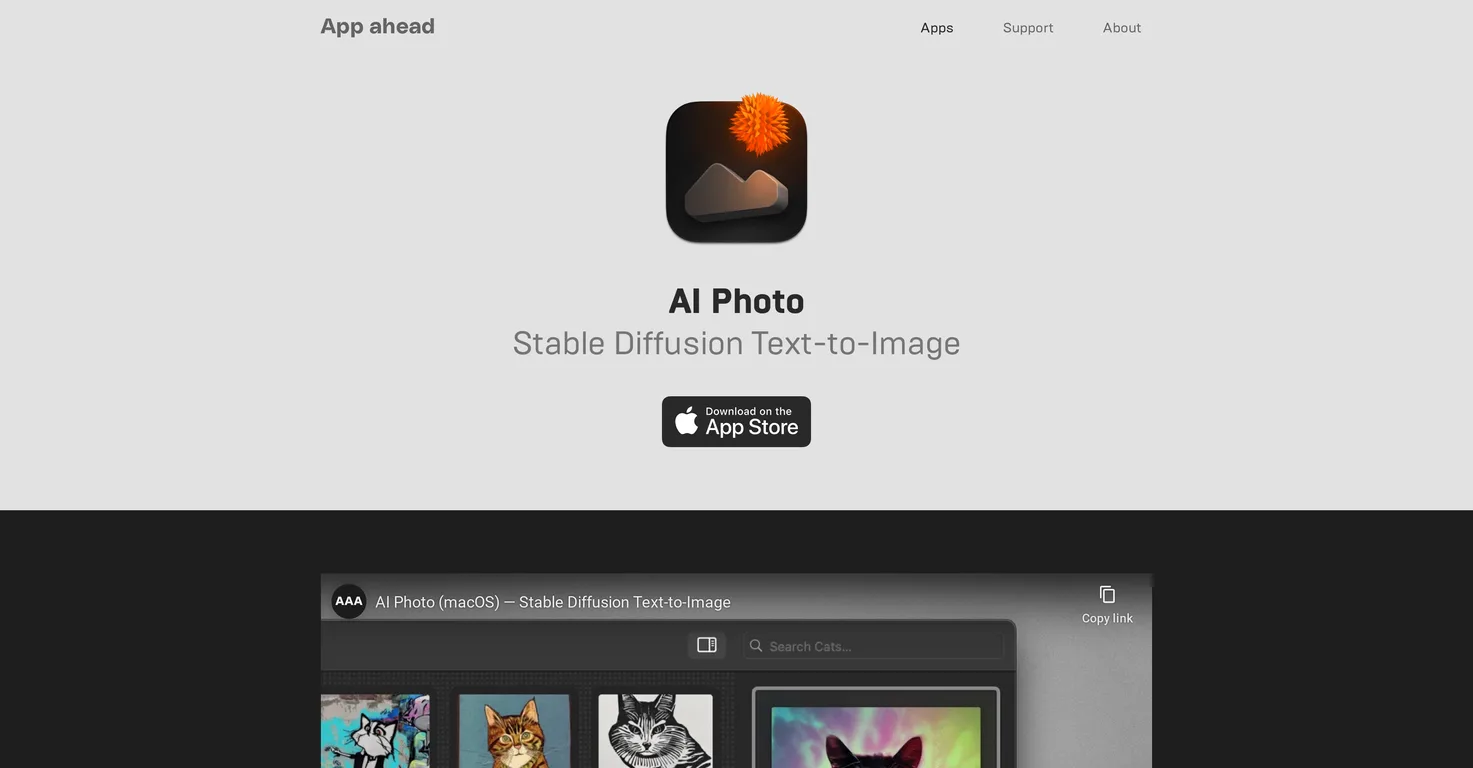
Common queries about AI Photo - Stable Diffusion Text-to-Image answered
AI Photo is a user-friendly text-to-image generator app that creates photos and artworks based on the user's provided image descriptions. It operates offline and is powered by Stable Diffusion, a cutting-edge technology optimized for Apple Silicon chips.
AI Photo operates through processing user-provided text descriptions to generate images and artwork. It uses Stable Diffusion technology and custom CoreML models. The processing is done directly on the user's device to ensure privacy.
Stable Diffusion is a cutting-edge technology that powers AI Photo. This technology allows AI Photo to transform user-provided text descriptions into images and artwork. It's optimized for Apple Silicon chips, making it highly efficient.
Real ratings and feedback from the community
Be the first to share your rating and comments for this AI tool!
How AI Photo - Stable Diffusion Text-to-Image stacks up against top competitors
| Feature | AI Photo - Stable Diffusion Text-to-Image | ArtBot | starryai | Lexica Aperture |
|---|---|---|---|---|
| Rating | ★ 4.2 | ★ 3 | ★ 3 | — |
| Pricing Model | paid | free | freemium | paid |
| API Access | No | No | No | No |
| Open Source | No | No | No | No |
| Link | Visit Website |
Explore similar AI tools in this category

To create images with AI Photo, you need to provide text descriptions. Based on these descriptions, the application generates images and artworks leveraging Stable Diffusion technology and custom CoreML models.
Yes, AI Photo works offline. This plays a key role in preserving user privacy as it computes directly on the user's device.
AI Photo supports MacOS, iPhone, and iPad platforms.
AI Photo has been highly optimized for Apple Silicon chips (M1 and M2) to ensure fast processing and optimal performance. This optimization enables the application to effectively utilize the enhanced processing power of the Apple Silicon chips and hence generate images more efficiently.
AI Photo features a highly efficient search engine that is not only lightning-fast, but also smart. This allows users to quickly and easily find the images or artworks they need.
Yes, AI Photo allows you to organize and manage your artworks. You can categorize them in collections or save them as favourites for easy access.
AI Photo operates under a 'Privacy by Design' principle where all computations are performed offline and directly on the user's device. No data is transmitted outside, thereby ensuring the privacy of image descriptions and generated content.
CoreML models in AI Photo are a part of the machine learning framework that helps the app generate images from text descriptions. On a Mac, users are given the exclusive flexibility to add custom CoreML models.
AI Photo comes with built-in safety mechanisms to filter possible outcomes. This helps control and guide the image generation process based on the user's provided description.
Yes, AI Photo allows users to save their favourite images. You can manage these favourite images separately for easier access in the future.
Yes, AI Photo provides the option to add custom CoreML models exclusively on the Mac. This helps professional users to customize the image generation process according to their requirements.
AI Photo deploys its built-in safety mechanisms to filter possible outcomes. This approach helps to control the image generation process and ensure it aligns with the user's provided description.
AI Photo can be downloaded from the official AI Photo page on IXEAU's website or from the Apple App Store.
AI Photo stands out from other text-to-image generators due to its ability to operate offline, its efficiency on Apple Silicon chips, and its custom CoreML models. It's also user-friendly and comes with handy features for managing collections and favourites.
Yes, AI Photo can be used on both iPhone and iPad, in addition to Mac. It is optimized for each of these platforms.
The user interface of AI Photo is designed to serve across all Apple platforms, ensuring a consistent user experience. It is built with professional usage in mind, with options to change steps, seeds, and guidance scales.
AI Photo, built with Pros in mind, provides the flexibility to change steps, seeds, and guidance scales as part of its features. This allows to customize the image generation process based on user requirements.
| Visit Website |
| Visit Website |
| Visit Website |
Fliki
Compare Fliki's free and paid tiers to see how this text-to-video AI tool simplifies social media, blog-to-video, and content marketing production.


