

ParallelGPTSpreadsheet tasks AI Tool
Bulk processing ChatGPT on spreadsheets.
ParallelGPT Listing Score
Auto-calculatedOverall
Average of 2 data signals below
Basic pricing published
3 of 4 content areas filled (features, FAQs, pros/cons, description)
This score is calculated automatically from this listing's available data (community rating, capabilities, pricing transparency, and documentation). It is not a paid or sponsored review.
Capabilities & Key Tasks
Atomic Answer Block (Fact Checked)
Pricing & Model
free
Free
Open Source & API
Proprietary
No Public API
Foundational Model
Proprietary Engine
Key Integrations
Web App Only
About ParallelGPT
ParallelGPT Pricing
Free
See full pricing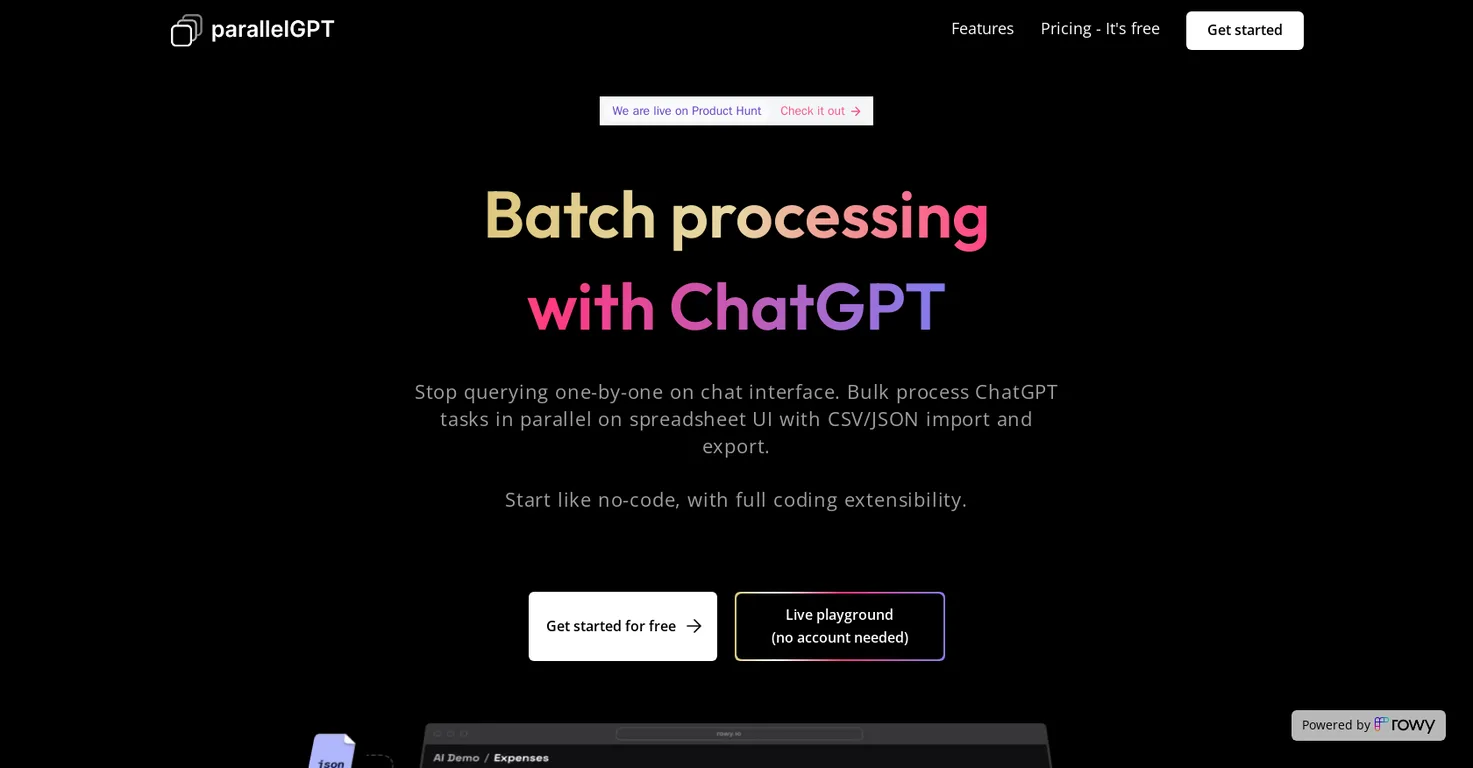
Pros
- Bulk processing capabilities
- Collaborative spreadsheet UI
- Low-code tool
- Security prioritized
- Privacy prioritized
- Free and open-source
- Unlimited data rows
- No API call limits
- Import and export CSV/JSON
- Custom granular access control
- Free Rowy workspace
- Customizable workflows
- Ready-made templates
- Google Cloud native
- Charges only based on usage
- Parallel processing
- Test without creating account
- End-user data stays secure
- Easy collaboration with team
- Does not rely on third-party
- Full coding extensibility
- Powerful ChatGPT workflows
- Compatible with GPT3
- GPT4
- No account required for demo
Cons
- Requires Google Cloud Project
- Potential Google Cloud billing
- Relies on CSV/JSON import
- Limited access control options
- Lacks account-less usage
- Dependent on Rowy workspace
- Limited pre-made templates
- Single project collaboration only
- Low-code extensibility only
Frequently Asked Questions
Common queries about ParallelGPT answered
What is Batch / Bulk processing for ChatGPT AI?
Batch / Bulk processing for ChatGPT AI is a tool designed for the efficient processing of ChatGPT queries in parallel on a spreadsheet UI. It enables users to import prompts in bulk from CSV or JSON files, perform adjustments in low code, and collaborate with teams to establish powerful ChatGPT workflows. It emphasizes on security and privacy where all prompts, generated data, and API keys reside on a user's Google Cloud project rather than on a third-party application.
Is there a cost to use the Batch / Bulk processing for ChatGPT AI tool?
Utilizing the Batch / Bulk processing for ChatGPT AI tool does not come with any inherent fee as it is free and open-source. Nevertheless, there could be charges related to OpenAI billing based on usage and nominal charges related to Google Cloud billing, depending on the usage.
Can I test out Batch / Bulk processing for ChatGPT AI without an account?
Yes, you can test Batch / Bulk processing for ChatGPT AI without an account by using its live playground feature.
What types of files can I import into Batch / Bulk processing for ChatGPT AI?
Batch / Bulk processing for ChatGPT AI supports the import of CSV and JSON files in bulk.
Can Batch / Bulk processing for ChatGPT AI improve productivity during team collaboration?
Yes, absolutely. Batch / Bulk processing for ChatGPT AI is designed to improve productivity during team collaboration. It provides a collaborative spreadsheet UI for accessing databases, and the ability for team members to work collectively on prompt tweaks and workflows.
What security features does Batch / Bulk processing for ChatGPT AI offer?
Batch / Bulk processing for ChatGPT AI offers features like secure data storage on your own Google Cloud project and not on a third-party application. This includes prompts, generated data, and API keys. Also, it allows granular, role-based access control for team members.
Where does the processed data get stored with Batch / Bulk processing for ChatGPT AI?
With the Batch / Bulk processing for ChatGPT AI tool, processed data is securely housed on the user's own Google Cloud project.
Can I control the level of access my team members have on Batch / Bulk processing for ChatGPT AI?
Yes, with Batch / Bulk processing for ChatGPT AI you can control the level of access your team members have. This can range from a viewer-only role to roles such as an editor or content creator, thus establishing custom granular access control.
Does Batch / Bulk processing for ChatGPT AI support low-code adjustments?
Yes, Batch / Bulk processing for ChatGPT AI wholeheartedly embraces low-code adjustments. Users can tweak prompts, pick any model like GPT3 or GPT4, and add logic with low code in place.
How can I start using Batch / Bulk processing for ChatGPT AI?
You can start using Batch / Bulk processing for ChatGPT AI by initiating with a ready-made template and adding your OpenAI API Key. Then, you can tweak the prompt, choose any model - GPT3 or GPT4 and incorporate any logic in low-code. After these steps, you can execute cloud function deployment with a single click.
How can I collaborate with my team using Batch / Bulk processing for ChatGPT AI?
You can collaborate with your team using Batch / Bulk processing for ChatGPT AI by leveraging its feature of custom granular role-based access. This allows various access levels such as viewer-only, editor, content creator, etc., to work synergistically on projects.
What makes Batch / Bulk processing for ChatGPT AI different from other AI tools?
Batch / Bulk processing for ChatGPT AI differs from other AI tools due to its integrated collaborative work interface, granular access control for team members, low-code adjustments, and adherence to data privacy by storing all data on users' Google Cloud project instead of third-party apps. It is designed for mass processing of ChatGPT tasks in parallel on a spreadsheet UI and provides ready-made templates for swift workflow creation.
Are there any usage-based charges using Batch / Bulk processing for ChatGPT AI?
Yes, while Batch / Bulk processing for ChatGPT AI itself is free, there may be charges based on OpenAI billing and Google Cloud billing which are usage-dependent.
Can I perform bulk operations with Batch / Bulk processing for ChatGPT AI?
Yes, Batch / Bulk processing for ChatGPT AI empowers the user to perform bulk operations via its import and export functionality for CSV or JSON files.
What types of templates are available on Batch / Bulk processing for ChatGPT AI?
Ready-made templates of databases and OpenAI cloud function are available on Batch / Bulk processing for ChatGPT AI. These serve as a starting point which can be cloned, tweaked, and shared.
Is there a way to try Batch / Bulk processing for ChatGPT AI before making a full commitment?
Yes, you can use the live playground feature of Batch / Bulk processing for ChatGPT AI to try the tool without making a full commitment or the need to create an account.
Does Batch / Bulk processing for ChatGPT AI allow live testing of features?
Absolutely, Batch / Bulk processing for ChatGPT AI offers a live playground where you can test its features real-time without needing to create an account.
How to use the spreadsheet UI in Batch / Bulk processing for ChatGPT AI?
The spreadsheet UI in Batch / Bulk processing for ChatGPT AI acts as a collaborative interface for teams to work on database projects. You can process ChatGPT tasks in parallel, import and export data in bulk from CSV or JSON files, and tweak the prompts in low-code, creating a powerful ChatGPT workflow.
What are the unique features of Batch / Bulk processing for ChatGPT AI?
Unique features of Batch / Bulk processing for ChatGPT AI include collaborative spreadsheet UI for database tasks, import and export capabilities in bulk for CSV or JSON files, and granular access control for team members. Additionally, it also allows low-code adjustments and ensures data stays secure on a user's own Google Cloud project by not relying on third-party applications.
What is the maximum data rows that I can work with on Batch / Bulk processing for ChatGPT AI?
There is no limit imposed on data rows while working with Batch / Bulk processing for ChatGPT AI. Its free Rowy workspace provides unlimited data rows and team collaboration on a single project, with no API call restrictions.
User Reviews
Real ratings and feedback from the community
No reviews yet
Be the first to share your rating and comments for this AI tool!
Direct Comparison Table
How ParallelGPT stacks up against top competitors
| Feature | ParallelGPT | Equals | Goodlookup | Flowshot |
|---|---|---|---|---|
| Rating | ★ 3 | ★ 3 | — | ★ 3 |
| Pricing Model | free | freemium | paid | freemium |
| API Access | No | No | No | No |
| Open Source | No | No | No | No |
| Link | Visit Website | Visit Website | Visit Website | Visit Website |
Alternatives to ParallelGPT
Explore similar AI tools in this category


A smart function for spreadsheet users with the intuition of GPT-3 and fuzzy matching capabilities.


Use AI to save hours on repetitive spreadsheet tasks.

Just type what you need - AI fills Sheets™, Docs™, and Slides™ in seconds using 100+ AI models.
Tool Details
Similar Tools

Fliki
Compare Fliki's free and paid tiers to see how this text-to-video AI tool simplifies social media, blog-to-video, and content marketing production.

Lovable
Lovablev2.2 turns your app ideas into live web apps instantly with AI and simple prompts-no coding required for fast MVPs and prototypes.

Vsub
Create faceless videos in seconds with AI

HeyGen
Business videos with custom avatars & voiceovers.