

Tomat.AISpreadsheet tasks AI Tool
Effortless exploration & manipulation of large CSV data.
Spreadsheet tasksfrom $20/mo0
Effortless exploration & manipulation of large CSV data.
Overall
Average of 2 data signals below
Basic pricing published
3 of 4 content areas filled (features, FAQs, pros/cons, description)
This score is calculated automatically from this listing's available data (community rating, capabilities, pricing transparency, and documentation). It is not a paid or sponsored review.
Pricing & Model
freemium
from $20/mo
Open Source & API
Proprietary
No Public API
Foundational Model
Proprietary Engine
Key Integrations
Web App Only
from $20/mo
See full pricing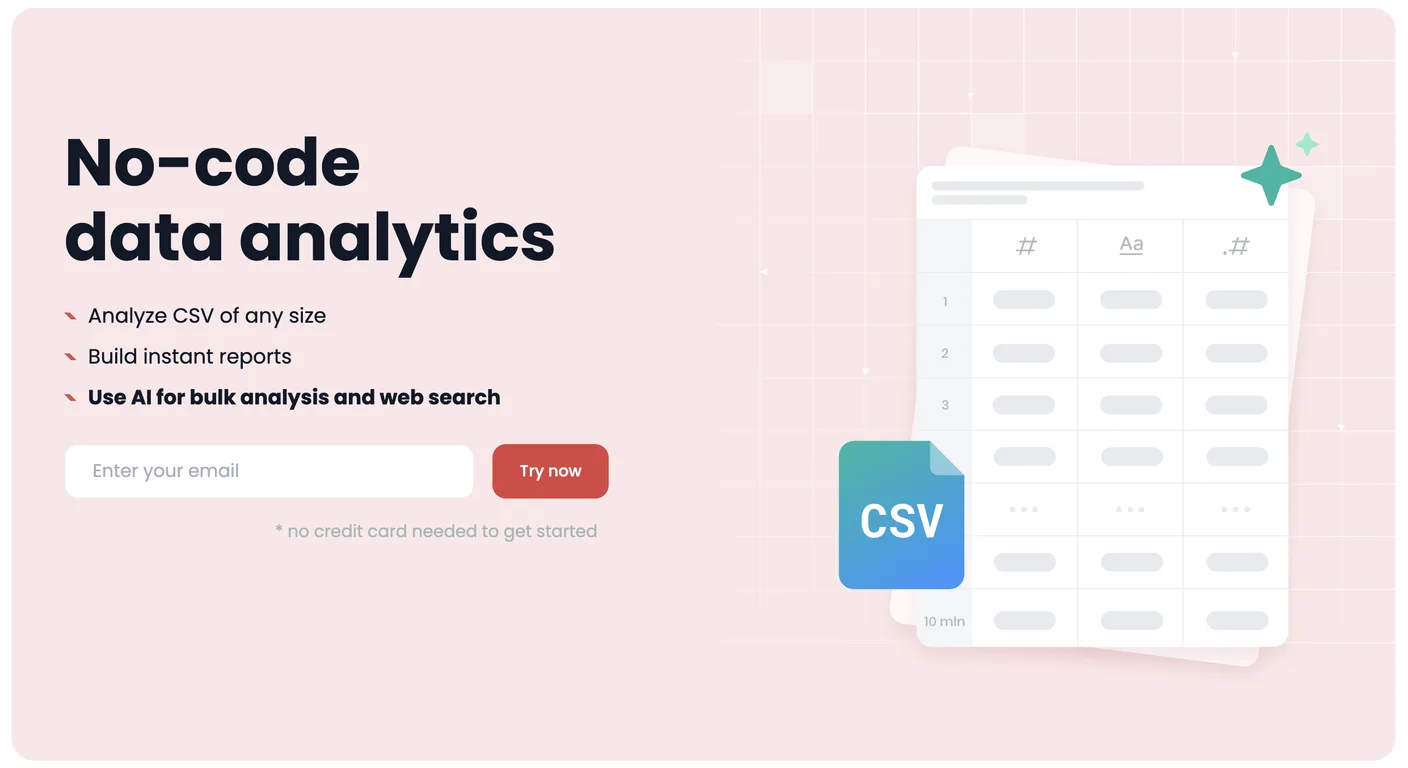
Common queries about Tomat.AI answered
Tomat.AI is a unique tool that aims to simplify the exploration and manipulation of large CSV data. It comes with a straightforward interface similar to Excel, equipped with powerful features for data distribution analytics, sorting, grouping, and even merging of various CSV files. In addition, Tomat.AI integrates AI functionalities that enable data enrichment, language translation, sentiment analysis, and data cleaning and categorization. It works on multiple platforms, including Windows, macOS, and Linux, and supports not only CSV but also Excel files, PostgreSQL, and Snowflake connectors.
Tomat.AI eliminates the need for cloud uploading or timeless loaders in handling large CSV files. Users simply open the app, select their local files, and start exploring them with a point-and-click user interface. This tool also facilitates easy merging of multiple CSV files into a single comprehensive file.
Real ratings and feedback from the community
Be the first to share your rating and comments for this AI tool!
How Tomat.AI stacks up against top competitors
| Feature | Tomat.AI | Equals | ParallelGPT | Flowshot |
|---|---|---|---|---|
| Rating | ★ 3 | ★ 3 | ★ 3 | ★ 3 |
| Pricing Model | freemium | freemium | free | freemium |
| API Access | No | No | No | No |
| Open Source | No | No | No | No |
| Link | Visit Website | Visit Website |
Explore similar AI tools in this category
Absolutely, Tomat.AI is designed with non-data scientists in mind. Users with a basic understanding of Excel can start working with Tomat.AI directly. No special technical skills are required as the interface is intuitive, empowering users to explore and manipulate their CSV files effortlessly.
Tomat.AI operates solely on your local machine. It doesn't need to connect to the cloud to perform its functions, thus maintaining a high level of data security.
Tomat.AI ensures the privacy of your data by operating exclusively on your local machine. This means your files never leave your device, granting you full control and ownership of your sensitive data.
Tomat.AI integrates a variety of AI functionalities. Specifically, it allows users to leverage AI to enrich data, translate to other languages, perform sentiment analysis, and clean up and categorize data. These AI capabilities are powered by the GPT column tool that can assist with routine tasks without requiring any technical skills.
Tomat.AI provides an intuitive and robust visual interface that allows users to filter, sort, and group data easily. There's no need for coding or formulas; the platform provides advanced filters, sortable rows, and simple category groupings to help manage your data.
Tomat.AI is a multi-platform tool. It supports Windows, macOS, and Linux platforms.
Indeed, in addition to CSV files, Tomat.AI also supports Excel files and can connect with PostgreSQL and Snowflake. This highlights its diverse compatibility and capability to work with an array of data formats.
In Tomat.AI, you can leverage AI to enrich and translate your data by using the GPT column tool. By simply asking AI, you can enrich the data, translate it into other languages, analyze, and clean up your data. This makes the handling of data much more efficient and hassle-free.
Yes, sentiment analysis is one of the AI capabilities provided by Tomat.AI. You can ask the GPT column tool to perform sentiment analysis as part of its AI functionalities.
Tomat.AI provides data cleaning and categorization capabilities. This can be achieved using its AI functionalities through the GPT column tool. The AI can be asked to clean up and categorize your data, removing unnecessary manual work.
Tomat.AI allows for the easy merging of multiple CSV files. You can combine your CSV files into a single file with just a few clicks, streamlining the process of data management.
Yes, Tomat.AI can handle unorganized column orders when merging CSV files. The tool is designed to figure out the correct way to stack your tables, simplifying the process even further for users.
The community version of Tomat.AI is available for free, making it a cost-effective tool for handling and exploring large CSV files.
No, Tomat.AI has removed the need for cloud uploading or timeless loaders. You simply use the Tomat app, choose your local files and explore them instantly with a point-and-click user interface.
The GPT column tool in Tomat.AI is an AI functionality that assists with routine tasks. Users can ask this AI to enrich, translate, perform sentiment analysis, and clean and categorize their data.
Yes, Tomat.AI supports data distribution analytics. This feature enables the user to filter, sort, and group their data effortlessly.
Tomat.AI is extremely user-friendly for non-technical people. With an interface similar to Excel and an extensive range of features that require no coding or complex operations, it's an accessible tool for those without any data science background.
Yes, Tomat.AI can connect with PostgreSQL and Snowflake. Beyond CSV and Excel files, it also supports PostgreSQL and Snowflake connectors, extending its capability to work with different database systems.
| Visit Website |
| Visit Website |
Use AI to save hours on repetitive spreadsheet tasks.
A smart function for spreadsheet users with the intuition of GPT-3 and fuzzy matching capabilities.


