

Lido PDF Data ExtractionPDF to spreadsheets AI Tool
Automate PDF data extraction with AI
PDF to spreadsheetsFree + from $19/mo00
Automate PDF data extraction with AI
Lido PDF Data Extraction is most relevant for buyers who already know the problem they need to solve and want to compare one focused pdf to spreadsheets product against nearby alternatives instead of reading a generic directory card. It sits in a comparison set that also includes Fliki, Lovablev2.2, Vireel.
On this page, the goal is to keep the evaluation practical: understand what Lido PDF Data Extraction does well, where the free + from $19/mo pricing model makes sense, and which adjacent tools are worth opening in parallel before making a shortlist.
Teams exploring pdf to spreadsheets can use Lido PDF Data Extraction for design.
Teams exploring pdf to spreadsheets can use Lido PDF Data Extraction for automation.
Teams exploring pdf to spreadsheets can use Lido PDF Data Extraction for spreadsheet.
Teams exploring pdf to spreadsheets can use Lido PDF Data Extraction for crm.
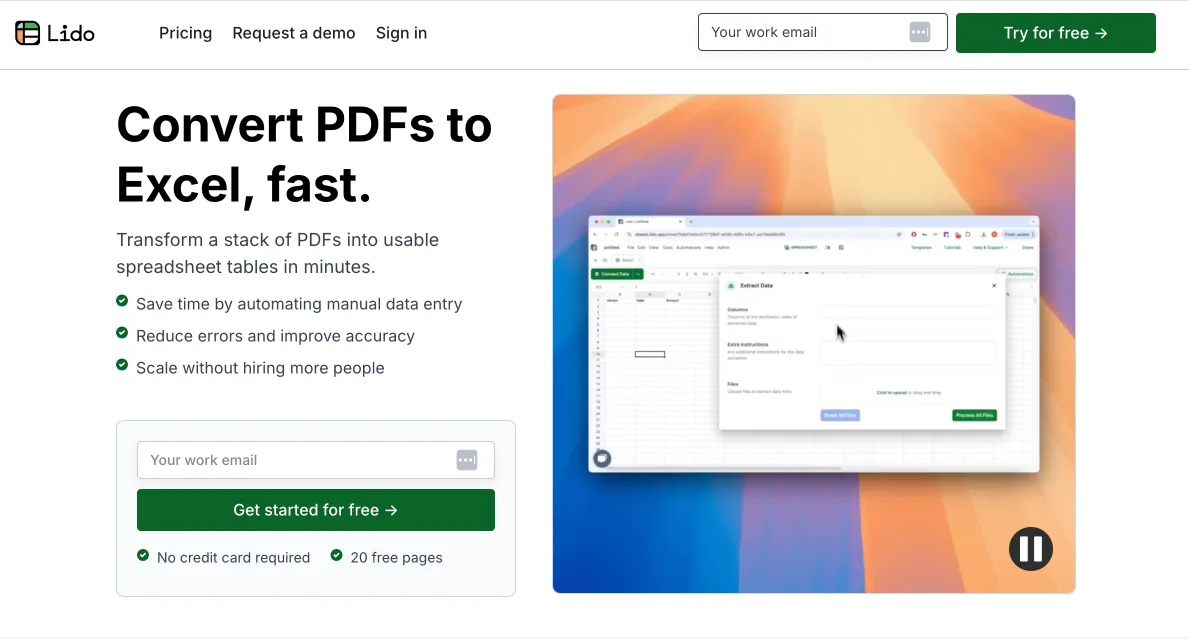
Lido PDF Data Extraction tool is an AI-powered solution designed to transform PDF documents into structured business data. It extracts specific data from PDFs and outputs it as a structured spreadsheet, ready for integration into various systems such as POS, CRM, ERP, or EHR.
Lido uses its AI capabilities to work with all varying formats and complex layouts of PDFs. This is managed using a formula referred to as =IMPORTPDF(), which extracts contents from the PDFs and outputs them into a spreadsheet column.
Lido outputs the data extracted from PDFs in a structured spreadsheet format. This format is ready for upload into any system that requires .csv files. It uses its =GPT() formula to ensure the parsed extracted data conforms to the user's desired format.
Yes, Lido offers the functionality to directly connect to your Google Drive or Gmail inbox. This is part of its data entry process, which includes copying PDF attachments from a Gmail account to Google Drive and extracting required data.
No, there are no particular technical skills required to use Lido. It's designed to reduce the complexity of data extraction, providing a user-friendly workflow that revolves around connecting your Google Drive or Gmail inbox to the tool, and using custom formulas to extract and parse contents.
Yes, Lido can integrate with your POS system. The structured spreadsheet data extracted by Lido from PDFs is designed to be compatible and ready for integration into various systems, including POS systems. The process ensures seamless data integration for more efficient operations.
Explore similar AI tools in this category
Lido reduces errors in data entry through its automated data extraction process. By connecting directly to your Google Drive or Gmail inbox, Lido automates selection and extraction of data from PDFs, eliminating manual input and thus reducing the chances of errors.
Lido is trusted by purchasing and supply chain teams due to its efficient error-reduction in data entry and the seamless automation it brings to PDF data extraction. It provides a more efficient workflow, enabling these teams to focus on their core tasks without worrying about data entry and extraction.
The workflow of using Lido begins by connecting your Google Drive or Gmail inbox to the tool. Custom formulas are then used to extract and parse the PDF contents. The data is then outputted into a structured spreadsheet format that's ready for integration into various systems.
Yes, Lido PDF Data Extraction does support direct connection to your Gmail inbox. In its workflow, it allows automatic copying of PDF attachments from your Gmail inbox to Google Drive, and thereafter it extracts the necessary data.
You can integrate the output data from Lido into any system capable of taking CSV files. Some suitable systems include Point of Sale (POS), Customer Relationship Management (CRM), Enterprise Resource Planning (ERP), and Electronic Health Records (EHR) systems.
Yes, Lido can extract specific data from your PDFs. It uses AI to extract specific information and parse it into a structured spreadsheet, set for integration into various systems.
Yes, a demo is indeed available for Lido. Users can schedule a 30-minute demo with a product specialist who will guide them through their exact workflow and discuss how Lido can best serve their specific needs.
Yes, Lido can automate all your PDF data extraction tasks. It is designed to extract specific data from varying PDF formats and convert them into structured data using AI. This automated process considerably lessens the need for manual input.
Lido's custom formulas play a critical role in data parsing. Using Lido's =GPT() formula in your spreadsheet, you describe what data you want to be extracted from your PDF document, and the formula results in the desired output in your specified format.
Lido directly connects to your Google Drive through a one-click operation. It sets up a connection to any Google Drive folder containing your PDFs for easier and faster data extraction processes.
Yes, you can use Lido without any particular technical skills. The tool is designed to simplify the data extraction process, making it accessible to users with varying degrees of technical competence.
Yes, Lido works with every PDF layout and format. Due to its artificial intelligence capabilities, Lido is versatile and can extract data from all types of PDF layouts and formats.
Yes, Lido can turn your PDF documents into structured business data. Its data extraction tool uses AI to convert PDF data into an organized and logical format that is ready for integration into a variety of business systems.
Yes, you can use Lido's =GPT() formula to parse the extracted PDF data into a specific format. You just need to describe what data you want to extract, and the formula will return the output in your desired format.
Fliki turns text into stunning AI videos with realistic voices in 80+ languages, slashing production time by 80% for creators and marketers.


