KnowboChatbots AI Tool
Created chatbots answer customer inquiries on website.
ChatbotsFree + from $19/mo00
Created chatbots answer customer inquiries on website.
Knowbo is most relevant for buyers who already know the problem they need to solve and want to compare one focused chatbots product against nearby alternatives instead of reading a generic directory card. It sits in a comparison set that also includes Smartly, Unbody, Doko AI.
On this page, the goal is to keep the evaluation practical: understand what Knowbo does well, where the free + from $19/mo pricing model makes sense, and which adjacent tools are worth opening in parallel before making a shortlist.
Teams exploring chatbots can use Knowbo for chatbot.
Teams exploring chatbots can use Knowbo for development.
Knowbo stands out when custom ChatGPT chatbot.
Knowbo stands out when ease of deployment.
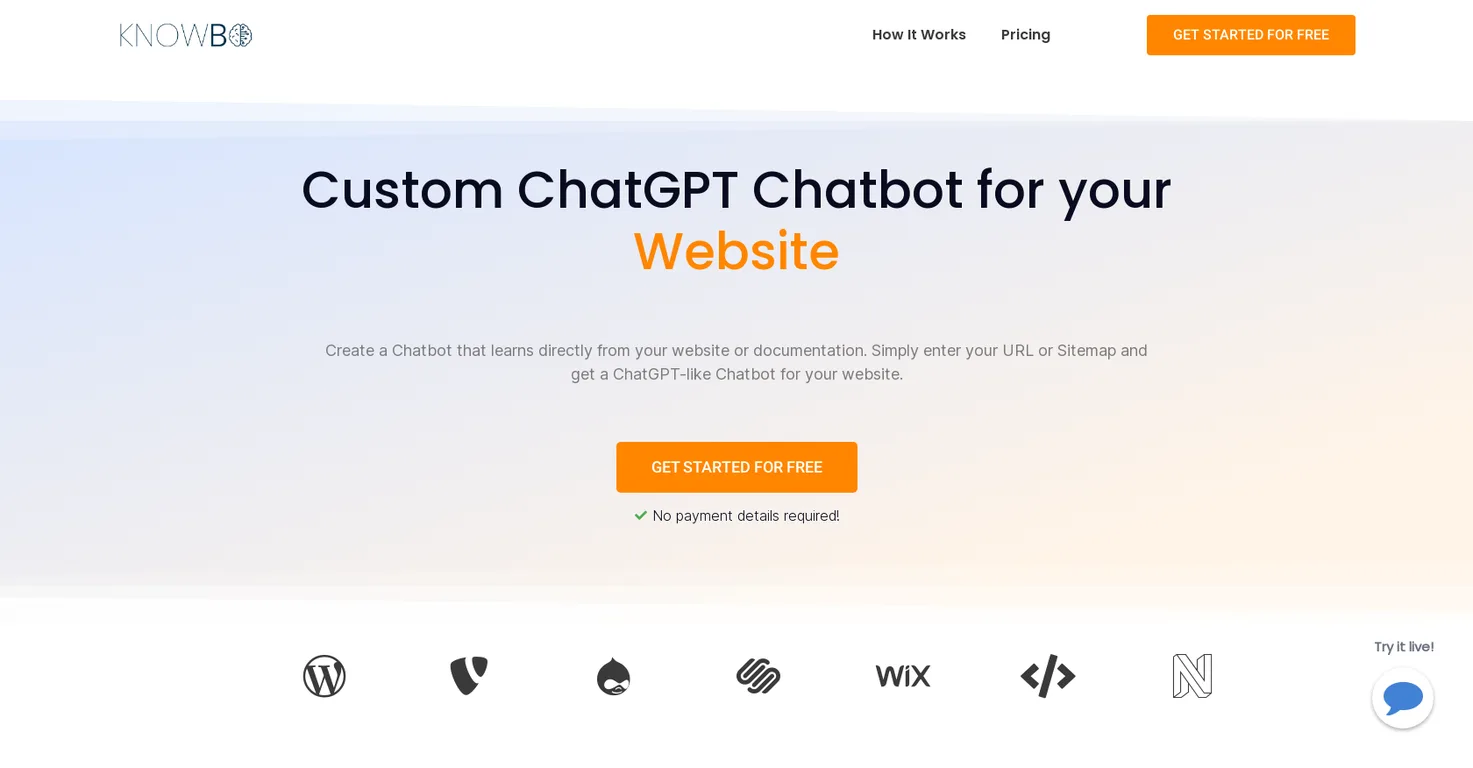
Knowbo is a tool that enables users to design a custom ChatGPT chatbot for their website. By inputting the URL or Sitemap of a site or documentation, users are given a ChatGPT-like chatbot that can tackle customer inquiries and alleviate strain on support teams. The chatbot's knowledge base is constantly updated with the newest information from the website, ensuring it stays current. Knowbo emphasises easy deployment and does not require superior developer skills to install the chatbot on a website. The platform also supports multiple languages and various website platforms. Customisation options are available to modify the chatbot's appearance and behaviour to suit the user's brand and website.
Knowbo works in four main steps. 1) Training: The chatbot is trained using the URL or sitemap of the user's website, automatically learning everything. The chatbot can automatically add new pages from the sitemap, frequently update knowledge, and learn only from selected URLs specified by the user. 2) Customisation: The chatbot can be fully customised with specific settings like colors, chatbot image, texts, logo, and chat icon to fit the brand and website. 3) Embedding: The chatbot can be embedded on the website by simply placing the provided code snippet into the tag of the website. 4) Assisting customers: After embedding, the chatbot can answer customer queries directly from the website.
No, advanced developer skills are not required. Users can easily embed the chatbot on their website simply by inserting the provided HTML code in the web page's tag.
Yes, Knowbo chatbot can support multiple languages as the chatbot matches the language of the user's documentation.
Yes, users can fully customize the chatbot's appearance. The customization options include modifications to the chatbot's colors, image, text, logo, and chat icon to align it with the user's brand and website.
Explore similar AI tools in this category
Knowbo is compatible with various website platforms, including WordPress, Shopify, etc. The compatibility is achieved by embedding the provided code snippet in the tag of the website.
Yes. As changes are made to a company's website, Knowbo automatically updates its chatbot's knowledge base to ensure the most current information is available for customer interactions.
To embed the Knowbo chatbot, users are required to create a chatbot first, then copy the created code snippet and insert the code snippet above the closing