KudraVideo & Audio AI Tool
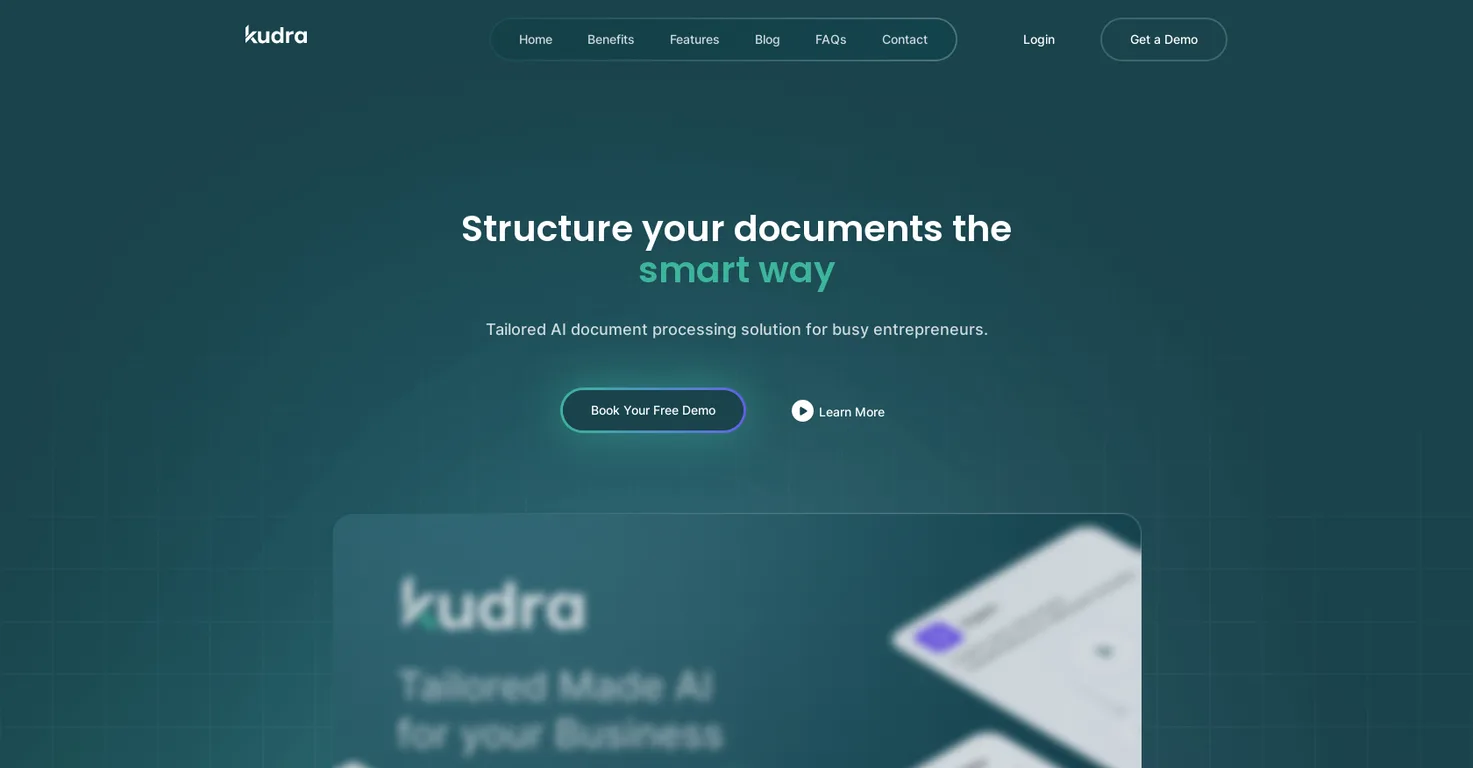
Kudra streamlines document processing with AI, extracting data from invoices and contracts to save businesses hours on manual entry.
About Kudra
It saves real time, cutting down manual data entry by, well, a ton, according to their site. Let's break down the key features, shall we? First off, it handles extraction from diverse documents like invoices, receipts, contracts, even court cases-pulling out names, dates, amounts, you name it, with pretty high accuracy.
Then there's the drag-and-drop workflow builder; no coding required, which is a godsend if you're not tech-savvy like me sometimes. You upload docs, it categorizes and processes them automatically, and exports to formats you prefer. Plus, integrations with tools like QuickBooks and Power Automate make it seamless to fit into your existing setup.
Oh, and they offer consulting to scale this up, using advanced AI for tricky unstructured docs. In my experience, this kind of automation can reduce errors by up to 90%, though I think that depends on your document quality. Who's this for, exactly? Busy entrepreneurs, accountants, legal teams-anyone drowning in docs.
Picture a freelancer sorting receipts for taxes; Kudra zips through that in minutes. Or a law firm reviewing contracts- it summarizes and extracts clauses fast. Small businesses use it for invoice handling to speed up billing, while larger ones automate reports across departments. It's versatile, you know?
I was torn between this and more rigid tools, but Kudra's adaptability won me over. Compared to alternatives like Abbyy or Rossum, Kudra feels more user-friendly without skimping on power. It's not the cheapest, but the custom workflows and industry-specific learning mean less tweaking down the line.
Unlike what I expected at first, it handles complex files better than basic OCR apps, though you might need their consulting for the really tough stuff. What really impressed me was the focus on efficiency-businesses report saving hours weekly, which adds up. All in all, if document drudgery is holding you back, give Kudra a shot.
Head to their site, try a demo, and see how it frees you up for what matters. It's worth it, I think.
When Kudra is worth shortlisting
Kudra is most relevant for buyers who already know the problem they need to solve and want to compare one focused video & audio product against nearby alternatives instead of reading a generic directory card. It sits in a comparison set that also includes Fliki, Vireel, Vsub.
On this page, the goal is to keep the evaluation practical: understand what Kudra does well, where the pricing is not publicly listed on the website; contact kudra directly for custom quotes based on business needs, with options starting around $50/month for small teams according to industry standards. pricing model makes sense, and which adjacent tools are worth opening in parallel before making a shortlist.
Teams exploring video & audio can use Kudra for invoice data extraction.
Teams exploring video & audio can use Kudra for receipt processing.
Teams exploring video & audio can use Kudra for contract analysis.
Teams exploring video & audio can use Kudra for report summarization.
Pros
- Saves significant time on manual data entry, allowing focus on core business activities.
- Adapts to specific industries through AI learning, improving accuracy over time.
- User-friendly drag-and-drop interface requires no coding skills.
- Seamless integrations with QuickBooks and Power Automate for smooth workflows.
- Handles complex unstructured documents better than basic tools.
- Offers consulting services to scale automation for larger needs.
- Reduces errors in data extraction, leading to more reliable business decisions.
- Customizable workflows enhance efficiency for various document types.
- Exports data in preferred formats, simplifying downstream processes.
- Cost-effective for businesses by minimizing labor hours on paperwork.
- Supports a wide range of document types, from invoices to legal files.
Cons
- Pricing details are not transparent and require direct contact, which can slow decision-making.
- Limited public information on exact accuracy rates for niche document types.
- May require initial setup time for custom workflows, though drag-and-drop helps.
- Consulting services add extra costs for complex implementations.
- Integrations are strong but not as extensive as some enterprise-level competitors.
- Free trial access isn't straightforward; you need to reach out to sales.
- Less known in the market compared to established players, potentially affecting trust initially.
FAQ
What types of documents can Kudra process?
Kudra handles invoices, receipts, contracts, reports, bills, and even court cases, extracting key data automatically.
Is there a free trial available?
Yes, Kudra offers a free demo or trial upon request; contact their team to get started.
Does Kudra require coding to set up workflows?
No, it uses an easy drag-and-drop interface, making it accessible without technical skills.
What integrations does Kudra support?
It integrates with popular tools like QuickBooks and Power Automate for enhanced workflow automation.
How accurate is the AI extraction?
Accuracy is high for standard documents, often above 95%, but complex files may benefit from consulting services.
Who is Kudra best suited for?
It's ideal for entrepreneurs, accountants, and legal teams looking to automate document tasks efficiently.
Can Kudra scale for enterprise use?
Yes, with custom AI solutions and consulting to handle large-scale document processing needs.
Alternatives to Kudra
Explore similar AI tools in this category
Fliki
Video & Audio
Fliki turns text into stunning AI videos with realistic voices in 80+ languages, slashing production time by 80% for creators and marketers.
Vireel
Video & Audio
Vireel turns raw ideas into viral TikTok, Reels, and Shorts with AI formulas and real-time analytics to boost engagement for creators.
Vsub
Video & Audio
Vsub AI turns text into faceless YouTube Shorts and TikTok videos effortlessly, boosting engagement without cameras or editing skills.
Vmake Video Enhancer
Video & Audio
Transform low-quality videos into high-resolution visuals.
HeyGen
Video & Audio
HeyGen AI video generator creates professional videos in minutes using realistic avatars and lip-sync in 20+ languages for effortless content production.
ai|coustics
Video & Audio
ai|coustics transforms noisy audio into studio-quality sound, eliminating background noise and echo for podcasters, educators, and remote workers on any.
Tool Details
Similar Tools
Fliki
Fliki turns text into stunning AI videos with realistic voices in 80+ languages, slashing production time by 80% for creators and marketers.
Lovablev2.2
Lovablev2.2 turns your app ideas into live web apps instantly with AI and simple prompts-no coding required for fast MVPs and prototypes.
Vireel
Vireel turns raw ideas into viral TikTok, Reels, and Shorts with AI formulas and real-time analytics to boost engagement for creators.
Vsub
Vsub AI turns text into faceless YouTube Shorts and TikTok videos effortlessly, boosting engagement without cameras or editing skills.