

EssentialCode debugging AI Tool
Dev app with error-fixing, memory boosts productivity.
Code debugging0
Dev app with error-fixing, memory boosts productivity.
Overall
Average of 1 data signal below
3 of 4 content areas filled (features, FAQs, pros/cons, description)
This score is calculated automatically from this listing's available data (community rating, capabilities, pricing transparency, and documentation). It is not a paid or sponsored review.
Pricing & Model
paid
Open Source & API
Proprietary
No Public API
Foundational Model
Proprietary Engine
Key Integrations
Web App Only
Common queries about Essential answered
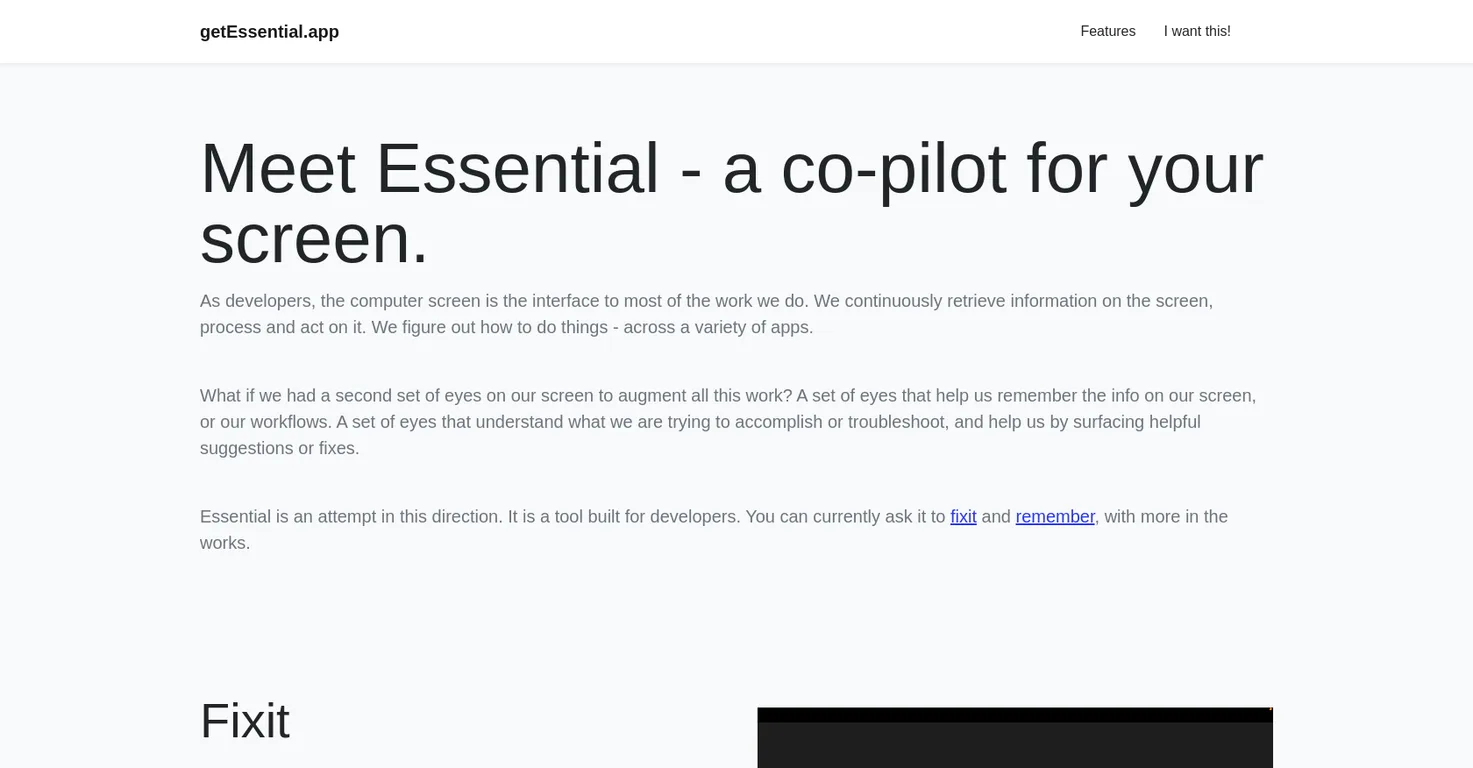
getEssential.app is an AI tool developed specifically for developers. It uses computer vision and OpenAI's Language Models to understand what's displayed on your screen. Primarily designed to enhance productivity, this tool provides error-fixing assistance and carries a memory feature that recalls significant details from your recent work.
getEssential.app boosts developers' productivity by acting like a second set of eyes on their screen. It helps in troubleshooting error messages that developers come across and offers fixes that work in their specific context. By using the tool, developers can avoid manually copying and pasting error messages to search for solutions. Additionally, it serves as a memory layer, encapsulating important moments from the user's recent work. The hassle-free recall of this information further augments the productivity of developers.
Real ratings and feedback from the community
Be the first to share your rating and comments for this AI tool!
How Essential stacks up against top competitors
| Feature | Essential | Anycode AI | UnfoldAI | Jam |
|---|---|---|---|---|
| Pricing Model | paid | paid | freemium | unknown |
| API Access | No | No | No | No |
| Open Source | No | No | No | No |
| Link | Visit Website | Visit Website | Visit Website |
Explore similar AI tools in this category
Put stability, security and scale on Autopilot for engineering teams
getEssential.app leverages Computer Vision to comprehend what's happening on your screen. It keeps track of the recent activities on your screen last 5 minutes and uses this visual information to troubleshoot error messages or to remember valuable moments from your workflow.
The 'Fix it' feature in getEssential.app is designed to troubleshoot error messages swiftly. This AI tool uses computer vision to recognize errors on your screen, whether in your Integrated Development Environment or any stack traces or logs in your browser. By switching over to Essential, you'll receive a solution that suits your situation, hence obviating the need for manual search.
When it comes to troubleshooting error messages, getEssential.app helps by recognizing the errors on your screen using computer vision and provides solutions that fit within your context. Users can easily switch to Essential to find a solution, thus eliminating the necessity to manually search for solutions by copying and pasting error messages.
Yes, getEssential.app does provide a summary of your recent work. By using the memory feature of this application, users can access a concise story with screenshots of important moments from their recent work. The application employs OCR (Optical Character Recognition) on screen content to enable powerful recall of this information.
The 'Remember' feature in getEssential.app acts as a memory layer for your screen. When you read or do something you think might be useful for future reference, you just need to switch to the app and there you'll find a summarized story with screenshots of the most crucial moments from your recent work. All this data is entirely limited to your Mac and does not leave your system at any point.
getEssential.app organizes work stories into different sections automatically to enable quick access to the needed information. The exact mechanism is not clearly mentioned on their website.
Currently, getEssential.app supports only Mac platforms and keeps track of your screen for the last 5 minutes.
Yes, getEssential.app is designed to work across multiple applications, assisting developers in performing a range of tasks more efficiently.
getEssential.app respects your data privacy by keeping all your data on your Mac only. It does not allow your data to leave your system at any point.
No, the data processed by getEssential.app does not leave your system at any moment. The application keeps all your data exclusively on your Mac, providing a secure environment.
getEssential.app keeps track of the last 5 minutes of your screen activity.
At present, getEssential.app is in a private beta phase and is not available for wider release.
Those interested in using getEssential.app can leave their email address on their website to be notified when it becomes ready for a wider release.
getEssential.app employs OCR (Optical Character Recognition) capabilities to analyze the content displayed on the screen which helps recall information quickly, assisting users in remembering important moments from their recent work.
getEssential.app harnesses the capabilities of OpenAI's Language Models (LLMs) to comprehend the content displayed on the screen. This insight is used to provide fixes for error messages that users encounter, therefore helping with troubleshooting issues more efficiently.
Yes, getEssential.app indeed facilitates efficient search of past information. By using OCR capabilities on the screen content, it allows powerful recall of information. Your work stories are automatically sorted into sections, making it easier to find the information you are looking for.
getEssential.app provides a myriad of benefits for developers. It serves as a productivity booster by troubleshooting error messages and providing effective solutions that work within their specific context. It also eliminates the necessity for manually searching for solutions by copying and pasting error messages. Moreover, it provides a memory layer that encapsulates vital moments from the user's recent work, facilitating a hassle-free recall of valuable information.
No, getEssential.app does not require manual pasting of error messages to search for solutions. It uses computer vision to recognize errors on the screen, providing fixes that are applicable in your context.

Lovable
Lovablev2.2 turns your app ideas into live web apps instantly with AI and simple prompts-no coding required for fast MVPs and prototypes.


