

Datasette ChatGPT pluginData analysis AI Tool
Turns a Datasette instance into a ChatGPT plugin to interrogate your data.
Data analysis2 views
Turns a Datasette instance into a ChatGPT plugin to interrogate your data.
Overall
Average of 1 data signal below
3 of 4 content areas filled (features, FAQs, pros/cons, description)
This score is calculated automatically from this listing's available data (community rating, capabilities, pricing transparency, and documentation). It is not a paid or sponsored review.
Pricing & Model
free
Open Source & API
Proprietary
No Public API
Foundational Model
Proprietary Engine
Key Integrations
Web App Only
Common queries about Datasette ChatGPT plugin answered
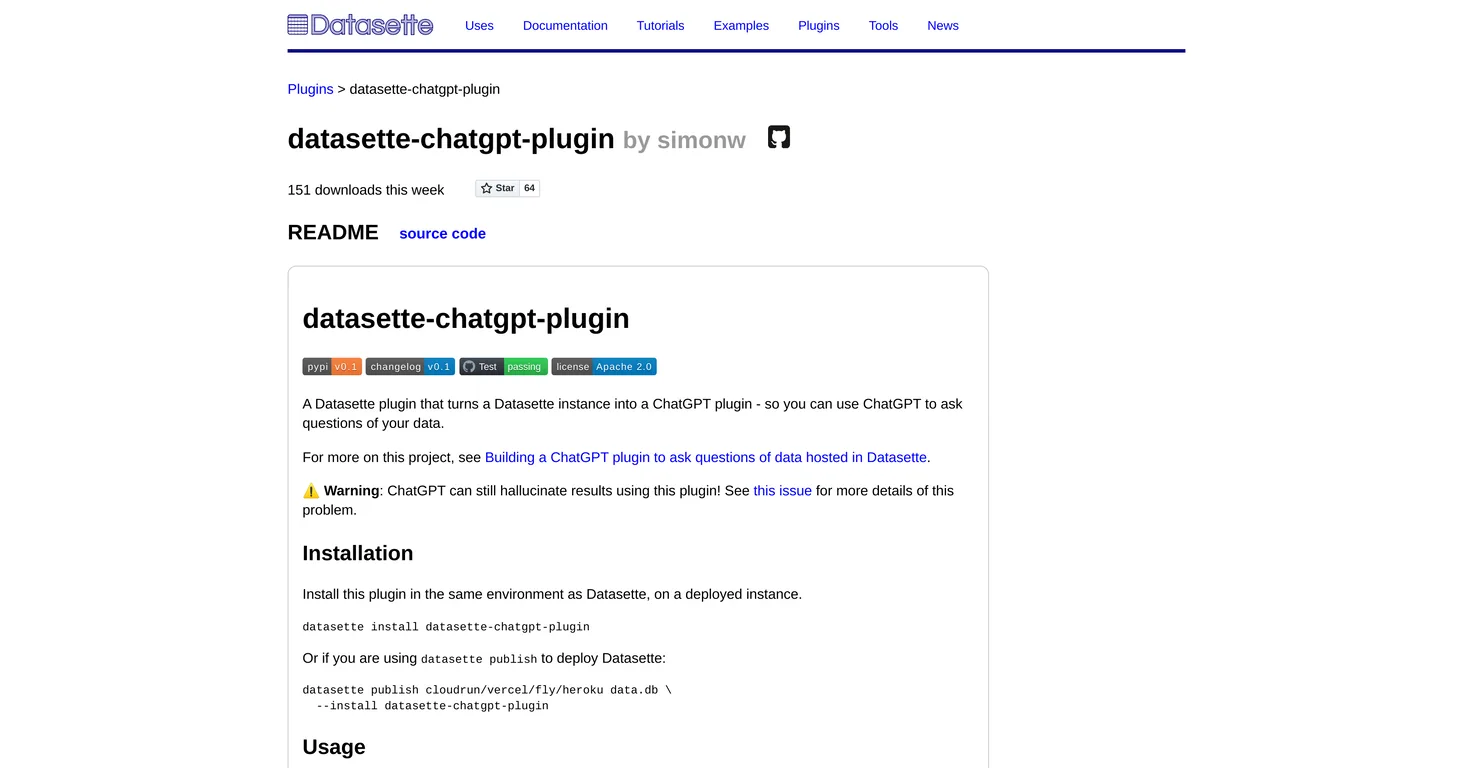
The Datasette-ChatGPT-plugin is a toolkit that transforms a Datasette instance into a ChatGPT plugin. It uses OpenAI's GPT models to power automated Q&A chatbots, allowing users to interact and gain insights from their data in real-time through natural language inquiries.
The Datasette-ChatGPT-plugin operates by unifying with a Datasette instance and interacting with data through ChatGPT. It allows users to ask natural language questions and get real-time insights. After initiating the plugin, ChatGPT discovers it via the '/.well-known/ai-plugin.json' endpoint, making data-based queries possible.
Real ratings and feedback from the community
Be the first to share your rating and comments for this AI tool!
How Datasette ChatGPT plugin stacks up against top competitors
| Feature | Datasette ChatGPT plugin | Athena Intelligence | Kyligence | Definite |
|---|---|---|---|---|
| Rating | ★ 3 | — | ★ 3 | — |
| Pricing Model | free | paid | paid | free_trial |
| API Access | No | No | No | No |
| Open Source | No | No | No | No |
| Link | Visit Website | Visit Website |
Explore similar AI tools in this category
Setting up the Datasette-ChatGPT-plugin requires using the same environment as Datasette for installation. If users don't have access to the ChatGPT preview, they can develop their plugin. To set up the plugin locally, you need to checkout the code, create a new virtual environment, install dependencies, and initiate tests.
With the Datasette-ChatGPT-plugin installed, users can ask ChatGPT to perform various functions like showing a list of available tables, or displaying the first ten rows of a specific table.
The Datasette-ChatGPT-plugin provides users with access to a single database - the first one that's connected to the instance. Users can use ChatGPT to garner insights from this database.
After installing the Datasette-ChatGPT-plugin, you can access ChatGPT via the Plugin store. If access to the preview is not available, you can opt to 'Develop my own plugin'.
User can install the Datasette-ChatGPT-plugin from PyPI. It is listed among other plugins and extensions that are available for Datasette.
The Datasette-ChatGPT-plugin is best suited for users looking to leverage the power of ChatGPT to extract insights quickly and efficiently from their data using a natural language interface.
Datasette-ChatGPT-plugin utilizes GPT-3 models to power automated Q&A chatbots. Using these advanced models, it enables users to query and interact with their data in a conversational manner.
The '/.well-known/ai-plugin.json' endpoint is a pathway that ChatGPT uses to discover plugins. In case of Datasette-ChatGPT-plugin, once this plugin is initiated, ChatGPT discovers it via this specific endpoint.
Users can start a query by posing questions in natural language to ChatGPT after the Datasette-ChatGPT plugin has been installed and ChatGPT has discovered it via the '/.well-known/ai-plugin.json' endpoint.
Yes, users can request a list of available tables by posing a question to ChatGPT using natural language. Showcasing tables is one of many functions they can perform with the Datasette-ChatGPT-plugin.
Yes, the Datasette-ChatGPT-plugin allows users to ask for the first ten rows of a particular table. They need to pose this requirement in a natural language query to ChatGPT.
Despite its intelligent capabilities, ChatGPT can sometimes produce responses that aren't fully accurate or directly reflective of data. It's vital to acknowledge this possibility while interpreting ChatGPT's responses.
By 'hallucination', it is meant that ChatGPT may generate outputs that aren't explicitly mentioned in the data, effectively fabricating or 'hallucinating' information. Users are cautioned to understand that the AI might 'hallucinate' or provide creatively-devised responses.
The code for the Datasette-ChatGPT-plugin can be checked out from the GitHub repository, where the source code resides.
You need to have a new virtual environment set up and have the dependencies and test dependencies installed to initiate tests in the Datasette-ChatGPT-plugin. The 'pip install -e .[test]' command is used for this purpose.
Currently, the Datasette-ChatGPT-plugin exposes only a single database – the first one that is connected to the instance.
To install the Datasette-ChatGPT-plugin in the same environment as Datasette, you need to run the 'datasette install datasette-chatgpt-plugin' command in the terminal.
To set up the Datasette-ChatGPT-plugin locally, you need to first checkout the code, then create a new virtual environment. After that, you need to install the dependencies and test dependencies. Finally, you initiate tests. The terminal commands needed to accomplish this are provided in the 'Development' section of the plugin's documentation.
| Visit Website |
| Visit Website |
Compare Fliki's free and paid tiers to see how this text-to-video AI tool simplifies social media, blog-to-video, and content marketing production.


