

Vadoo AIFaceless videos AI Tool
Generate faceless videos from prompts and scripts.
Vadoo AI Listing Score
Auto-calculatedOverall
Average of 2 data signals below
Basic pricing published
3 of 4 content areas filled (features, FAQs, pros/cons, description)
This score is calculated automatically from this listing's available data (community rating, capabilities, pricing transparency, and documentation). It is not a paid or sponsored review.
Capabilities & Key Tasks
Atomic Answer Block (Fact Checked)
Pricing & Model
freemium
Free + from $9/mo
Open Source & API
Proprietary
No Public API
Foundational Model
Proprietary Engine
Key Integrations
Web App Only
About Vadoo AI
Vadoo AI Pricing
Free + from $9/mo
See full pricing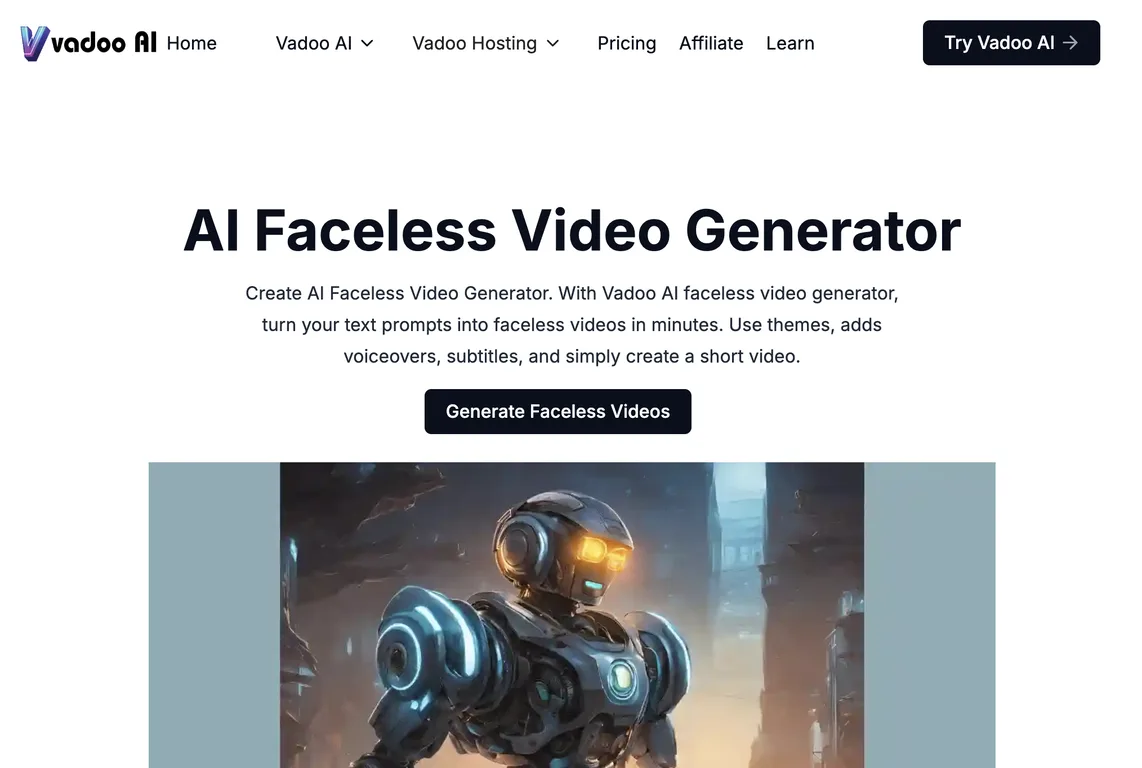
Pros
- Creation of faceless videos
- Conversion of text prompts to videos
- Selectable themes for videos
- Add voiceovers in videos
- Set desired background music
- Include subtitles to videos
- Generates high-quality videos
- Editing tools for video refinement
- Multi-language captioning
- Supports over 50 languages
- Option to add B-roll footage
- Customizable text overlays
- In-platform background music collection
- Voiceover functionality for audio personalization
- Generates unique videos
- Video personalization for audience preferences
- Effective for social media platforms
- Straightforward creation process
- Intuitive design
- Video hosting feature
- Screen recorder
- Add creator-style captions
- High-quality and relevant visuals
- Turns text into engaging scripts
- No software download needed
- Works across popular browsers
- Accessible from any device
- User-friendly interface
- Easy content creation
- Offers starter
- pro and advanced plans
- Ability to invite collaborators
- Option to upload own fonts
- Integrated with Facebook
- Youtube
- Webflow
- Offers a text to video feature
- Supports export for YouTube
- Instagram or TikTok
- Makes videos searchable with subtitles
- Supports instantaneous creation of videos
- Offers a music collection for different video tones
- Ability to add creator style captions
- Detailed analytics for each video
- Integrated podcast hosting
- Ability to re-edit and refine videos
- Provides video security
- Automatic transition inclusion
- Screen recording capabilities
Cons
- Limited video length
- Expensive for high usage
- No free version
- Limited storage
- Limited customization options
- Doesn't support all fonts
- No video security features
- No collaborative features
- Limited video templates
Frequently Asked Questions
Common queries about Vadoo AI answered
How does Vadoo AI create faceless videos from a text prompt?
Vadoo AI turns text prompts into faceless videos by employing advanced algorithms. It structures your text prompt into a script, then generates corresponding images and stitches them together to create a video. The result is an engaging, faceless video with smooth transitions, voiceovers, captions, and background music.
What kind of video editing tools does Vadoo AI provide?
Vadoo AI provides a set of tools for editing videos. These include options for adding voiceovers, setting background music, including subtitles, and adding B-roll footage. It also allows you to select themes and customize text overlays to highlight key points in your video.
Can I add my own voiceovers to videos generated with Vadoo AI?
Yes, you can. Vadoo AI supports the functionality to add personalized voiceovers to your videos. You can utilize this to further customize and personalize the faceless videos.
How to set the background music for my faceless video on Vadoo AI?
Vadoo AI boasts a collection of in-platform background music that you can choose from for your faceless videos. You can select the music that best suits the tone and mood of your video as per your needs.
Does Vadoo AI allow the inclusion of subtitles in my videos?
Yes, Vadoo AI provides the option to include subtitles in your videos. This feature enhances the accessibility of your videos, making them more user-friendly and enjoyable for a wider audience.
Which languages are supported for captioning in Vadoo AI?
In line with its accessibility principles, Vadoo AI supports multi-language captioning. This feature extends to over 50 languages, encompassing a wide range of global languages.
What is B-roll footage and how can I add it to my videos in Vadoo AI?
B-roll footage is additional or alternative footage intercut with the main shot in your video. Vadoo AI provides an option to add B-roll footage to your videos, creating a more engaging visual experience.
What are text overlays in Vadoo AI Faceless Video Generator and how can I customize them?
Text overlays are an effective tool in the Vadoo AI Faceless Video Generator that allows users to superimpose text over the video frames. This can be utilized to highlight key points or to convey additional information to enhance viewer understanding. You can customize these overlays according to your preferences.
Can I choose different themes for my videos on Vadoo AI?
Yes, Vadoo AI allows you to select the theme of your videos. It offers multiple themes to choose from, giving you the flexibility to align the aesthetics of your video to your brand's colors, style, or the particular message you want to convey.
Which social media platforms support videos generated from Vadoo AI?
The videos generated by Vadoo AI are flexible for use across various platforms. They can be ideally posted on YouTube, Instagram, and TikTok among other social networks.
How does the Vadoo AI tool ensure the videos are engaging and effective?
Vadoo AI uses innovative technology to make the faceless videos engaging and effective. Key features like customizable text overlays, multi-language captioning, the addition of B-roll footage and voiceovers, combined with seamless transitions and high-quality visual effects, ensure that the content compels viewer interest and communicates the message effectively.
Is there in-platform music available in Vadoo AI or do I have to add my own background music?
Yes, Vadoo AI provides an array of in-platform background music that you can add to your videos. You have the freedom to choose from this collection to suit different video tonal needs. It's not mandatory to add your own background music unless there's a specific track you wish to use.
How does Vadoo AI help to personalize my faceless videos?
Vadoo AI facilitates personalization of your faceless videos primarily through its range of editing tools. You can add your own voiceovers for a personal touch, select different themes, add B-roll, include subtitles, and customize text overlays according to your content needs.
How can I use Vadoo AI to edit my faceless videos after they're generated?
With Vadoo AI, you can edit your videos after they're generated. You can refine these faceless videos as per your individual preferences with available editing tools in Vadoo AI or use its in-built features like adding music, voiceovers, B-roll footage, setting themes, including subtitles, customizing text overlays and more.
Can I highlight key points in my video using Vadoo AI?
Yes, Vadoo AI allows you to use text overlays to highlight key points in your video. You can use this feature to visually underscore important elements in the video, increasing their visibility and enhancing their impact.
Are there different packages available on Vadoo AI and what are their features?
Yes, Vadoo AI offers different pricing packages. These are tailored to meet various video creation needs, with distinct features in each package. The packages range from a free trial to more advanced options, each offering various limits on video generation per month, video size and length, template availabilities and more.
Do I need any additional software to use Vadoo AI?
No, you needn't download any additional software to use Vadoo AI. Vadoo AI is an online tool that operates effectively across various browsers. You can access and use the features of Vadoo AI from any device with a web browser.
How long does it take to generate a faceless video using Vadoo AI?
The time to generate a faceless video with Vadoo AI largely depends on the length of the text prompt and properties of the video. However, the process is fast and intuitive, designed to produce videos with minimum waiting time.
How can Vadoo AI tailor the videos to specific audience preferences?
Vadoo AI tailors videos to specific audience preferences through smart theme selection, personalization options like voiceovers and custom text overlays, as well as the provision to add suitable background music. Additionally, it supports multi-language captioning and high-quality visual effects, helping you better cater to your target audience's tastes and preferences.
What are the resolution options available when exporting videos from Vadoo AI?
The resolution options when exporting videos from Vadoo AI are largely dependent on the package you choose. However, it is designed to offer high-quality video outputs suitable for various platforms including YouTube, Instagram, and TikTok among others.
User Reviews
Real ratings and feedback from the community
No reviews yet
Be the first to share your rating and comments for this AI tool!
Direct Comparison Table
How Vadoo AI stacks up against top competitors
| Feature | Vadoo AI | AutoShorts.ai | AiClips.co | FacelessVideos.AI |
|---|---|---|---|---|
| Rating | ★ 3 | — | — | — |
| Pricing Model | freemium | free_trial | freemium | paid |
| API Access | No | No | No | No |
| Open Source | No | No | No | No |
| Link | Visit Website | Visit Website | Visit Website | Visit Website |
Alternatives to Vadoo AI
Explore similar AI tools in this category


Generate unique videos on AutoPilot with our powerful AI engine.

Create viral, faceless videos for YouTube and TikTok in seconds.


Renderfire creates AI-powered faceless videos, ideal for explainer videos, marketing content, and e-learning, ensuring privacy and focus on the message.

Tool Details
Similar Tools

Fliki
Compare Fliki's free and paid tiers to see how this text-to-video AI tool simplifies social media, blog-to-video, and content marketing production.

Lovable
Lovablev2.2 turns your app ideas into live web apps instantly with AI and simple prompts-no coding required for fast MVPs and prototypes.

Vsub
Create faceless videos in seconds with AI

HeyGen
Business videos with custom avatars & voiceovers.