

Palet DesignWebsite building AI Tool
Build interactive websites fast and easy with AI.
Website building1 views
Build interactive websites fast and easy with AI.
Overall
Average of 1 data signal below
3 of 4 content areas filled (features, FAQs, pros/cons, description)
This score is calculated automatically from this listing's available data (community rating, capabilities, pricing transparency, and documentation). It is not a paid or sponsored review.
Pricing & Model
paid
Open Source & API
Proprietary
No Public API
Foundational Model
Proprietary Engine
Key Integrations
Web App Only
Common queries about Palet Design answered
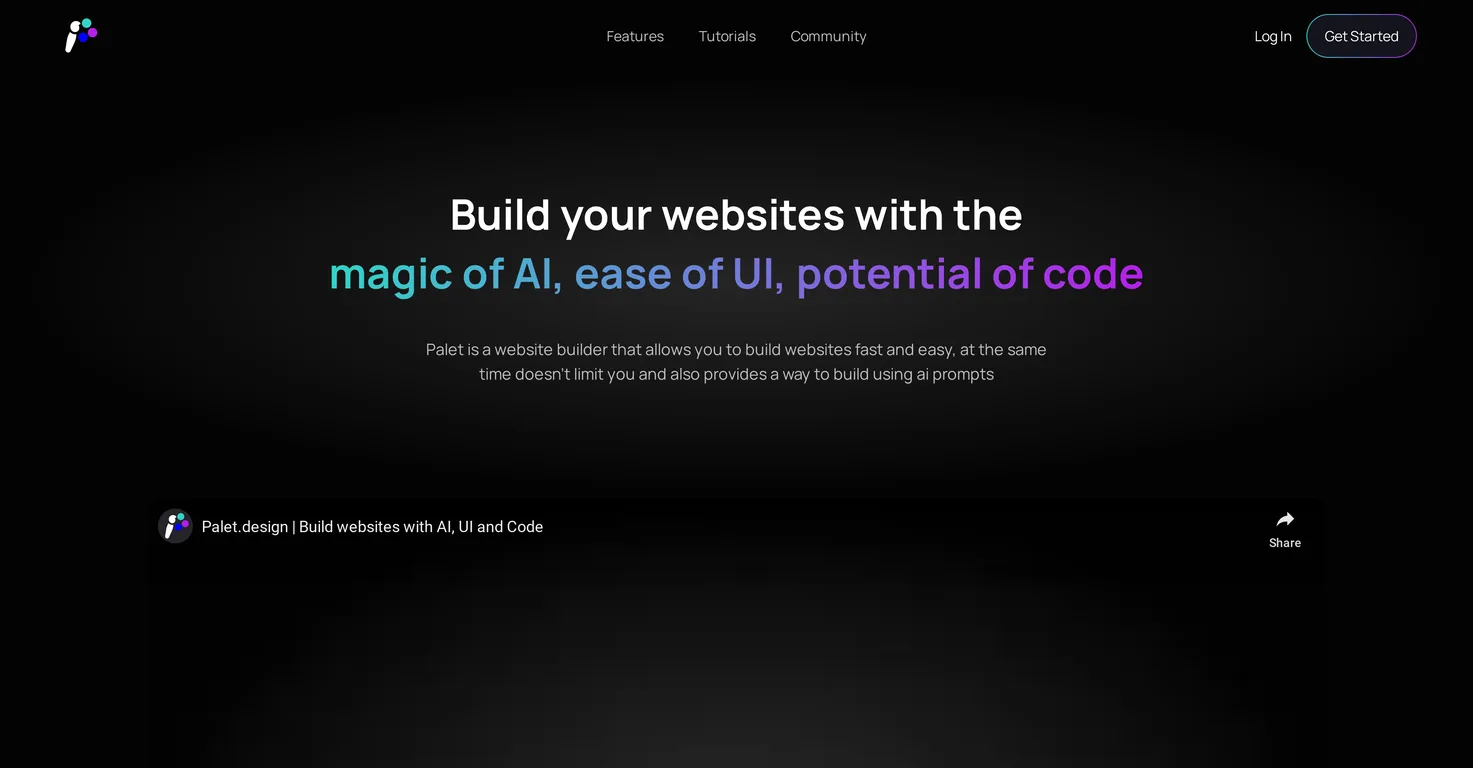
Palet is an AI-assisted website builder designed to streamline the process of creating interactive websites. It offers a simplified user interface and a coding option for customization, making it flexible and adaptable to user needs. Palet integrates AI technology into the design and coding flow, replacing the need to paste snippets or provide context. It includes a myriad of unique features such as the option to add effects like parallax and animated avatars, or smoothly incorporate YouTube videos. Further, it has a user-friendly editor and a large library of 150,000 vector icons.
Palet integrates AI technology into the design and coding workflow, resulting in a more efficient and streamlined website building process. Instead of the user having to paste snippets or provide context for the AI, Palet's AI understands and anticipates the user's design needs which simplifies and accelerates the overall workflow.
Real ratings and feedback from the community
Be the first to share your rating and comments for this AI tool!
How Palet Design stacks up against top competitors
| Feature | Palet Design | Framer | Yacss | Stunning |
|---|---|---|---|---|
| Rating | ★ 3 | — | — | ★ 3 |
| Pricing Model | paid | freemium | paid | free_trial |
| API Access | No | No | No | No |
| Open Source | No | No | No | No |
| Link | Visit Website | Visit Website |
Explore similar AI tools in this category
Palet offers numerous unique features for website design. These include simplified user interface options, coding customizations, the ability to add effects like parallax and animated avatars, seamless YouTube video integration, a user-friendly editor, and an expansive library of over 150,000 vector icons. Furthermore, it supports design for all screen sizes, deployment to platforms like Netlify, and integrates JavaScript libraries like GSAP and Three.js.
Yes, Palet provides options for coding customizations. This feature allows users to maintain design flexibility throughout the website building process. Users aren't restricted by UI and can switch to code, according to it being convenient for them. No boilerplate code is needed if users want to add custom code, they can simply edit the minimal, readable HTML code.
Palet simplifies the website building process by AI-assisted design and coding flow, obviating the need for users to paste snippets or provide context. It also offers a user-friendly editor, and switching between UI and code is seamless, enabling both non-developers and experienced coders to quickly design and build websites. Net deployment is made simple with one-click deployment to Netlify.
Yes, Palet allows you to seamlessly embed YouTube videos on your website. The feature is integrated within its interface design, providing an easy way to include rich video content into your web pages.
Palet supports designing for all screen sizes. Its responsive design feature means that users can create one design that adapts to fit any screen size and device. Users can also test their designs on any device of their choice to ensure compatibility and optimal user experience.
With Palet, deployment to platforms like Netlify is made easy. There's a single-click feature that allows you to directly deploy your website to Netlify and map your website to a custom domain for free.
GSAP and Three.js are JavaScript libraries. GSAP is a web animation library that allows developers to create smooth, stunning, and interactive animations. Three.js enables captivating and interactive 3D experiences for web development. Palet integrates these JavaScript libraries, which are traditionally used by experienced developers, making them accessible to all users regardless of their coding background or experience.
Palet encourages creativity by allowing you to build interactive, award-winning websites. This is facilitated through the integration of GSAP and Three.js libraries, implementation of effects like parallax and animated avatars, embedding YouTube videos, and providing a user-friendly editor and a library of vector icons to enhance design. The ability to switch between UI and code freely also offers tremendous flexibility in design.
The user-friendly editor in Palet is designed to make the website designing process easier and more intuitive. It simplifies design tasks, providing an easy-to-navigate interface that doesn't require extensive coding knowledge or experience.
Palet boasts a library of over 150,000 vector icons. The expansive library features a diverse selection of icons from all popular sets, which designers can integrate seamlessly into their projects with ease and convenience.
Yes, there is a dedicated Discord community for Palet users, where they can support each other, share ideas, suggest improvements, and even share their work. The community consists of creators, designers, and developers, fostering a collaborative and innovative environment.
Palet offers users the ability to add effects like parallax and animated avatars. However, the specific way of adding these effects is not specified on their website, it would typically involve using the tool's features within the website building process.
Palet streamlines the design and coding flow by incorporating AI into the process. This eliminates the need for manual tasks such as pasting snippets or providing context to the AI. With its easy-to-use interface, you're able to design and build websites more efficiently.
No, you don't need to paste snippets or give context to the AI in Palet. The AI is built into your design and coding flow, covering these aspects and simplifying the website building process.
Palet can significantly increase your productivity in web design. Its integrated AI, expansive features, user-friendly editor and the ability to seamlessly switch between UI and code simplify and streamline the website building process. It also negates the need for switching tabs and recompilation, promoting a more efficient workflow.
Yes, Palet allows users to switch between UI and code according to their convenience. You won't be restricted by the user interface and can code anytime when needed, further enhancing the flexibility and control you have over your website's design and functionality.
To join Palet’s Discord community, simply access the link provided on their website. This community is where Palet users can seek help, suggest improvements, and share their work with like-minded creators, designers, and developers.
Several resources are available for learning how to use Palet. Tutorials are available via playlists on YouTube and all users are encouraged to join the dedicated Discord community to get help, improve their skills, and share their work. Additional resources and guides are likely provided within the platform itself, but specifics are not mentioned on their website.
| Visit Website |
| Visit Website |
Automates code, layout, and integrates web technologies.
Design professional websites effortlessly with AI.


