

ImagineQRQR codes AI Tool
Customize visuals and generate marketing QR codes
QR codesfrom $9/mo0
Customize visuals and generate marketing QR codes
Overall
Average of 2 data signals below
Basic pricing published
3 of 4 content areas filled (features, FAQs, pros/cons, description)
This score is calculated automatically from this listing's available data (community rating, capabilities, pricing transparency, and documentation). It is not a paid or sponsored review.
Pricing & Model
paid
from $9/mo
Open Source & API
Proprietary
No Public API
Foundational Model
Proprietary Engine
Key Integrations
Web App Only
from $9/mo
See full pricing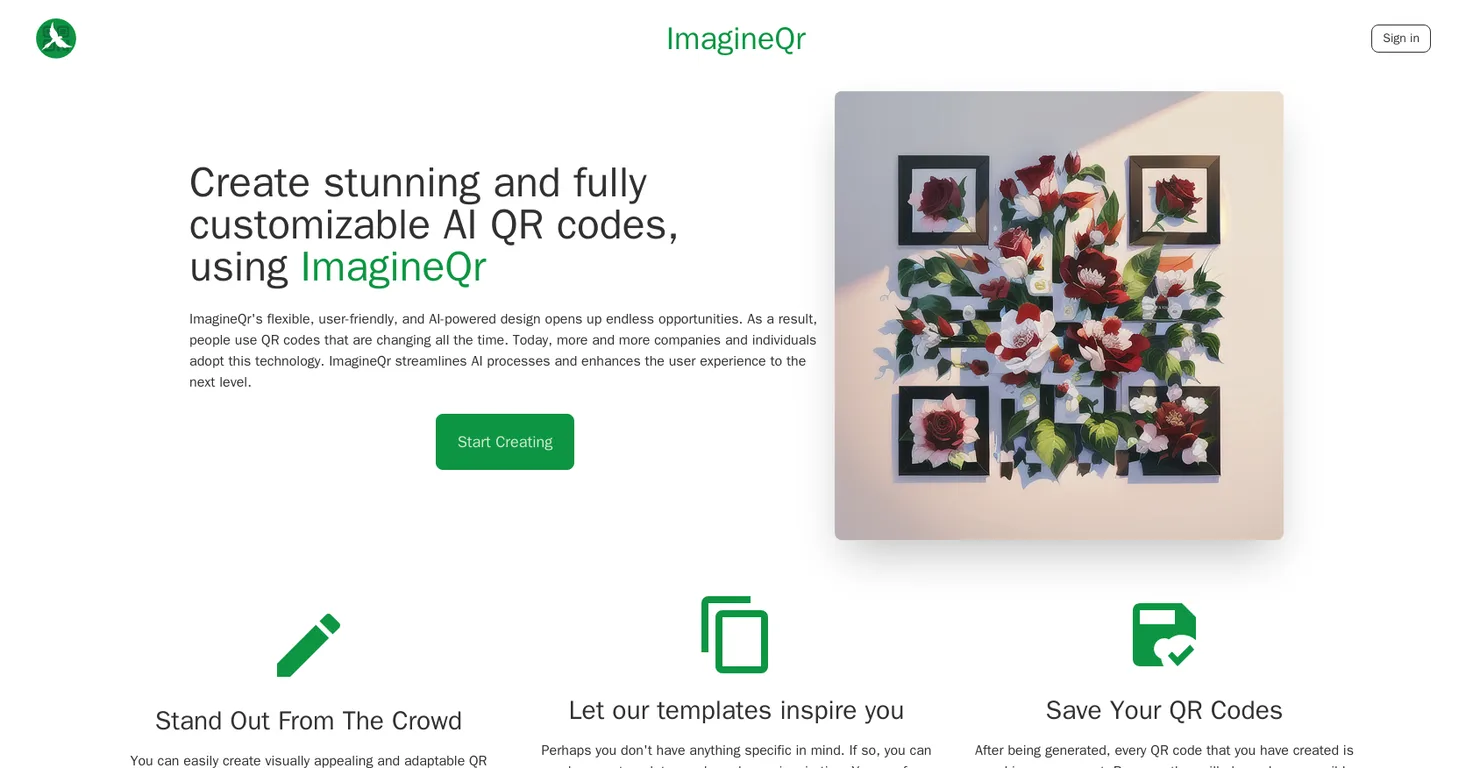
Common queries about ImagineQR answered
ImagineQR is an AI-powered tool that allows users to create visually engaging and customizable QR codes.
With ImagineQR, you can generate QR codes for virtually anything such as websites and business cards. You can use the provided templates if you need inspiration and every QR code you generate is saved in your account for easy re-acess.
ImagineQR uses AI technology to make the generated QR codes interactive and responsive to individual users' tastes and needs. This technology allows for the creation of personalized offers, real-time information and exciting marketing campaign opportunities.
Real ratings and feedback from the community
Be the first to share your rating and comments for this AI tool!
How ImagineQR stacks up against top competitors
| Feature | ImagineQR | QR-Art | Qriginals | QR Galaxy |
|---|---|---|---|---|
| Rating | ★ 3 | ★ 3 | ★ 3 | — |
| Pricing Model | paid | free | paid | free_trial |
| API Access | No | No | No | No |
| Open Source | No | No | No | No |
| Link | Visit Website | Visit Website |
Explore similar AI tools in this category
The benefits of AI-generated QR codes in ImagineQR include interactivity, responsiveness to individual users' tastes and needs, and the ability to create personalized offers. These QR codes also enable companies to reach their target audience in unique ways.
In ImagineQR, you can customize QR codes according to your needs. This includes entering your specific idea or choosing from provided templates.
The ImagineQR interface is user-friendly, focusing on simplicity and intuitive design to enhance the user experience and make AI technology accessible.
No, you don't need to have a specific idea to create a QR code on ImagineQR. There are many templates to choose from if you need inspiration.
ImagineQR provides a variety of templates to inspire your QR code creation process. The exact types of templates are not specified, but they are designed to spark your creativity.
After QR codes are generated on ImagineQR, they are saved in your account. They are always accessible and can be re-downloaded at any time.
Businesses can use ImagineQR for their marketing campaigns by creating interactive and personalized QR codes. This allows them to reach their target audience in unique and engaging ways.
ImagineQR's QR codes are interactive and responsive, adapting to individual users' preferences and needs. This allows for personalized interaction and engagement.
ImagineQR enhances the user experience by providing a user-friendly interface and intuitive design. The tool streamlines AI processes, making it easy and simple to generate impressive QR codes.
ImagineQR offers three pricing tiers: Free, Pro, and Enterprise. The free version offers limited usage, while the Pro plan allows for higher usage at $9 per month. The Enterprise plan offers customizable pricing.
With the free version of ImagineQR, you can generate up to 5 QR codes per month. Your QR codes can be inspired by the provided templates and are saved in your account with no watermark.
The Pro and Enterprise plans of ImagineQR offer a higher limit on the number of QR codes you can generate per month - 300 for the Pro plan and unlimited for the Enterprise plan. Both plans offer access to QR history and templates as well as no watermark.
You can view all your AI-generated QR codes in your ImagineQR dashboard. This ensures you can easily access and manage your created QR codes.
In ImagineQR, you start the process of creating a QR code by going to the Create page, filling in the website field, and using the correct prompts for your specific idea. If you want to reduce the chances of certain content being generated, you can use the Negative Prompt field.
ImagineQR makes AI technology accessible by integrating it into a user-friendly interface that allows for the simple creation of QR codes. The focus is on enhancing the user experience while simplifying AI processes.
To achieve the best results using ImagineQR's QR code generator, reduce the number of characters in your DATA field, use words that create good contrast, restructure your prompt to be more concise, and experiment with the generator.
If you have further questions or need support for using ImagineQR, you can ask a question on their Discord server or send an email to [email protected].
| Visit Website |
| Visit Website |


