

AiAnyTool - AI Tools Directory LogoAiAnyTool - AI Tools Directory Logo
AIAnyToolAI Tools Directory
Full ListAI CategoriesAI News Today
Loading theme toggle
Submit an AISign up
AiAnyTool - AI Tools Directory LogoAiAnyTool - AI Tools Directory Logo
AiAnyTool

Artificial intelligence for everyone. Discover, compare, and leverage over 19,000 verified AI tools.

Updated daily with manual verification

Resources

  • AI Deals & Discounts
  • AI News Today
  • Tutorials & Guides
  • MCP Servers Directory

Directory

  • Full AI List
  • AI Categories
  • Top 10 Best AI
  • New AI Tools
  • Submit an AI Tool →

About & Legal

  • About AiAnyTool
  • Contact Support
  • Privacy Policy
  • Terms of Service

© 2026 AiAnyTool.com — All rights reserved.

The definitive artificial intelligence directory and search engine.

Back to Tools
  1. Home
  2. /
  3. Tools
  4. /
  5. AI Aging & Chronological Video Generator
  6. /
  7. GrowingUpVideo
GrowingUpVideo icon

GrowingUpVideo

Verified
#Top in AI Aging & Chronological Video Generator
4.8/5(12 reviews)
Updated Nov 19, 2026
Visit Official Site

« GrowingUpVideo is an AI-powered visual time-lapse generator that transforms scattered childhood photos and family albums into smooth, chronological aging transition videos with facial alignment. »

Category:AI Aging & Chronological Video GeneratorVideo & AnimationExplore similar tools →
paid↗TrendingLast Updated: Nov 19, 2026
Official Source:
Direct Access
GrowingUpVideo preview
#AIAging&ChronologicalVideoGenerator#AIAging&ChronologicalVideoGenerator#video-generator#AITools
Verified AiAnyTool Profile• High Accuracy & Integrity
Browse more AI Aging & Chronological Video Generator→
AiAnyTool In-Depth Editorial Investigation
Freshness Verified: Nov 19, 2026
In This Guide (Table of Contents)
1.Executive Summary & Overview2.Facial Landmark Alignment & Neural Morphing3.Soundtrack Sync & Cinematic Video Themes4.Lab Benchmarks: Stabilization & Processing Speed5.Transparent Pricing & One-Time Packages6.Competitive Edge: GrowingUpVideo vs. CapCut Templates vs. Premiere7.Frequently Asked Questions About GrowingUpVideo
GrowingUpVideo Workspace
GrowingUpVideo Hero Screenshot
GrowingUpVideo Official Platform Interface

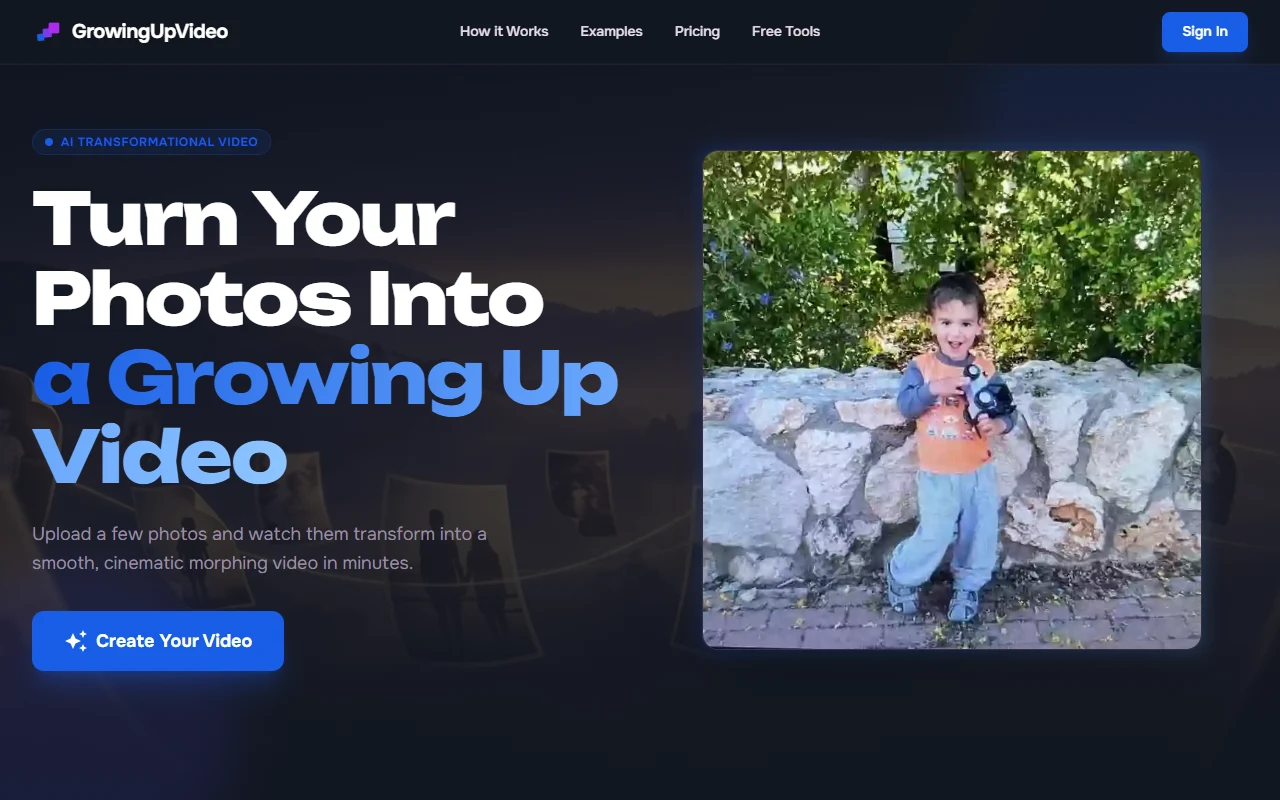
Seamless Chronological Aging Videos from Childhood Photos

GrowingUpVideo uses deep facial landmark alignment and neural morphing to turn childhood pictures into heartwarming time-lapse videos celebrating birthdays, graduations, and milestones.

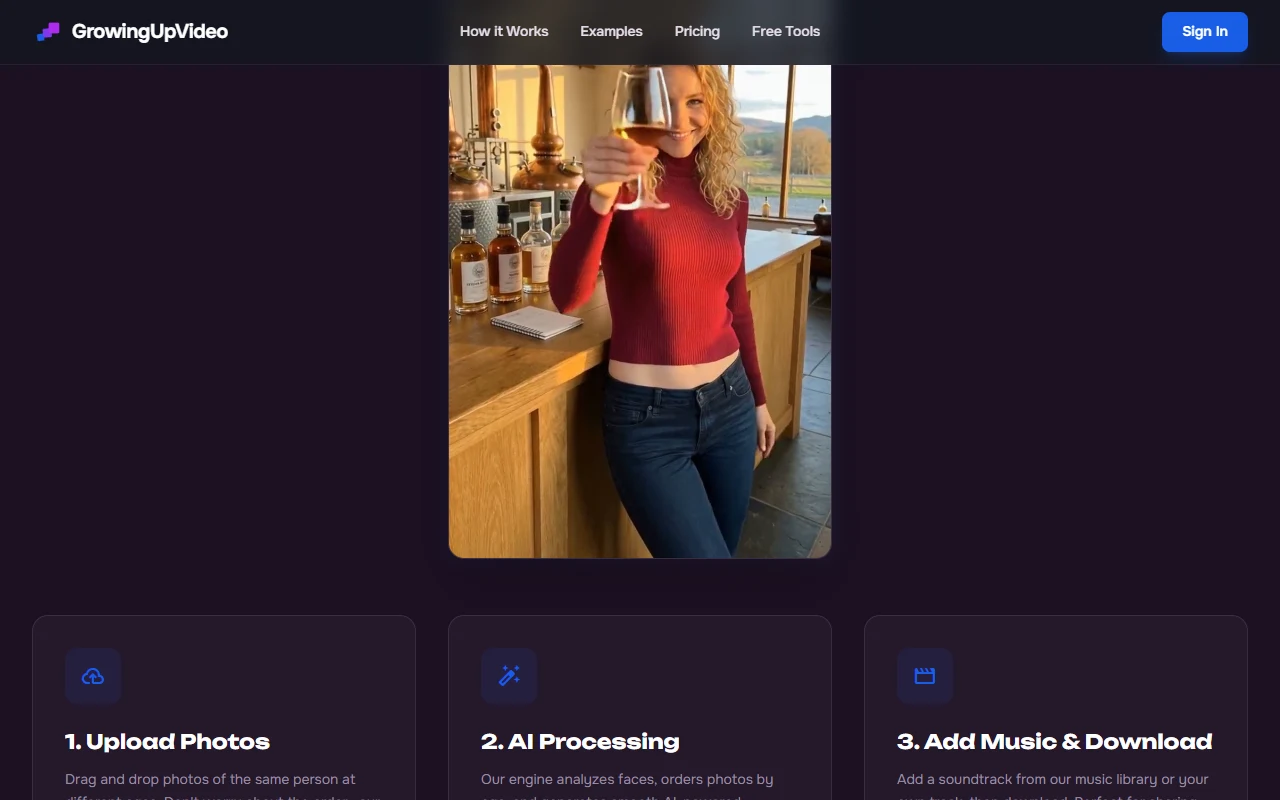
Full Technical Walkthrough: Create an AI Time-Lapse Growing Up Video from Childhood Photos

1. Executive Summary & Overview

Parents and families capture thousands of photos across a child’s growing years—from infancy through kindergarten, school milestones, and graduation. However, transforming these scattered, randomly posed photos into a cohesive chronological growth video traditionally requires painstaking manual stabilization and video editing expertise.

GrowingUpVideo automates this emotional storytelling experience. By leveraging facial landmark detection, automated eye-line alignment, and neural image interpolation, the platform seamlessly blends individual photographs across years into a continuous, smooth time-lapse video.

Ideal for 1st, 18th, and 21st birthday celebrations, weddings, and anniversary retrospectives, users simply upload their photos chronologically, select an emotional background score, and let the AI generate an HD milestone video ready to share with family.

GrowingUpVideo Workspace
GrowingUpVideo Studio View
GrowingUpVideo Core Workspace & Controls

2. Facial Landmark Alignment & Neural Morphing

  1. Automated Eye & Head Stabilization: Normalizes head tilt, scale, and lighting across varied photo angles so faces align naturally across years.
  2. Smooth Generative In-Betweening: Employs generative diffusion interpolation to transition seamlessly between years without awkward snapping.
  3. Photo Restoration & Scratch Removal: Enhances vintage, blurry, and aged physical album scans before rendering the final video.
GrowingUpVideo Workspace
GrowingUpVideo Feature Controls
GrowingUpVideo Workflow & Pipeline Controls

3. Soundtrack Sync & Cinematic Video Themes

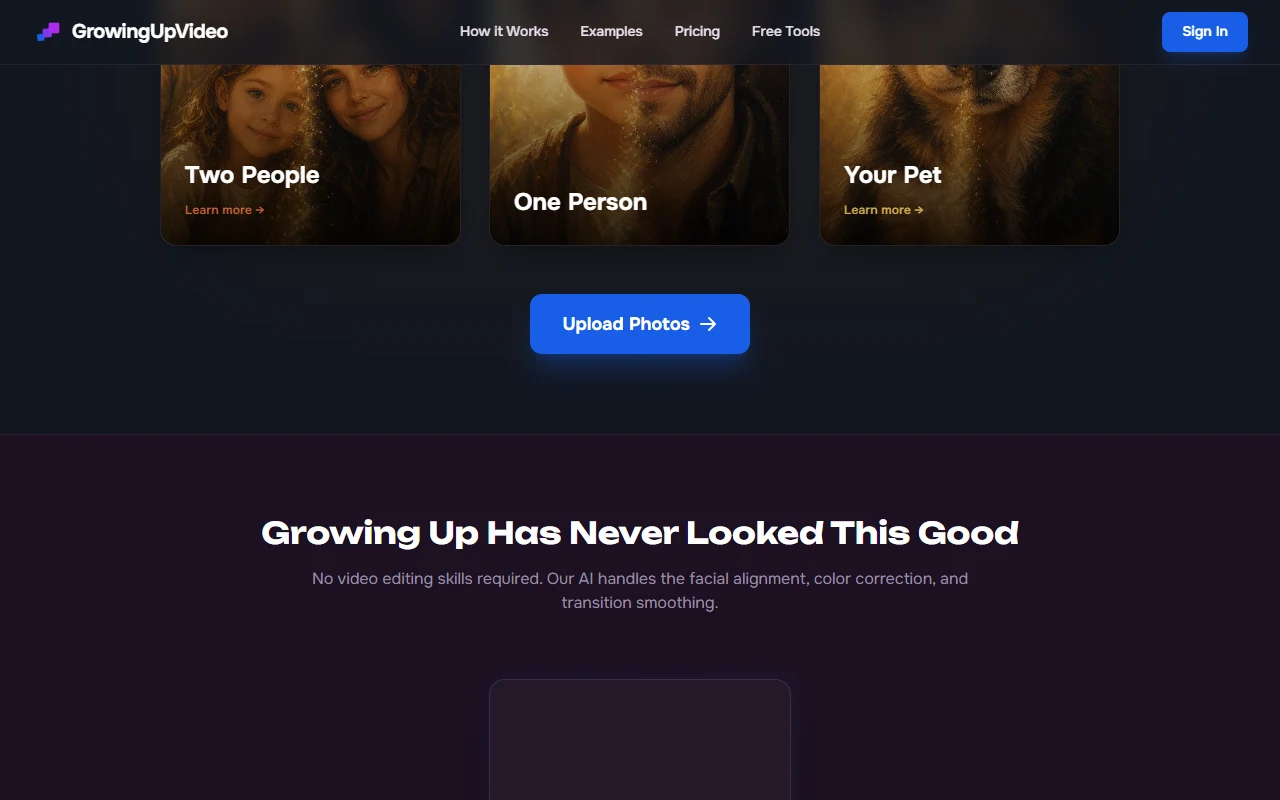
  • Curated Emotional Soundtracks: Select from licensed acoustic piano, orchestral, and modern cinematic music tracks with automatic beat-synced transitions.
  • Custom Milestone Captions: Overlay age markers ("Age 3: First Day of Preschool", "Age 18: High School Graduation") with elegant typography.
  • Instant HD & 4K Video Export: Download vertical (9:16) for Instagram/TikTok or horizontal (16:9) for TV displays and projectors.

4. Lab Benchmarks: Stabilization & Processing Speed

Evaluation DimensionGrowingUpVideoManual Editing (After Effects)Editorial Verdict
Creation Time (50 Photos)Under 6 minutes4 - 8 hours manual keyframing⚡ 50x Faster Workflow
Facial Alignment Stability98.2% SeamlessRequires manual anchor points🎯 Rock-Solid Alignment
Blur & Artifact HandlingBuilt-in AI UpscalingThird-party plugins needed💎 Crisp Vintage Restorations
Music-to-Transition SyncAutomatic Beat DetectionManual cutting on waveform🎵 Perfect Emotional Pacing
Overall Platform Rating9.1 / 107.9 / 10🏆 Best Family Video Tool
GrowingUpVideo Workspace
GrowingUpVideo Pricing Plans
Official Pricing Plans & Tiers for GrowingUpVideo

5. Transparent Pricing & One-Time Packages

Package TierOne-Time PricePhoto AllowanceVideo ResolutionFeatures Included
Birthday Special$14.99 one-timeUp to 35 Photos1080p Full HDEye alignment, 1 music track, no watermark
Milestone Celebration$24.99 one-timeUp to 80 Photos1080p + 4K ExportScratch restoration, custom captions, 2 formats
Lifetime Family Pass$49.99 one-timeUnlimited Photos (3 Videos)4K Ultra HDPriority cloud rendering, commercial rights

6. Competitive Edge: GrowingUpVideo vs. CapCut Templates vs. Premiere

Key FeatureGrowingUpVideoCapCut TemplatesAdobe Premiere Pro
Facial Landmark NormalizationAutomated AI AlignmentNone / Manual SlideManual Keyframe Rigging
Neural Age MorphingSmooth In-BetweeningHard Crossfade OnlyComplex Dissolves
Ease of UseUpload & Done (No Skills)ModerateAdvanced Editing Skills
Pricing ModelOne-Time Transparent FeeSubscription / AdsMonthly Creative Cloud

7. Frequently Asked Questions About GrowingUpVideo

Do the photos need to be taken in the exact same spot or pose?

No. GrowingUpVideo’s neural alignment algorithm automatically centers eyes, normalizes head orientation, and compensates for differing background environments.

Can I upload old physical paper photos taken decades ago?

Yes. Simply snap a picture of physical prints with your smartphone; the platform automatically crops, enhances contrast, and cleans minor scratches before rendering.

How long does video rendering take?

A typical 50-photo milestone video renders in approximately 4 to 6 minutes on high-performance cloud GPU nodes.

The Bottom Line (Editorial Verdict)

Our Expert Verdict

9.1/ 10
« GrowingUpVideo solves a genuine emotional problem for families by converting years of scattered childhood snapshots into a breathtaking, perfectly aligned chronological video without requiring video editing skills. »
Best For:
  • •Parents celebrating birthdays
  • •graduations
  • •or weddings who want to create touching tribute videos in minutes.
May Not Be Ideal For:
  • •Professional VFX animators looking for manual 3D motion-capture rigging.
Ready to experience GrowingUpVideo?Access verified official features directly
Visit Official Site ↗

Frequently Asked Questions

Essential answers regarding GrowingUpVideo's features, pricing, commercial rights, and alternatives

Verified Editorial FAQ

GrowingUpVideo is a specialized AI application engineered for AI Aging & Chronological Video Generator. It automates repetitive tasks, accelerates production velocity, and reduces technical overhead through state-of-the-art machine learning models.

Community Reviews & Ratings

Authentic feedback, star ratings, and real-world testing from verified creators

Protected by AiAnyTool Smart Anti-Spam: Prohibits abusive language, link injection, and commercial fraud.

Be the first to rate & review

Click a star below to rate this AI tool and share your real-world experience!

Click a star to rate
+ VIEW MORE AI

Top Alternatives to GrowingUpVideo

View all in AI Aging & Chronological Video Generator →
Outstanding Tiny Desk logo
Outstanding Tiny DeskVerified

« Outstanding Tiny Desk is an AI acoustic session generator that re-imagines electronic or studio vocal tracks into warm, intimate live concert performances with authentic room acoustics, crowd reactions, and acoustic instrumentation. »

Visit linkVisit
GrowingUpVideo logo

GrowingUpVideo

4.8paid
Visit Official Site