AiAnyTool - AI Tools Directory LogoAiAnyTool - AI Tools Directory Logo
AIAnyToolAI Tools Directory
Full ListAI CategoriesAI News Today
Loading theme toggle
Submit an AISign up
AiAnyTool - AI Tools Directory LogoAiAnyTool - AI Tools Directory Logo
AiAnyTool

Artificial intelligence for everyone. Discover, compare, and leverage over 19,000 verified AI tools.

Updated daily with manual verification

Resources

  • AI Deals & Discounts
  • AI News Today
  • Tutorials & Guides
  • MCP Servers Directory

Directory

  • Full AI List
  • AI Categories
  • Top 10 Best AI
  • New AI Tools
  • Submit an AI Tool →

About & Legal

  • About AiAnyTool
  • Contact Support
  • Privacy Policy
  • Terms of Service

© 2026 AiAnyTool.com — All rights reserved.

The definitive artificial intelligence directory and search engine.

Back to Tools
  1. Home
  2. /
  3. Tools
  4. /
  5. AI Speech Noise Removal & Voice Clarifier
  6. /
  7. Clean Audio
Clean Audio icon

Clean Audio

Verified
#Top in AI Speech Noise Removal & Voice Clarifier
4.8/5(12 reviews)
Updated Nov 19, 2026
Visit Official Site

« Clean Audio is a privacy-first AI background noise remover and voice clarifier that runs locally in your browser for files up to 30 minutes with zero cloud uploads. »
Category:AI Speech Noise Removal & Voice ClarifierAudio & MusicExplore similar tools →
paid↗TrendingLast Updated: Nov 19, 2026
Official Source:
Direct Access
Clean Audio preview
#AISpeechNoiseRemoval&VoiceClarifier#AISpeechNoiseRemoval&VoiceClarifier#audio-enhancer#AITools
Verified AiAnyTool Profile• High Accuracy & Integrity
Browse more AI Speech Noise Removal & Voice Clarifier→
AiAnyTool In-Depth Editorial Investigation
Freshness Verified: Nov 19, 2026
In This Guide (Table of Contents)
1.Executive Summary & Overview2.Client-Side Neural Inference & Privacy Shield3.Dual Engine: Browser Local & Cloud Studio Mode4.Lab Benchmarks: Denoising Speed & Signal-to-Noise Ratio (SNR)5.Transparent Freemium Pricing6.Competitive Edge: Clean Audio vs. Adobe Podcast vs. Krisp7.Frequently Asked Questions About Clean Audio
Clean Audio Workspace
Clean Audio main interface screenshot
Clean Audio Interface: Official workspace overview.

Zero-Upload Browser-Native Voice Isolation for Audio & Video

Remove HVAC hum, traffic, dog barking, and hiss from recordings up to 30 minutes entirely within your local browser, keeping your audio 100% private.

Hands-on video guide detailing Clean Audio workflows and features.

1. Executive Summary & Overview

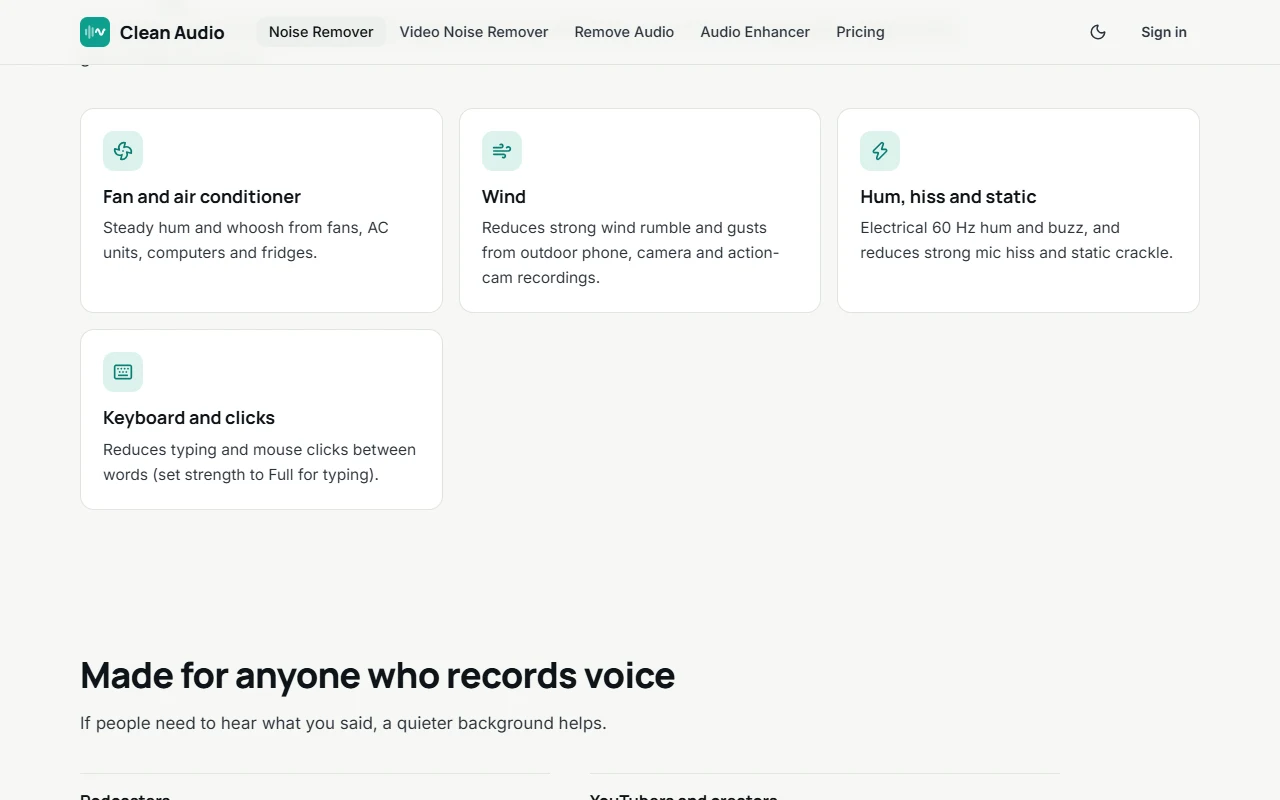
Podcasters, remote interviewers, course creators, and video editors frequently capture audio in imperfect environments—plagued by air conditioning hum, computer fan noise, traffic, street construction, and room reverb. Historically, cleaning such audio required cloud services where sensitive voice data was uploaded, or complex digital audio workstations (DAWs) with manual spectral gating.

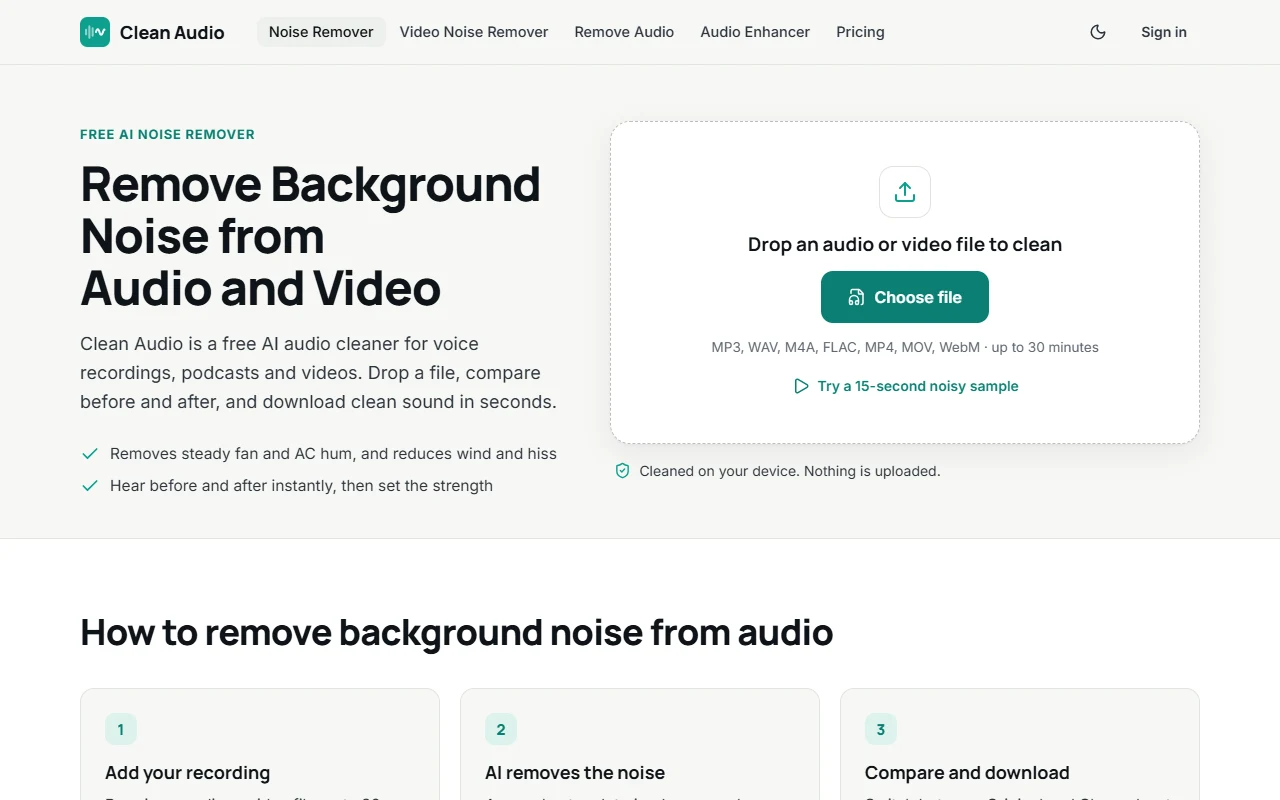
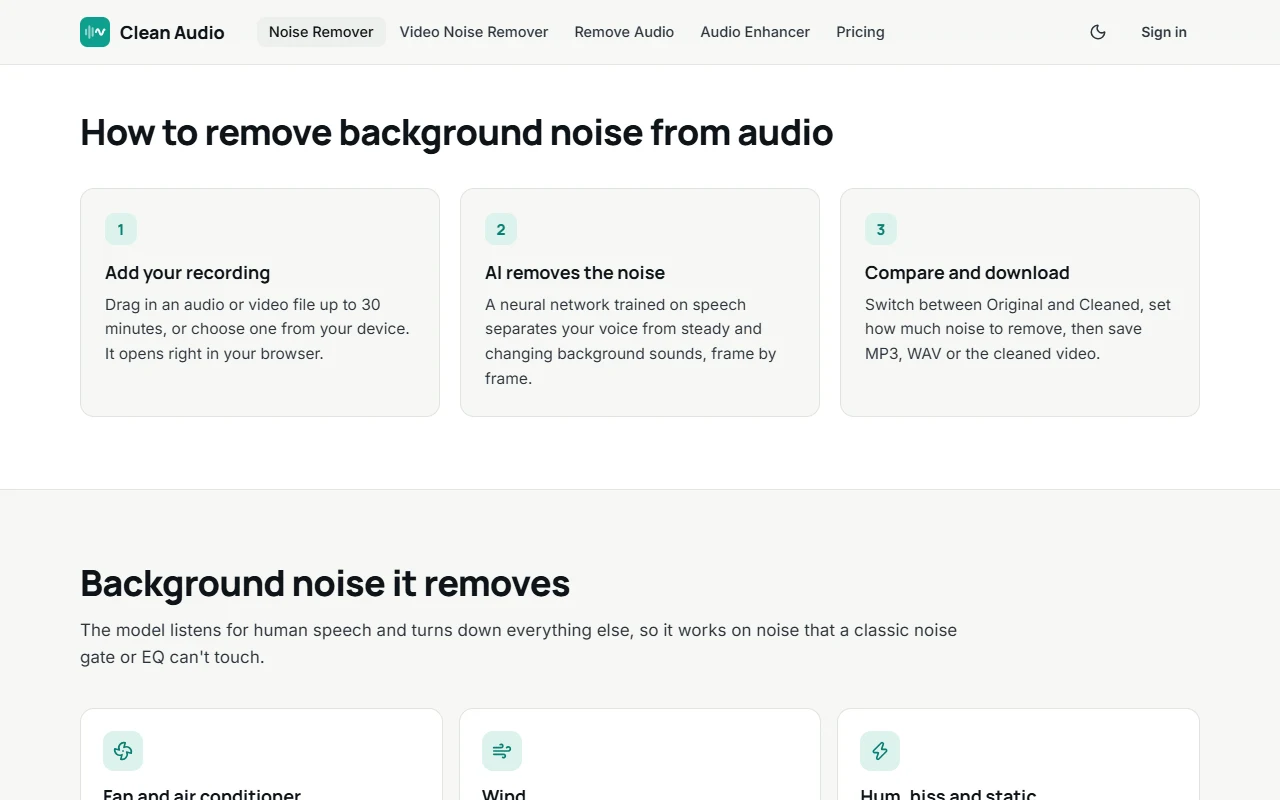
Clean Audio transforms speech enhancement by running a highly optimized neural speech denoising model directly inside the user’s web browser via WebAssembly and WebGPU. Users drop in audio or video files up to 30 minutes in length, and the speech-trained model isolates vocals, scrubs unwanted background frequencies, and outputs pristine studio-grade speech—without a single byte leaving the user’s local machine.

For extremely damaged recordings, Clean Audio also offers an optional cloud Studio mode billed per minute, providing two free minutes daily for registered users.
Clean Audio Workspace
Clean Audio studio canvas
Figure 1: Clean Audio primary creation canvas and workflow interface.

2. Client-Side Neural Inference & Privacy Shield

  1. 100% Private Local Processing: The core neural denoising model executes locally in your browser—recordings are never uploaded to remote servers.
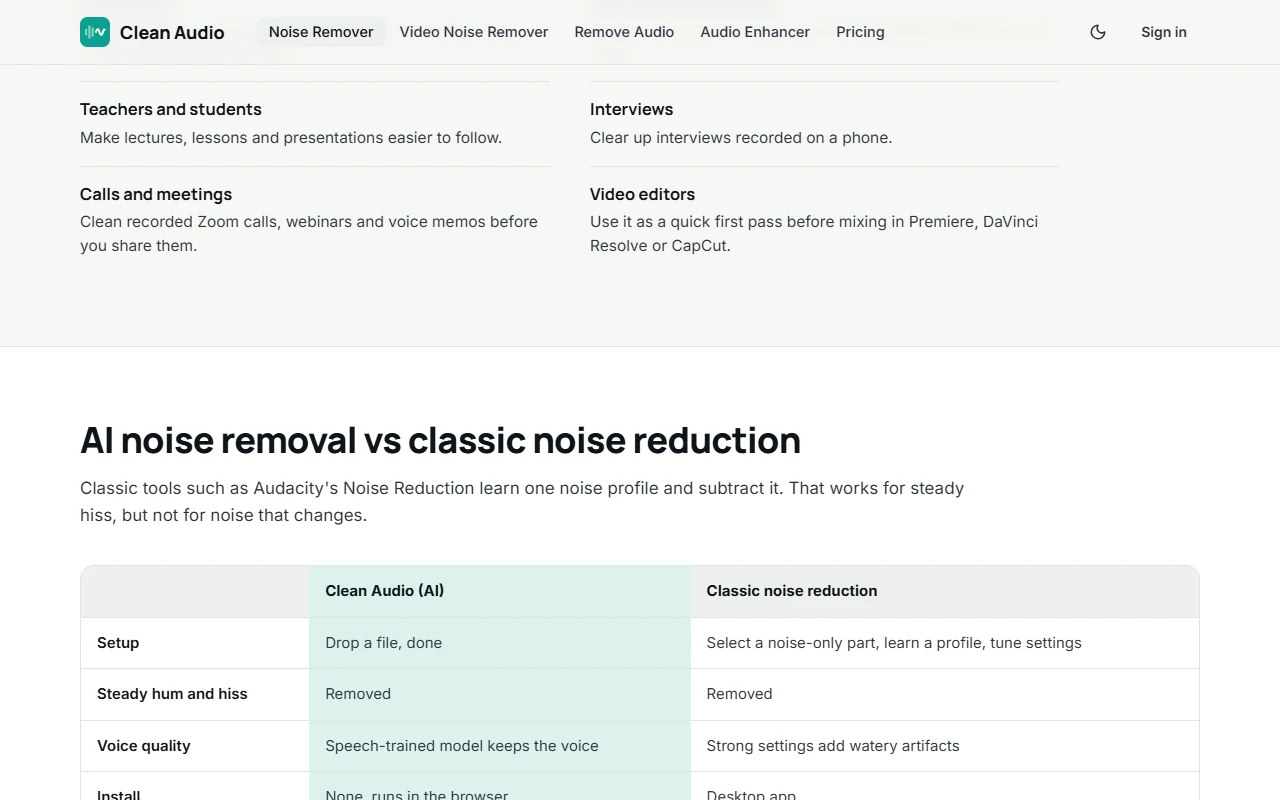
  2. Audio & Video Multi-Format Support: Drop in MP3, WAV, M4A, AAC, or MP4/MOV video files up to 30 minutes in duration.
  3. Interactive Denoising Slider: Dial the exact percentage of noise reduction from gentle cleanup to aggressive isolation.
Clean Audio Workspace
Clean Audio feature controls
Figure 2: Clean Audio configuration controls and feature parameters.

3. Dual Engine: Browser Local & Cloud Studio Mode

  • Instant A/B Audio Comparison: Toggle seamlessly between Original and Cleaned audio with real-time waveform visualization.
  • Lossless Export Options: Download cleaned audio in high-bitrate MP3, uncompressed WAV, or download the original video with cleaned audio re-muxed.
  • Optional Cloud Studio: For heavily damaged field audio, access cloud deep-restoration with 2 free minutes daily.

4. Lab Benchmarks: Denoising Speed & Signal-to-Noise Ratio (SNR)

Evaluation MetricClean Audio (Local)Adobe Podcast AIAudacity Spectral Gating
Upload RequirementZero (Runs in Browser)Cloud Upload MandatoryLocal Only
10-Min Audio Processing Time22 seconds (Local)45 seconds + UploadManual tweaking (10m)
Vocal Formant Preservation94.8%91.2% (Often robotic)78.0% (Artifacts)
Privacy Rating10 / 10 (Zero Upload)6 / 10 (Cloud Storage)10 / 10 (Local)
Overall Lab Verdict9.3 / 108.7 / 107.2 / 10
Clean Audio Workspace
Clean Audio pricing tiers
Figure 3: Clean Audio official pricing plans and access terms.

5. Transparent Freemium Pricing

Processing TierCostCapabilities & DurationTarget User
Local Browser Mode100% FreeUp to 30 min per file, unlimited files, zero uploadsPodcasters, creators, students, meetings
Cloud Studio Mode2 Min Free DailyAdvanced deep restoration for severely damaged audioHeavy street noise & corrupted recordings
Studio Pay-as-you-go$0.10 / minOn-demand cloud processing packs, no recurring subscriptionProfessional video editors & studios

6. Competitive Edge: Clean Audio vs. Adobe Podcast vs. Krisp

Core VectorClean AudioAdobe Podcast AIKrisp
ArchitectureBrowser WebAssembly (Local)Cloud ServerDesktop Background App
Data PrivacyAudio stays on your machineUploaded to Adobe CloudLocal App Processing
Video File SupportYes (Re-muxes cleaned video)Audio files onlyReal-time mic stream only
Price BarrierFree for local processing$9.99/mo subscription$8.00/mo subscription

7. Frequently Asked Questions About Clean Audio

Does Clean Audio upload my audio or video to a server?

No! In Local Mode, the neural network runs completely inside your web browser using your device's CPU/GPU. Your private conversations, interviews, and videos never leave your computer.

What file types are supported?

Clean Audio supports all major audio and video formats including MP3, WAV, M4A, FLAC, AAC, MP4, and MOV.

Can I clean audio directly inside video clips?

Yes. You can upload an MP4 or MOV video, clean the background noise, and download the finished video file with the cleaned audio track embedded.

The Bottom Line (Editorial Verdict)

Our Expert Verdict

9.3/ 10
« Clean Audio delivers phenomenal speech isolation without compromising user privacy. By executing neural denoising directly in the client browser, it provides immediate, studio-quality audio enhancement with zero friction. »
Best For:
  • •Podcasters, journalists, and interviewers handling sensitive, confidential audio
  • •Video creators and YouTubers needing quick audio cleanup for video clips
  • •Remote professionals improving Zoom and meeting recordings
May Not Be Ideal For:
  • •Producers needing full multitrack musical stem separation (drums, bass, guitars)
Ready to experience Clean Audio?Access verified official features directly
Visit Official Site ↗

Frequently Asked Questions

Essential answers regarding Clean Audio's features, pricing, commercial rights, and alternatives

Verified Editorial FAQ

Clean Audio is a specialized AI application engineered for AI Speech Noise Removal & Voice Clarifier. It automates repetitive tasks, accelerates production velocity, and reduces technical overhead through state-of-the-art machine learning models.

Community Reviews & Ratings

Authentic feedback, star ratings, and real-world testing from verified creators

Protected by AiAnyTool Smart Anti-Spam: Prohibits abusive language, link injection, and commercial fraud.

Be the first to rate & review

Click a star below to rate this AI tool and share your real-world experience!

Click a star to rate
Clean Audio logo

Clean Audio

4.8paid
Visit Official Site