

AI ToolbarProductivity AI Tool
Reclaim your productivity with AI Toolbar.
ProductivityFree + from $5.33/mo
Reclaim your productivity with AI Toolbar.
Overall
Average of 2 data signals below
Basic pricing published
3 of 4 content areas filled (features, FAQs, pros/cons, description)
This score is calculated automatically from this listing's available data (community rating, capabilities, pricing transparency, and documentation). It is not a paid or sponsored review.
Pricing & Model
freemium
Free + from $5.33/mo
Open Source & API
Proprietary
No Public API
Foundational Model
Proprietary Engine
Key Integrations
Web App Only
Free + from $5.33/mo
See full pricing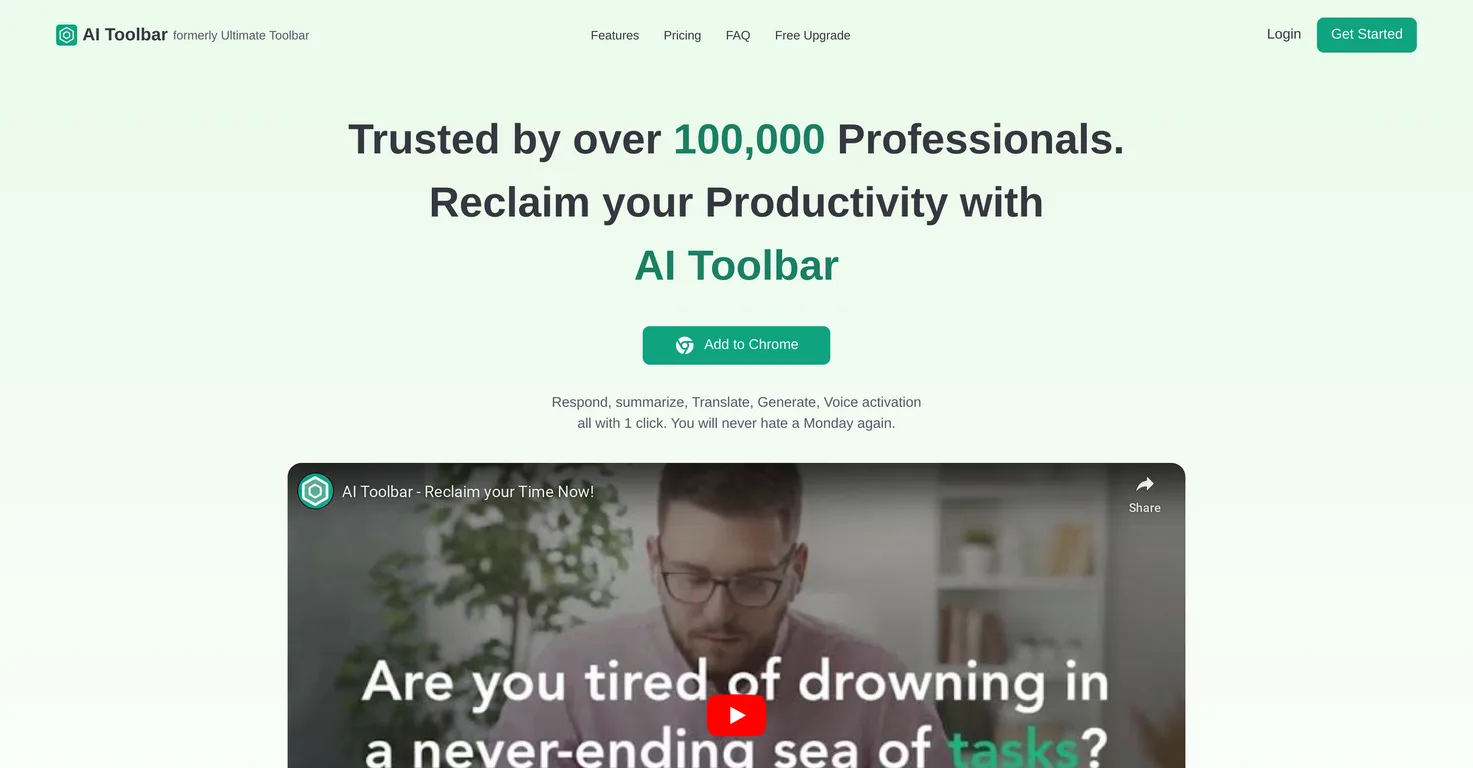
Common queries about AI Toolbar answered
AI Toolbar is a virtual assistant that integrates directly into your web browser. It's designed to improve productivity and simplify tasks by providing a range of AI-based features, from drafting emails to translating text.
The Copilot feature on AI Toolbar is designed to draft emails with minimal user input. The tool uses AI to grasp the given context and create a message to suit it.
The Chatbot on AI Toolbar can interact with users, deliver relevant responses based on dialogue, and these responses can be downloaded as in Word or PDF formats.
Real ratings and feedback from the community
Be the first to share your rating and comments for this AI tool!
How AI Toolbar stacks up against top competitors
| Feature | AI Toolbar | Qolaba AI | AIAssistant | Chaturji |
|---|---|---|---|---|
| Rating | ★ 3 | ★ 3 | ★ 3 | ★ 3 |
| Pricing Model | freemium | freemium | freemium | Freemium |
| API Access | No | No | No | No |
| Open Source | No | No | No | No |
| Link | Visit Website | Visit Website |
Explore similar AI tools in this category

The Voice Activation feature allows users to communicate with their personal assistant directly on their PC. They can give it instructions or request information verbally, making the AI Toolbar very convenient and user-friendly.
You can instruct AI Toolbar to perform a varied set of tasks such as summarizing content, translating text, paraphrasing, and extracting specific data from any selected text on a page.
Yes, AI Toolbar can be seamlessly integrated into ChatGPT, enhancing the overall AI experience.
The premium version of AI Toolbar provides numerous features including AI functionality on any page, integration with ChatGPT, Voice Activation, Translation and Summarization functions, a Chatbot, ability to export data to PDF or Word, Custom Prompts, and Unlimited Usage.
Both versions of AI Toolbar provide similar features. However, the premium version includes additional perks such as Custom Prompts and Unlimited Usage, which are not available with the free version.
The aim of AI Toolbar is to democratize AI, ensuring it is accessible to a wide audience. The tool attempts to make these advanced capabilities achievable for as many people as possible.
The AI Toolbar boosts productivity by providing tools for tasks such as email drafting, text translation and extraction, summarization, paraphrasing, and dialogue with a chatbot, all designed to handle routine tasks in a streamlined and efficient manner.
AI Toolbar can be installed on your web browser by adding it as an extension. A link to add it to the Chrome web browser is available on their website.
Yes, responses from the AI Toolbar Chatbot can be accessed and downloaded in either Word or PDF format.
To use the Text Translation feature in AI Toolbar, you should select the text on any page, then instruct the toolbar to translate it. The tool will immediately perform the translation.
The Summarize feature of the AI Toolbar works by condensing the text you select on any page. This is driven by AI that understands and distills the key points, producing a concise summary.
'AI functionality on any page' means that you can make use of AI Toolbar's features no matter what website you are on. Therefore, it provides flexibility and convenience.
'Custom Prompts' in the context of AI Toolbar refer to user-defined instructions that guide the AI on how to respond or act, making the user experience more tailored and personalised. This feature is available only in the premium version.
AI Toolbar can be used to extract data by selecting text on any page and giving the tool the command to extract data. The specifics of this feature's functionality aren't clearly defined on their website.
AI Toolbar enhances your workflow by adding AI capabilities directly into your browser. Whether it’s drafting emails, paraphrasing text, or extracting data, it helps you manage tasks quickly and easily.
Yes, AI Toolbar can assist in drafting emails. The Copilot feature is designed to understand the context with minimal input and convey your intended message effectively.
Yes, AI Toolbar does offer a one-week free upgrade for each user who signs up via a referral link. After this period, users can opt to subscribe to the premium version.
| Visit Website |
| Visit Website |
Fliki
Compare Fliki's free and paid tiers to see how this text-to-video AI tool simplifies social media, blog-to-video, and content marketing production.


